
10 Content Repurposing AI Tools to Try in 2026
Other
Your podcast episode is edited, the webinar recording is ready, and the YouTube upload has finally shipped. The long file holds useful answers and memorable explanations, but the social calendar still needs someone to find them, trim them, caption them, and make them survive a vertical crop.
Content repurposing AI handles that production layer. The better tools surface candidate hooks, reframe footage, generate captions, and hand you shorts that are ready for review. A generated clip is still a draft asset: context can be missing, the crop can cut off a demo, and the first three seconds can promise more than the excerpt delivers.
Klap's own product copy describes usage at million-clip scale and treats each minute of source footage as raw material for several candidate shorts. The volume claim shows why teams reach for these tools; it says nothing about whether a given clip earns its slot.
Treat generated clips as candidates for publication; keep calendar placement a human decision.
If you are setting up the workflow, start with how to repurpose content for social media. Then separate the jobs before comparing logos: dedicated long-video-to-shorts clippers, broader video and social suites, and record-then-repurpose platforms. The trade-offs are concrete: credits, watermarks, source-import limits, and how much speech-heavy footage the tool expects.
1. Klap
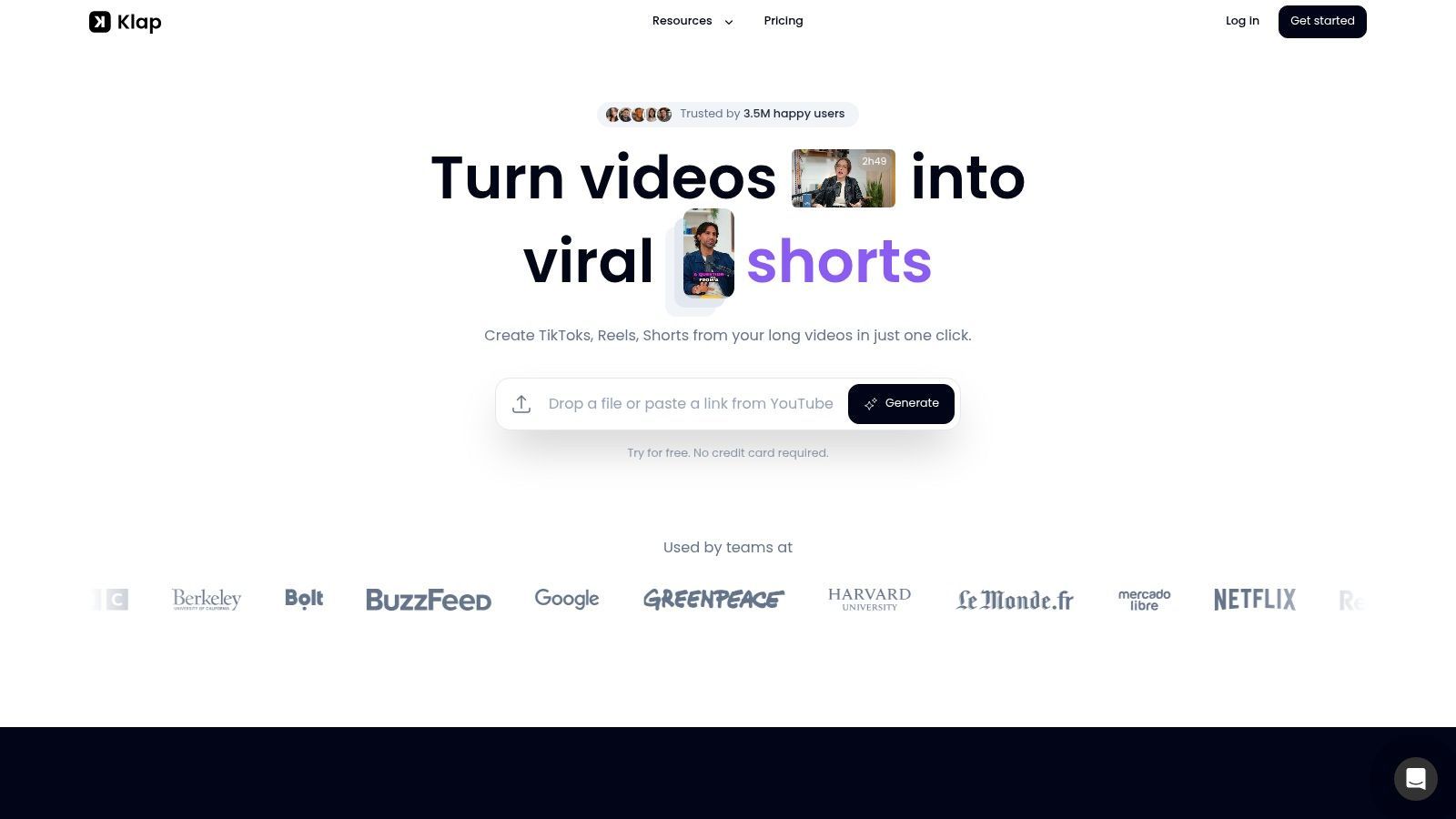
Best for turning an existing library of spoken videos into social-ready shorts. Klap sits in the dedicated-clipper group: paste a YouTube link or upload a recording, then review the moments its AI selects instead of scrubbing the timeline yourself.
Clip selection, vertical reframing, captions, styling, and publishing to supported social platforms run inside a single workflow. You can adjust clip boundaries, layouts, fonts, colors, and logos before exporting in high resolution. The company's guide to repurposing content describes the underlying method: adapt existing material rather than repost it unchanged.
Where Klap Fits Best
Podcasts, interviews, lessons, webinars, and spoken product reviews are the natural inputs. Those recordings contain verbal explanations that can stand alone, provided the clip opens by establishing the subject and closes on a complete thought. Klap performs better on speech-heavy footage than on silent screen recordings or montage-style edits.
Klap's AI Reframe offers split-screen, screencast, and gaming layouts alongside the standard speaker crop. That range helps when a face-only crop would hide a demonstration or a second participant, but check the finished layout rather than trusting the automatic choice.
- Language coverage: Klap advertises transcription and editing across a wide range of languages, which matters if your source material is not in English.
- Trial and pricing: a free trial lets you process a test video without entering payment details, and paid access works on a monthly subscription.
- Main advantage: importing, clipping, captioning, styling, and supported publishing happen without switching tools.
- Main limitation: generated boundaries often need tightening, and selections require editorial review before publishing.
Before a batch goes anywhere near your calendar, play each clip muted to check caption accuracy, then listen for moments where the reframe cuts between speakers at the wrong beat. Those two checks catch most of what automated selection misses.
2. OpusClip

OpusClip belongs to the dedicated clipper category: long recording in, ranked shortlist out. It generates clips, assigns each one a virality score, reframes the footage, and adds animated captions.
Treat the score as triage for your review queue. A provocative line can rate highly while misrepresenting the speaker's position, and a quieter explanation may matter more to a qualified buyer. The ranking can't tell the difference.
Built for an Editing Handoff
Paid plans add social scheduling, brand templates, and multiple input sources. Pro also exports to Adobe Premiere Pro and DaVinci Resolve, which suits a workflow where a social editor generates candidates and a production editor finishes them in a full timeline.
Check the constraints before committing to a tier:
- Captions: Animated caption styles with multi-language support. Confirm your language and tier coverage before relying on them.
- Free plan: Exports carry a watermark and editing is limited, so the free tier works better as a test of selection quality than as a working setup.
- Credits: Processing draws on a credit allowance, which caps how much archive footage you can run through it.
- Handoff: Premiere Pro and DaVinci Resolve export sits behind the Pro tier.
For a fair test, compare OpusClip's top-ranked clips against the moments your editor would pick independently. Look for complete thoughts, clean openings, and accurate framing.
Your broader content repurposing strategies should decide which clips get attention. If the goal is product education, an engagement score shouldn't overrule a clip that answers a recurring customer question clearly.
3. Vizard

A generator can look productive while the review queue grows. Vizard fits the dedicated-clipper job when AI clipping, subtitles, reframing, and an editor need to sit near scheduling and shared workspace features on eligible plans.
The buying question is who touches the file after the first pass. If one person produces candidates and another fixes caption timing, clip boundaries, and brand details, the handoff matters as much as detection. Solo editors can ignore some workspace features; reviewers need them to reduce exports and re-uploads.
Check Credits and Storage Together
Vizard lists paid-plan 4K exports, uploads of up to 600 minutes, a credit for each video minute processed, free exports limited to 720p, and free project storage lasting three days. Treat the upload ceiling and credit allowance as separate limits: importing a long archive is cheap shelf space until every processed minute draws down credits.
- Strength: Generation, refinement, and publishing tools are available within the product.
- Team option: The Business plan includes a shared workspace, team members, and a brand kit.
- Buying caution: Paid pricing depends on the selected credit allowance, so test with the minutes you expect to process.
For repurposing content for social media, judge the review handoff as carefully as the initial clips. A shared workspace pays off only when the reviewer can finish inside the product, without extra exporting, messaging, and re-uploading.
4. quso.ai
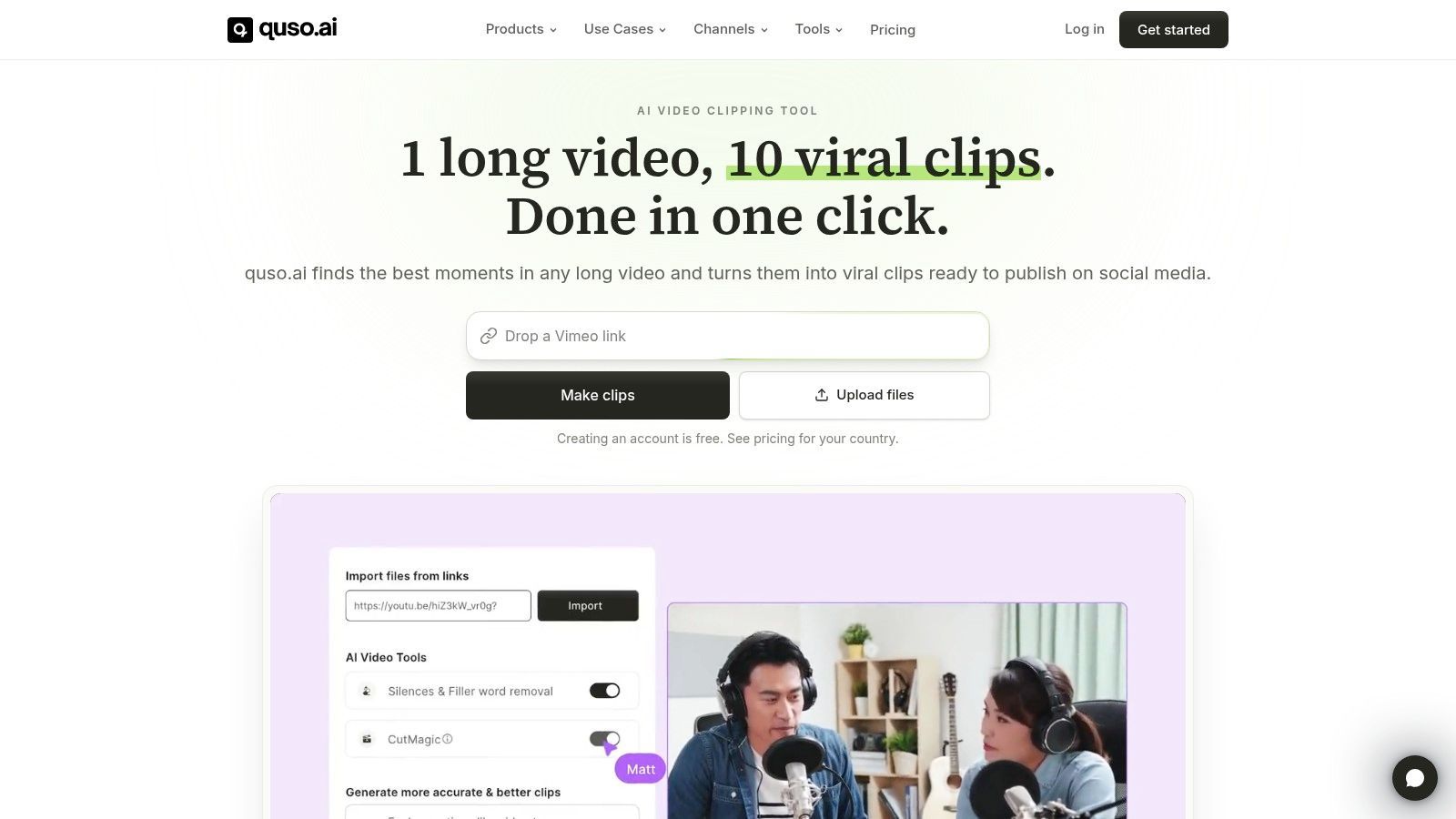
A webinar can leave you with more than a highlight reel. When one recording needs to become shorts, captions, written posts, and carousel copy, quso.ai sits closer to a social-production suite than a dedicated clipper.
The practical gain is fewer exports between clipping, copy drafting, and scheduling. The cost is a wider review job: transcript-derived text still needs fact checks, tone edits, and format choices before it is safe to publish.
Pay for breadth only when it removes a handoff
quso.ai combines AI clipping and animated captions with posts and carousels generated from the transcript. Eligible plans add scheduling and content planning, while higher tiers bring brand kits, templates, analytics, and an AI content assistant.
- Free allowance: The free plan includes 75 credits per month, with exports limited to 720p (quso.ai's plan information).
- Usage constraint: Processing and editing draw on credits, so inspect consumption across the complete workflow.
- Retention constraint: Free-plan data retention is short, making prompt review important.
For a trial, use a recording containing a clearly explained framework. Check whether the video excerpt preserves the explanation and whether the written assets keep its qualifications instead of flattening them into broad claims.
Choose quso.ai when one recording should feed several formats in the same review loop. Teams that already have a writer, scheduler, and approval queue may only be buying overlap.
5. VEED
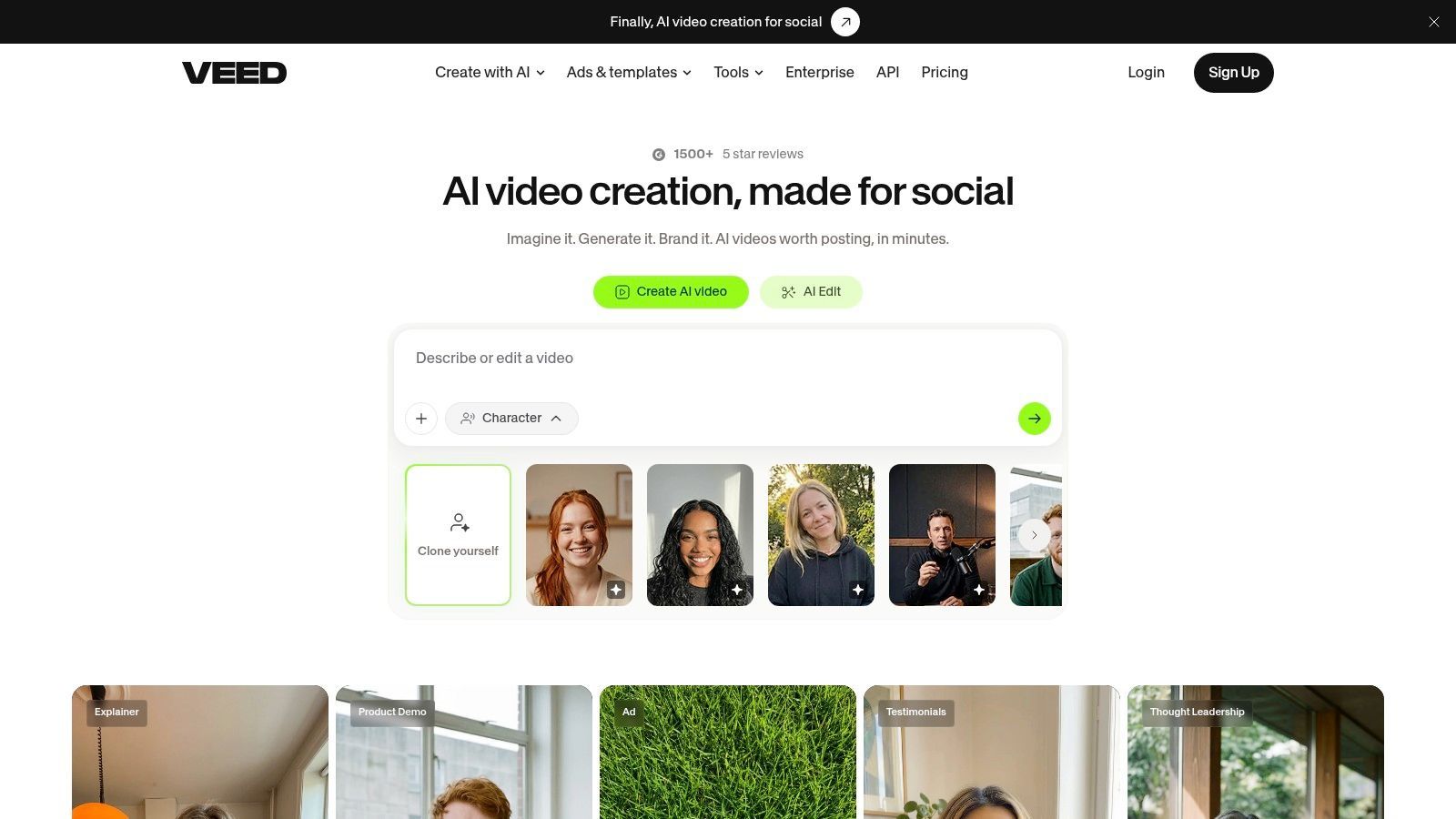
The import method is the first thing to check with VEED. VEED's AI Clips feature doesn't support YouTube-link imports, so teams working from published videos need access to the source files.
For teams that already manage those files, VEED combines highlight generation with a broader browser-based editor. You can guide selection using clip-goal and length settings, then refine the generated results without moving immediately to another editing product.
Better Suited to Generate-and-Polish Work
AI Clips identifies highlights in spoken videos, centers the speaker, and adds subtitles. Subtitle styling, filler-word removal, and other editing and enhancement tools support the finishing stage.
- Main advantage: Editors can adjust the generated clip within a larger video-editing environment.
- Input requirement: Clips requires spoken audio and applies limits to the amount of speech in a video.
- Access limit: Free access provides a one-time try; unlimited Clips access requires a paid plan.
Test VEED with the kind of correction you regularly make, such as extending an opening, fixing a technical term, or restoring an explanatory visual. Generating a candidate is only part of the job if your team routinely needs those changes.
A broader editor is worth paying for when you use its finishing controls, not simply because they're included.
VEED is less direct than a YouTube-link clipper for archive processing. It's more compelling when your editor wants meaningful control after automated selection.
6. Submagic
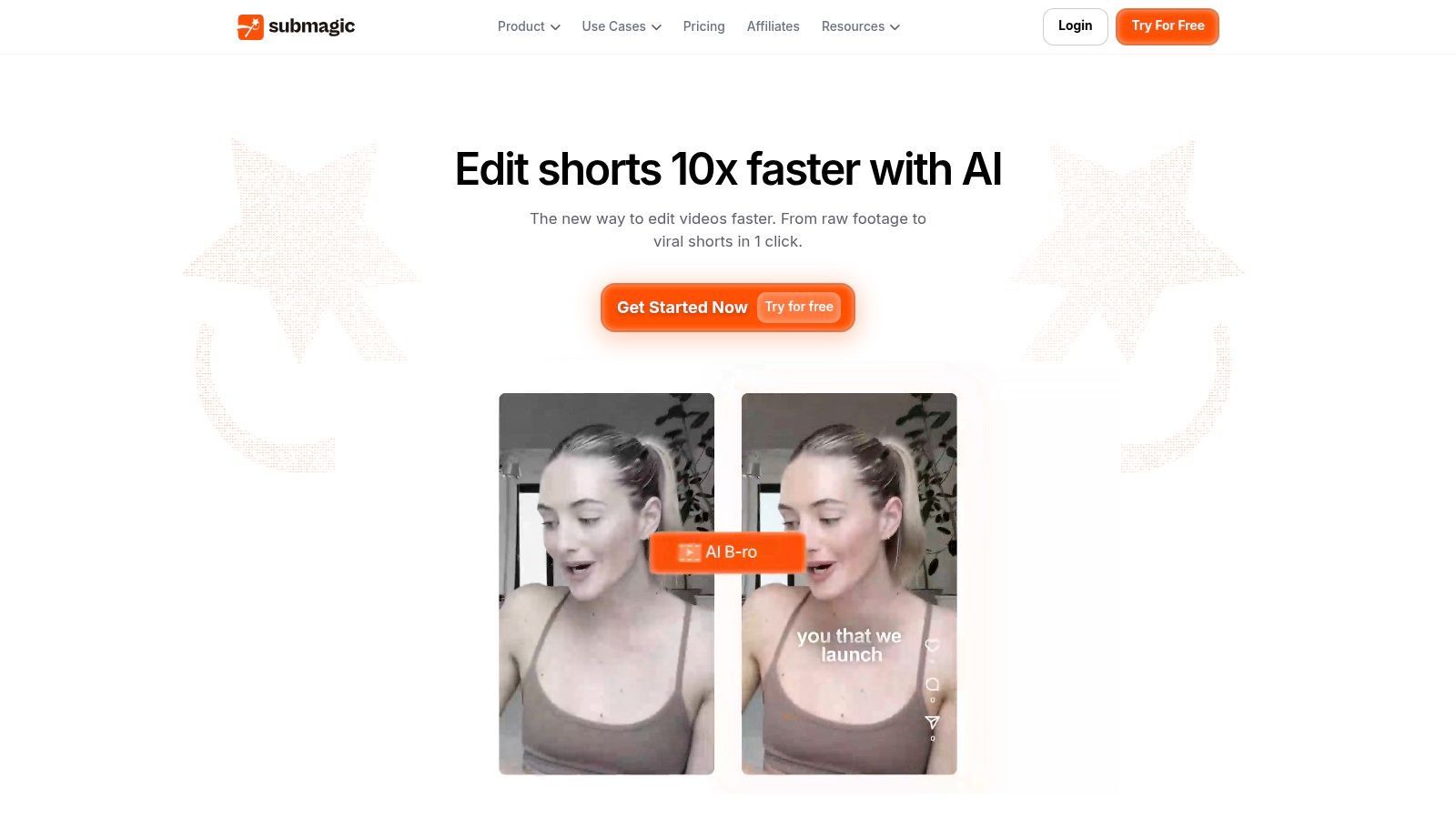
A clipped moment can be technically clean and still feel flat once captions, pacing, and titles are added. Submagic fits the job where selection and finishing sit together: AI clipping plus animated captions, hook titles, audio cleanup, translation, and paid social publishing.
The value shows up in repeat output. Brand assets, custom words, and reusable templates help a team keep recurring clips consistent without rebuilding the same caption style every time. Paid plans also add analytics, which matters if publishing is part of the same workflow rather than a separate handoff.
Review the Finish Without Losing the Meaning
Filler and silence removal can tighten delivery, but listen for speech rhythm after the cleanup. Keep pauses that separate ideas or make a sensitive statement easier to understand.
Hook titles deserve the same scrutiny. A stronger opening helps only when it matches what the speaker says; a caption that sharpens the claim beyond the source creates avoidable risk.
- Production strength: Clipping and short-video polishing are combined, with options for solo creators and teams.
- Export ceiling: Higher-quality export settings sit on the Business tier, so check plan limits before promising delivery specs.
- Capacity limits: Monthly credits restrict processing, and Starter and Pro list shorter maximum video durations than Business.
Run one untouched source recording through it before subscribing. Source-video limits can decide whether Submagic handles the whole job or still needs a clipper upstream.
Submagic earns its place when branded finishing is a recurring requirement. If your output stays closer to plain captions and simple cuts, the extra controls may be more workflow than you need.
7. 2short.ai
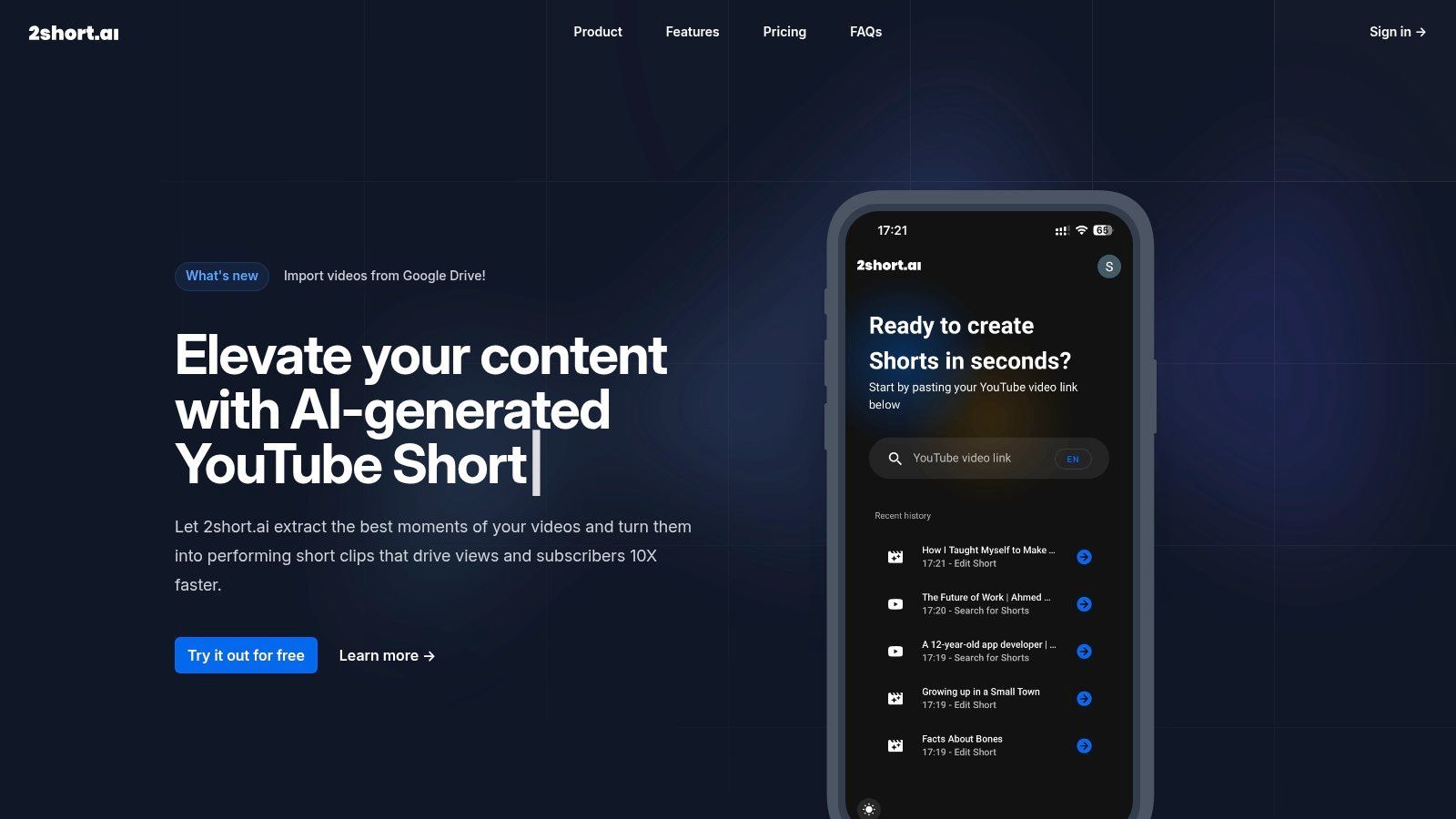
Not every creator needs a social suite or a full editor. 2short.ai focuses on analyzing existing videos and identifying candidates for YouTube Shorts, making it a straightforward dedicated-clipper option.
Its narrower scope is a strength when YouTube is your main source and destination. It's a limitation when your team also expects extensive editing, written deliverables, or a broader production workspace.
Match Analysis Allowances to Your Library
The free plan includes a monthly video-analysis allowance. Paid tiers add Google Drive and public-URL imports, while higher plans increase analysis allowances and export capacity.
- Best fit: Creators who want a focused YouTube-to-Shorts workflow.
- Budget appeal: Its paid entry pricing is positioned below many broader editing suites.
- Main constraint: Plans measure analysis in hours, so long or frequent uploads need careful capacity planning.
- Import caution: Confirm source support before committing to a workflow outside YouTube.
A useful test is to submit a recording with distinct questions and answers. Check whether the selected excerpt includes enough of the question's context for the answer to stand alone.
Don't mistake specialization for guaranteed selection quality. You still need to inspect beginnings, endings, captions, and visual framing.
Choose the narrow tool when the narrow job is your actual job. Paying for a larger suite won't help if your team only needs to discover and export suitable Shorts from an existing channel.
8. Descript

If the original episode still needs editing, generating shorts may be the wrong starting point. Descript is an audio and video editor built around transcript-based editing, with AI highlight and clip-generation capabilities inside the broader workflow.
It supports captions, filler-word removal, and speaker detection. The same recording can also supply show notes, summaries, social posts, and blog drafts.
Edit the Source Before Multiplying It
Descript fits teams that want to clean up the full recording and derive assets from that edited version. That approach gives an editor a chance to remove outdated information or unwanted passages before they become short-form candidates.
The trade-off is involvement. Descript is an editing environment, not merely an upload-and-export clipper, so compare it against the work you're willing to do.
- Strong fit: Podcasts and interviews requiring transcription, cleanup, and repurposing.
- Broader output: Clips and supporting written drafts can come from the same source.
- Plan consideration: AI credits and media-hour allowances vary by plan, with additional collaboration and AI tools on higher tiers.
During evaluation, make a source edit and check the downstream assets you intend to publish. Also verify names, quotations, and technical statements in written drafts against the recording.
Descript is compelling when source editing is already part of production. For a team with finished videos and no interest in transcript-based cleanup, a dedicated clipper may be the more direct purchase.
9. Riverside

Riverside belongs in the record-then-repurpose category. Riverside combines remote audio and video recording, editing, and AI tools that turn recordings into clips and supporting written materials.
For podcast hosts and interview teams already recording there, that integrated route is worth testing before adding a separate subscription. You can evaluate the entire journey from session to edited recording to social asset.
Integration Is the Main Reason to Compare It
Riverside offers AI-generated clips and segments, show notes, social captions, caption styling, and audio and video improvement tools. The value isn't limited to exporting shorts if your team needs those other assets.
However, don't switch recording platforms solely because repurposing is included. First establish whether the recording workflow itself suits your hosts, guests, and editors.
- Advantage: Recording and repurposing are available in the same product.
- Useful output: A session can produce video clips and written supporting materials.
- Limitations: Some AI features use credits, and feature and export access vary by plan.
Test an interview with speaker changes and an explanation that depends on the preceding question. Review whether the generated segment preserves that context and whether the crop follows the relevant participant.
For teams recording elsewhere, Riverside is a less obvious clipper-only choice. Compare the effort of importing existing material against the convenience available to teams using it throughout production.
10. Spikes Studio

A creator with a long recording and a weekly publishing schedule may value more than automatic clip selection. Spikes Studio pairs clip generation with editing, captions, and publishing features, making it a candidate for creators who want to prepare and schedule clips in one tool.
Paid plans add animated captions; Pro+ includes AI B-roll and social scheduling. Free access can help assess clip selection, but its exports include a watermark and are limited to 720p. Check the plan details before relying on those features for production.
Test the Complete Export Path
Run a source video through selection, editing, export, and scheduling before choosing a plan. Confirm that processing allowances and export limits match your expected workload. Monthly and annual billing show different effective prices, so compare the total commitment as well as the monthly figure.
- Strength: Clip generation, editing, captions, and scheduling are available in one workflow.
- Trade-off: The free tier's watermark and resolution limit make it a poor test of finished deliverables.
- Review point: Check AI B-roll for relevance. Generic footage can imply that an event or product is being documented when it is only illustrative.
Judge the finished clips, not the number of candidates. A useful export preserves the speaker's point, fits the target format, and can move into your publishing process without avoidable rework.
Top 10 Content Repurposing AI Tools: Feature Comparison
| Tool | Best For | Core Capabilities | Standout / Consideration | Price & Value |
|---|---|---|---|---|
| 🏆 Klap | 👥 Creators and marketers repurposing existing videos | AI clips, vertical reframing, captions, brand styling, scheduling | ✨ 52 languages; YouTube links or uploads. Speech-led videos work best; review AI selections. | 💰 One video free; Pro listed at $29/month |
| OpusClip | 👥 Creators and teams wanting a dedicated clipper | AI clip scoring, animated captions, reframing, publishing tools | ✨ Premiere Pro and DaVinci Resolve exports on Pro; free exports have a watermark. | 💰 Free plan; paid pricing varies |
| Vizard | 👥 Creators and agencies needing editing and collaboration | AI clipping, subtitles, reframing, editor, scheduling | ✨ Shared workspace and brand kit on Business; credit-based processing. | 💰 Free tier; paid pricing depends on credits |
| quso.ai | 👥 Marketers managing varied social content | Clips, captions, written posts, carousels, scheduling | ✨ Turns video into multiple social formats; broader suite may be more than clip-only users need. | 💰 Free plan includes 75 credits/month |
| VEED | 👥 Users who want clipping and browser-based video editing | AI highlights, speaker reframing, subtitles, filler-word removal | ✨ Guide clip goals and polish results in its editor; Clips requires spoken audio. | 💰 One-time free try; paid plans for ongoing access |
| Submagic | 👥 Creators focused on polished, branded short videos | AI clips, animated captions, hook titles, translation, publishing | ✨ Brand assets and reusable templates; monthly credits and source limits apply. | 💰 Paid plans; check credit and duration limits |
| 2short.ai | 👥 YouTube creators making Shorts | AI clip selection, analysis, and exports | ✨ Simple, focused workflow; import options vary by plan. | 💰 Free tier; paid entry pricing is positioned as lower-cost |
| Descript | 👥 Podcasters and editors working from transcripts | Text-based editing, clips, captions, transcription, social copy | ✨ Edit the full recording and repurpose it; more involved than one-click clipping. | 💰 Free and paid plans; allowances vary |
| Riverside | 👥 Podcasters and interview hosts recording remotely | Remote recording, editing, AI clips, show notes, social copy | ✨ Recording and repurposing in one platform; less suited to clip-only workflows. | 💰 Feature access varies by plan |
| Spikes Studio | 👥 Creators seeking clipping plus publishing tools | AI clips, editor, captions, B-roll, scheduling | ✨ Broader publishing workflow; free exports are watermarked and limited to 720p. | 💰 Free access; paid pricing varies by billing option |
How to Choose Without Overbuying
A webinar recording may produce several usable clips in a dedicated clipper, while a screen-share tutorial may need careful editing to keep the on-screen steps legible. Choose tools by job: dedicated long-video-to-shorts clippers such as Klap, OpusClip, Vizard, 2short.ai, and Spikes Studio prioritize finding and formatting clips. Broader video and social suites such as VEED, Submagic, and quso.ai add editing or publishing tasks. Descript and Riverside suit teams that also need transcript-based editing or recording.
The trade-offs show up in the workflow. A clipper can speed up selection, but speech-heavy footage gives it more to work with than music-led or demonstration-heavy video. Broader suites may reduce handoffs, though their extra features can mean more setup. Record-then-repurpose platforms keep production in one place, but they are a poor fit if all you need is clips from an existing file.
Run a Production Test
Use a real recording that reflects your usual footage: specialist vocabulary, speaker changes, screen shares, or a guest whose comments need context. Track usable clips per source hour and the time spent correcting them.
- Editorial quality: Does each clip introduce the topic, preserve qualifications, and finish the thought?
- Caption accuracy: Check names, technical terms, punctuation, and speaker labels.
- Reframing: Make sure speakers, products, demonstrations, and on-screen text remain visible.
- Export limits: Confirm the plan provides the resolution and watermark-free files you need.
- Capacity and distribution: Check credit allowances, source-import limits, storage, and publishing integrations.
For vertical video, a 1080-by-1920-pixel master in a 9:16 aspect ratio is a practical target. Sprout Social's video specification guide recommends MP4 with H.264 video and AAC audio for short-form vertical placements. Check the export on a phone, especially caption placement and visual context.
Keep Human Approval in the Workflow
Polished captions and framing do not guarantee an accurate clip. Review the edit for meaning, confirm guest permissions and rights to music or third-party footage, and check disclosure requirements for the destination platform.
Buying rule: Pay for the workflow that produces approved assets, not the feature that produces the most candidates.
After publishing, compare retention, saves, qualified clicks, and downstream conversions. Views alone do not show whether a clip supports your objective. Reject excerpts that mislead viewers or remove context needed to understand the point.
Avoid overlapping subscriptions until you identify the bottleneck. If finding moments takes too long, test a dedicated clipper. If editors spend more time correcting exports than selecting clips, prioritize editing controls, import limits, and credit costs. Klap is one option for turning long-form recordings into short clips; judge its output by the same production test as the alternatives.
