
What Is Video Transcription: The Complete 2026 Guide
Other
Video transcription is the process of converting spoken audio from video into text, and modern AI systems can do it with up to 97% accuracy on clean audio. For creators, it's also the first practical step in turning long videos into searchable, editable raw material for clips, captions, and repurposed content.
You probably already have the problem. A podcast episode is finished. A webinar replay is live. A YouTube interview has strong moments buried inside it. But finding those moments means scrubbing through the timeline, guessing where the best lines are, then manually cutting clips and writing on-screen text.
That's why what is video transcription matters a lot more than most definitions suggest. It isn't just a text version of your video. It's the working document that lets you search, scan, edit, and reuse what you already recorded.
Most articles stop at accessibility or SEO. Those uses matter. But creators usually feel the value somewhere else first. They feel it when one hour of footage stops being a finished asset and starts becoming a library of reusable ideas.
Your Untapped Goldmine of Video Content
Your video archive is full of usable material. The bottleneck is pulling it out fast enough to turn it into more content.
A familiar scenario. You record a 45-minute interview, publish the full episode, then tell yourself you'll come back later for Shorts, clips, quote posts, and email copy. Later rarely comes because the hard part is not filming. It's finding the two or three minutes that deserve a second life.
Transcription changes the economics of that process. Once the spoken track becomes text, the video becomes workable. You can scan for strong openings, search for specific topics, mark quotable lines, and hand exact moments to an editor without sitting through the whole recording again.
That is a big reason the category keeps expanding. Analysts at Grand View Research's speech and voice recognition market report describe a fast-growing market driven by broader use of AI speech tools across media, business, and customer workflows. For creators, the practical driver is simpler. Text is the layer that lets AI and editing tools do useful work on top of your footage.
Why creators care now
Creators need more output from the same recording hours.
A transcript helps in a few direct ways:
- It surfaces clip candidates faster. Hooks, contrarian lines, sharp answers, and repeatable stories stand out on the page much faster than they do on a scrub bar.
- It cuts editing time. Editors can jump to the exact sentence instead of reviewing full sections by ear.
- It gives AI something to work with. Clip generators, caption tools, topic extraction, and content repurposing systems perform better when they can read the words and match them to timestamps.
- It organizes messy source material. Webinars, podcasts, interviews, and livestreams often contain strong moments hidden inside loose conversation. Text makes the structure visible.
The primary value is not the transcript itself. The value is what the transcript enables after the recording is done.
For a modern creator, transcription is the first layer of content intelligence. It turns one finished video into raw material for clips, captions, threads, summaries, show notes, lead magnets, and searchable archives. Accessibility and SEO still matter, but repurposing is where many creators feel the return first.
What Video Transcription Actually Is
A video transcript is the written record of spoken content, organized in a way that editing tools, AI systems, and humans can all use. For creators, that distinction matters. A transcript is not just text pulled from audio. It is the layer that turns a long recording into material you can sort, search, cut, and repurpose.
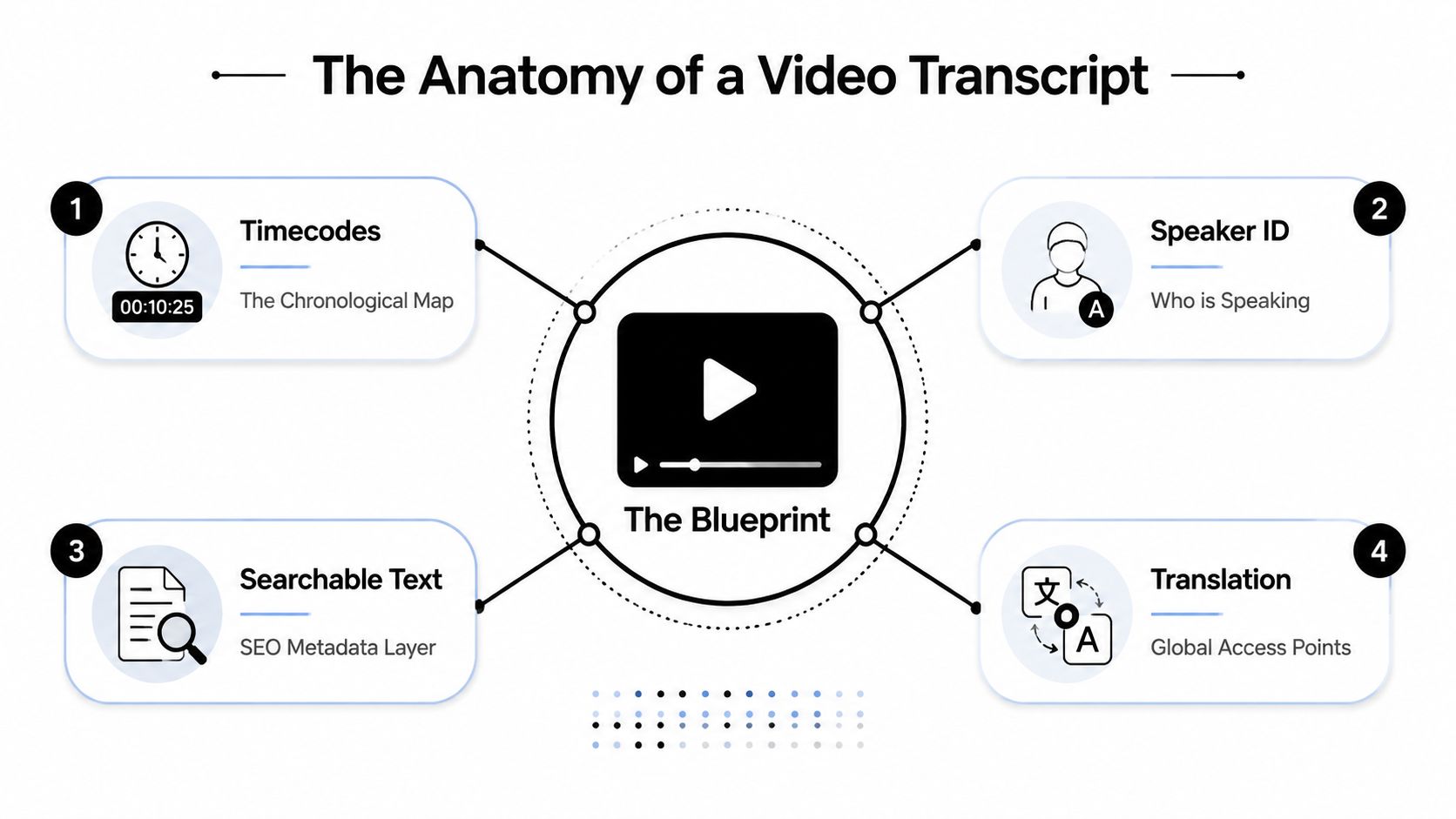
The most useful transcripts include three things: the spoken words, timestamps tied to exact moments, and speaker labels when more than one person is talking. That format gives you a working document instead of a block of text.
The three parts that matter most
A transcript works like an edit map. The words tell you what was said. The timestamps tell you where to find it. The speaker labels tell you who said it.
- Verbatim text
This is the spoken content on the page. It gives you raw material for quotes, summaries, titles, hooks, and rewritten posts. - Timestamps
These connect each section of text to the source video. Editors can jump to the exact line instead of scrubbing through a timeline and hoping they land in the right spot. - Speaker labels
These matter in interviews, podcasts, webinars, and panel discussions. They preserve context, which makes it much easier to pull clean clips without mixing up voices or losing the thread of the conversation.
This structure is also what makes transcripts useful for repurposing systems. AI clip tools do a better job when they can match language to timing and identify who is speaking. That is why creators using modern webinar transcription strategies usually care less about having a transcript for its own sake and more about what the transcript lets them produce next.
Why not all transcripts are equally useful
Two transcripts can contain the same words and still create very different results in production.
A plain text transcript helps with reading and rough reference. A timestamped transcript with speaker labels helps you find the moment where a strong hook starts, isolate the clean quote, hand the cut to an editor, or feed the text into an AI clipping workflow without losing context.
Transcript featureWhat it helps you do
Plain text only
Read the conversation
Text plus timestamps
Jump to exact moments for editing
Text plus speaker labels
Separate voices in interviews or panels
Text plus both
Build clips, captions, and reusable assets faster
The practical test is simple. If the transcript helps you go from a 45-minute recording to five usable short clips, a caption draft, and clean notes for distribution, it is doing its job.
For modern creators, video transcription is production data. It gives your content a structure that people can read, editors can work with, and AI can act on.
How Video Transcription Works AI vs Human Power
A 60-minute interview lands in your editing queue at 9 a.m. If you wait for a manual transcript before you start pulling clips, your whole repurposing workflow slows down. If you run it through AI first, you can scan the draft, spot strong moments, and start cutting while the ideas are still fresh.
That speed difference is why creators usually start with software.
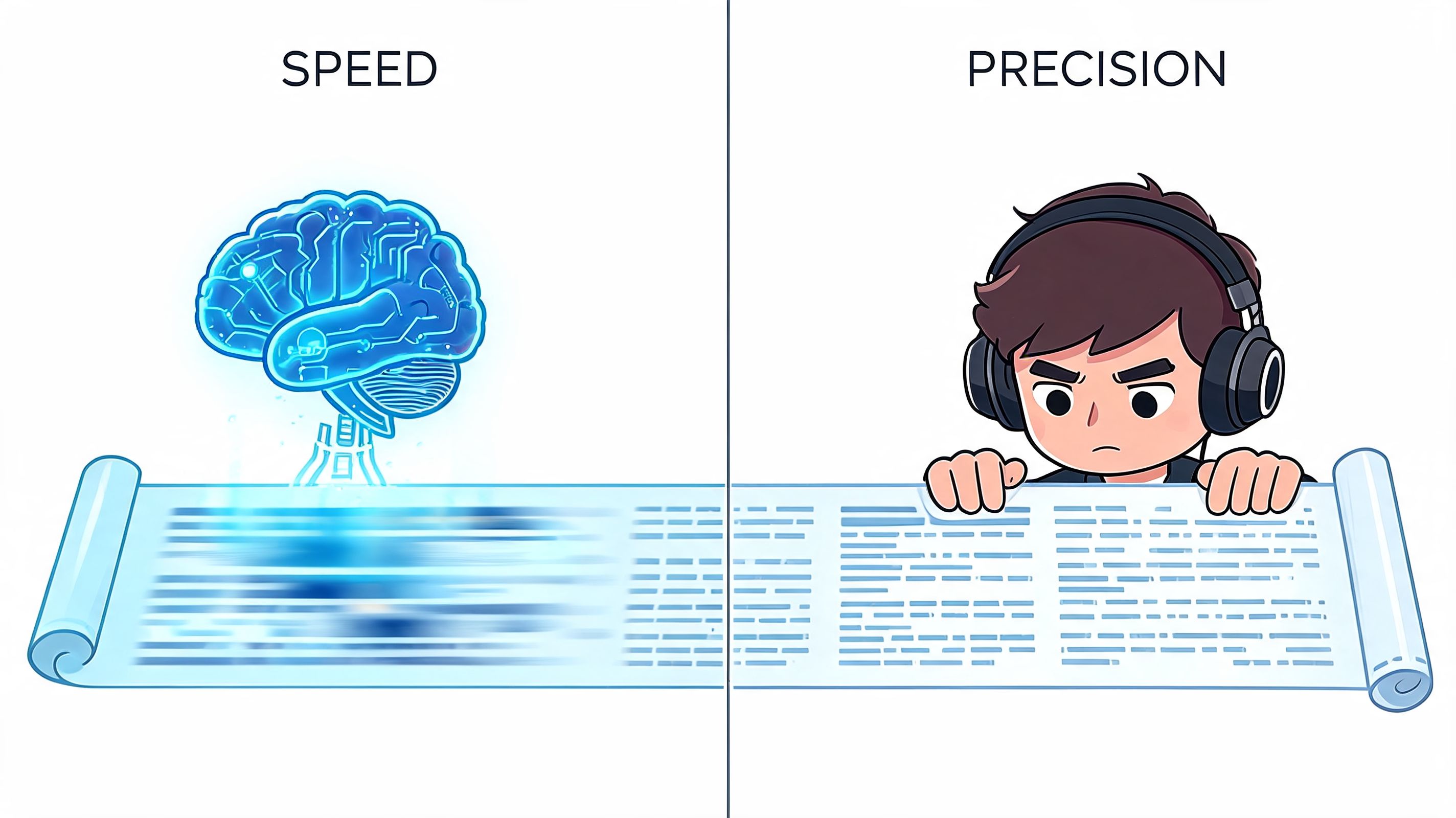
There are two ways to get words out of a video. A person can transcribe it line by line, or speech recognition software can turn the audio into a draft in minutes. The right choice depends less on ideology and more on what you need the transcript to do after it is created.
Manual transcription still earns its place. A trained human is better at catching intent, unusual names, messy overlap, and the difference between a half-finished sentence and a clean quote. The trade-off is time and cost. That matters if you publish every week and want transcripts to feed clipping, captioning, show notes, and search-ready assets across multiple channels.
What AI is doing under the hood
Speech recognition follows a practical pipeline. The system cleans the audio, normalizes volume, splits the recording into smaller sections, detects likely words from sound patterns, and then uses language context to choose the most probable phrasing.
It works a lot like an editor reviewing rough footage in passes. First, identify the raw signal. Next, make sense of the sequence. Then clean up the output so it reads like spoken language instead of noise.
For creators, the important point is not the model architecture. It is what the output enables. Once speech becomes timestamped text, AI tools can search for hook lines, isolate topic changes, identify speaker turns, and prep material for closed captions software for creators without forcing you to review the entire recording from the top.
Where AI wins and where humans still matter
Use AI first when:
- You publish on a schedule. Fast turnaround matters more than perfect first-pass wording.
- Your recording is clean. One or two speakers, decent mic technique, and low background noise give software a fair shot.
- The transcript is production input. You want a working draft for clip selection, notes, and editing decisions.
Use human review when:
- The final text will be seen by viewers. Captions, quoted pull lines, and public-facing copy need cleanup.
- The audio is chaotic. Crosstalk, accents, niche terminology, or remote-call glitches create more correction work.
- Precision has consequences. Training, compliance, legal, or executive content often needs a person checking every line.
The workflow that scales
The most useful setup for modern creators is hybrid. Let AI produce the first transcript, then spend human time where it changes the outcome. Fix speaker names, correct brand terms, clean the moments you plan to publish, and ignore the rest until it matters.
That is the key AI versus human trade-off. AI handles volume. Humans handle judgment.
Teams using modern webinar transcription strategies usually figure this out fast. The transcript is not the end product. It is the engine that turns one long recording into clips, captions, summaries, and reusable content without making the creator do the same listening work over and over.
Transcription vs Captions vs Subtitles Explained
These three terms get mixed together all the time. That creates problems fast, especially when you export the wrong file or edit the wrong layer.
The easiest way to think about it is by job:
- Transcription creates the source text.
- Captions display spoken audio on screen for viewers who need or prefer text.
- Subtitles usually translate dialogue for viewers who understand the visuals but not the language.
The simple comparison
FeatureTranscriptionCaptionsSubtitles
Primary job
Create a written record of speech
Show spoken content on screen in sync with video
Translate spoken content for another language audience
Main user
Creator, editor, marketer, researcher
Viewer watching with sound off or needing accessibility support
Viewer who doesn't speak the original language
Usually includes timing
Sometimes
Yes
Yes
Usually includes speaker labels
Often
Sometimes
Rarely
Best use case
Repurposing, search, editing, quoting
Accessibility and silent viewing
Translation and international distribution
Why creators should care about the difference
If you're repurposing content, the transcript is your raw material. That's where you search for hooks, identify useful sections, and shape a rough clip list.
If you're publishing the final clip, captions are what the viewer sees. They need to be readable, well-timed, and edited for on-screen consumption. If your focus is audience retention or silent autoplay, a guide on captions for business growth strategy is worth reviewing because caption decisions affect clarity, not just compliance.
Subtitles sit in a different lane. They matter when you're adapting content across languages, not when you're deciding how to mine a webinar for Shorts.
If transcription is the script pulled from your video, captions are the wardrobe fitted for the stage.
For practical production, it helps to keep one rule in mind: edit the transcript for meaning, edit captions for readability. Those are not the same task.
If you want a deeper look at caption tooling, this guide to closed captions software is a useful next step.
Why Audio Quality Dictates Transcription Accuracy
A creator records a solid 45-minute interview, drops it into a transcription tool, and gets back a mess. Speaker names are wrong. Product terms are mangled. The quote that should have become a short clip is unusable in text.
That usually starts with the recording, not the software.
Transcription systems work from the speech signal they can hear. If the voice is buried under HVAC noise, room echo, music, or overlapping speakers, the model has less usable information to turn into text. Researchers at Deepgram explain that background noise, reverberation, and low-quality microphones all hurt automatic speech recognition because they blur the acoustic cues the system relies on to separate words and sounds in speech. See their overview of how noise affects speech recognition accuracy.
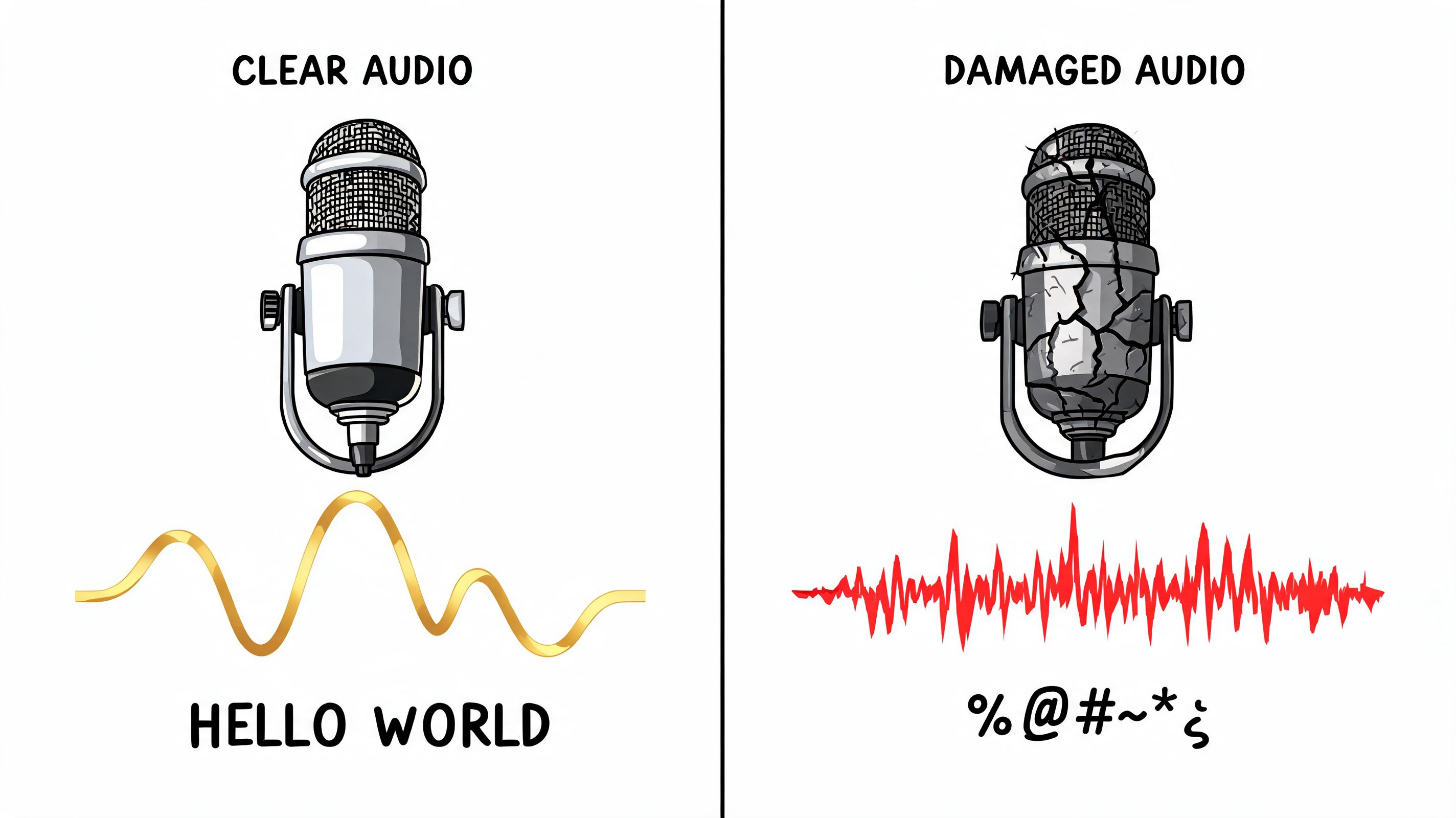
Video quality barely helps here. A sharp 4K image does nothing for a transcript if the speaker sounds distant and echoey. A plain webcam recording with clean, close audio will usually produce better text, better timestamps, and fewer editing passes.
That matters because the transcript is not just a record of what was said. It becomes the source file for clips, captions, blog drafts, pull quotes, and search inside your own content library. If the transcript is sloppy, every repurposing step gets slower.
What hurts accuracy most
A few recording problems cause repeated damage:
- Background noise covers low-volume words and soft consonants.
- Speaker overlap blends voices together, which makes speaker separation harder.
- Distance from the mic adds room tone and echo instead of direct voice.
- Industry jargon, brand names, and unusual names give the model fewer clues for correction.
- Music beds, compression, and reverb smear the speech layer that transcription depends on.
What actually works in practice
Studio gear is optional. Cleaner speech is not.
Use a mic that sits close to the mouth. Record a short sample before the full session. If two people are talking, give each person a separate mic when possible, or at least tighten turn-taking. Pull the music out of spoken sections if the transcript will be used for editing later.
A quick test saves a lot of cleanup. I usually transcribe 20 to 30 seconds before a long recording session. If names, key terms, and sentence breaks are already shaky in the sample, the full file will cost more time than it should.
For YouTube creators, a good next step is a practical workflow for how to transcribe YouTube videos into editable text, then check where the transcript starts breaking under real audio conditions.
The same rule applies to course creators. If you sell lessons, transcripts often become lesson notes, captions, support docs, and promo clips from the same source material. Before you compare course creation tools on taap.bio, make sure your recording setup gives you audio clean enough to reuse across all of those assets.
Clean audio reduces correction work twice. First in the transcript, then again when you turn that transcript into usable content.
The Creator Playbook Repurposing with Transcripts
You record a 40 minute interview, know there are at least five strong clips in it, and still waste an hour scrubbing the timeline to find them again. A transcript cuts that search down fast because the raw material becomes searchable, skimmable, and easy to reshape.
That is the main creator upside. Accessibility and SEO matter, but the bigger operational win is that transcription turns one long video into a working source file for clips, posts, emails, lesson notes, and scripts.
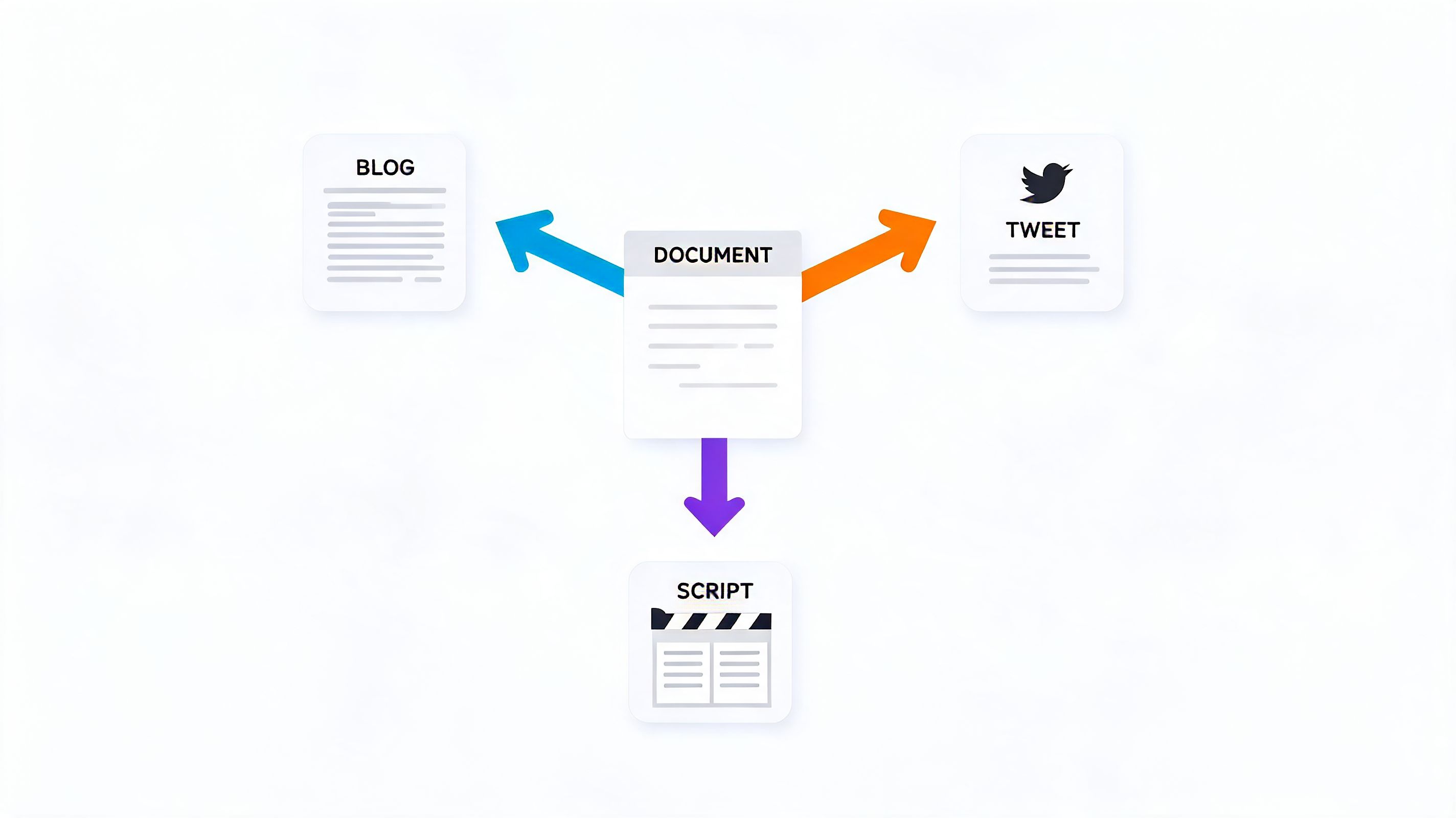
A practical repurposing workflow
Creators who publish consistently usually follow a text-first process once the transcript is ready.
- Generate the transcript
Start with the long-form asset. A podcast episode, webinar, interview, course lesson, or YouTube upload. Get the spoken content into editable text with timestamps. - Mark the lines that can stand alone
Good clip candidates are usually easy to spot in text. Look for a sharp opinion, a useful list, a clean explanation, a memorable hook, or a sentence that answers a real question without a minute of setup. - Jump from sentence to source video
Timestamps matter here. Once a line looks promising on the page, you can go straight to the matching moment in the footage instead of rewatching the whole recording. - Rebuild the idea for each format
One strong section can turn into a vertical clip, a LinkedIn post, an email paragraph, a blog subsection, or a carousel script. The transcript gives you the wording. The edit gives it the right shape for the platform. - Clean up the on-screen version last
Raw speech is rarely publish-ready. Trim filler, tighten repetition, and rewrite any line that reads awkwardly on screen while keeping the speaker's voice intact.
Why transcripts work so well for short-form
Short clips need clear ideas more than polished production.
A transcript lets you judge that before you cut a frame. If a segment reads clearly, lands quickly, and makes sense out of context, it usually has a better shot as a short. If the text is full of detours, throat-clearing, and backtracking, you already know the edit will be expensive.
Captions help on the distribution side too. Platforms are noisy, many people watch with sound low or off, and readable on-screen text gives the clip a better chance to hold attention. Verizon Media and Publicis Media found that captions increased video completion for mobile viewers in their captioning study, which lines up with what many creators see in practice: clearer viewing usually means stronger watch time.
https://www.verizonmedia.com/press/verizon-media-publicis-media-reveal-impact-of-captioning-on-video-ad-viewership/
Good repurposing starts with finding the sentence people will remember.
That is why transcript-led editing works. The sentence comes first. The crop, timing, hook text, and captions come after.
Using transcript data inside creator systems
Repurposing tools use transcripts as production data, not storage. They read the words, timing, speaker turns, and topic shifts to suggest where a clip starts, where it should end, and which lines deserve headline treatment.
If your content already lives on YouTube, this guide on how to transcribe YouTube videos into editable text is a practical starting point. It shows how to turn an existing upload into something you can search, cut, and reuse without manually combing through the timeline again.
That matters even more for educators and course creators. A single lesson can produce a transcript, study notes, support content, promo clips, and FAQ material if the source text is usable. If you are deciding where to publish the finished lessons, it helps to compare course creation tools on taap.bio separately from your repurposing workflow. Hosting, selling, and clipping solve different problems.
A quick example helps here:
The payoff is simple. Transcription removes the slowest part of repurposing, finding the parts worth publishing in the first place.
Common Questions and Best Practices
Creators usually hit the same questions once transcription becomes part of the workflow.
Which file format should you use
For editing and repurposing, plain text is often enough at the start.
For synced on-screen text, the common formats are SRT and VTT. Both store timed caption lines. SRT is widely accepted across platforms. VTT is common for web video workflows and supports a bit more formatting flexibility in some environments.
Can AI handle multiple languages
Yes, and support keeps improving. The practical rule is still the same across languages: cleaner audio produces better results. If you work in multilingual content, review names, brand terms, and specialist vocabulary before publishing captions.
Should you trust the first transcript draft
No. You should trust it as a draft.
That's true even when the transcription is strong. Spoken language has false starts, filler words, repeated phrases, and half-finished thoughts. Good social captions usually need cleanup.
What's the fastest editing workflow
Use a light pass, not a rewrite.
- Fix names and terms first. Proper nouns are the most visible mistakes.
- Correct lines that will appear on screen. Internal transcript errors matter less than public caption errors.
- Trim filler selectively. Remove what hurts readability. Keep what preserves tone.
- Check timing after text edits. Shorter lines often need timing adjustments so captions still match speech.
- Review the hook manually. The first line of any short clip deserves human attention.
Publish-ready captions are edited writing, not raw transcription.
What should a beginner do first
Start with one existing long-form video. Generate the transcript. Highlight five moments that could stand alone. Cut one short clip from the cleanest of those moments, then edit the captions by hand.
If you want a simple walkthrough for the writing side, this transcript writing guide is a practical reference.
The main best practice is boring, but it works: record cleaner audio, transcribe quickly, then only spend human editing time on the sections your audience will see.
If you already have long videos sitting in your library, Klap is one option for turning them into short-form clips with AI-generated captions and reframing. That makes transcription more than a record of what you said. It becomes the starting point for publishing more content from footage you already made.
