
The 12 Best Closed Captions Software Options for 2026
Other
If you’re creating video content without captions, you’re leaving views on the table. In fact, research shows that up to 85% of social media videos are watched on mute, and captioned videos can boost view time by 12%. The reality is simple: captions make your content accessible, engaging, and more discoverable for search engines. It's no surprise that closed captions are increasingly recognized as essential marketing tools, improving your SEO and expanding your audience reach across every platform.
But finding the right closed captions software can feel overwhelming. The market is flooded with options, each promising the best accuracy, speed, and features. How do you decide between a transcription service like Rev, an all-in-one editor like VEED, or a specialized repurposing tool like Klap? The best choice depends entirely on your specific workflow, budget, and content goals. Whether you're a YouTuber, a social media manager, or part of a large content agency, the tool you use directly impacts your efficiency and the final quality of your videos.
This guide cuts through the noise. We’ve analyzed the top 12 captioning tools and services, from AI-powered platforms to professional-grade editors. For each option, you'll find a detailed breakdown of its core features, ideal use cases, pricing, and a candid look at its pros and cons. We provide direct links and screenshots to help you visualize how each platform works, giving you the insights to make an informed decision and find the perfect software for your needs.
1. Klap
Klap positions itself not just as a tool for creating subtitles but as a complete, AI-driven content repurposing engine. Trusted by over 2.2 million creators, its main job is to transform long-form videos like podcasts and webinars into a high volume of engaging, social-ready vertical clips. The workflow is built for speed: just paste a YouTube link or upload a video, and the AI gets to work. It identifies the most engaging moments, automatically reframes them for vertical viewing (like for TikTok or Reels), and generates accurate captions. This makes it a standout solution for creators and marketers aiming to scale their short-form video output without hiring a dedicated editing team.
The platform's strength is its intelligent automation. The AI Reframe 2 feature is particularly useful, as it’s scene-aware and can automatically select the best layout for different content types, including split-screen interviews and screencasts. This removes a huge manual editing step. Furthermore, the AI-powered closed captions software component supports transcription in 52 languages, broadening its appeal for a global audience. Once clips are finalized, you can export them or schedule them directly to TikTok, Instagram, YouTube, and LinkedIn, creating a true end-to-end content pipeline.
Core Features & Use Case
- Best For: YouTubers, podcasters, and agencies who need to consistently produce captioned short-form clips from existing long-form content.
- AI-Powered Clipping: Automatically identifies viral-worthy segments based on content analysis, saving hours of manual review. For example, it can detect when a topic is trending or when viewer engagement peaks.
- Scene-Aware Reframing: Intelligently adjusts video framing for vertical formats, keeping the key speaker or action in focus.
- Integrated Publishing: Allows direct scheduling and posting to major social media platforms from within the tool.
Pricing and Access
Klap offers a free trial that lets you process one video to test its capabilities. For continuous use and access to all features, the Klap Pro plan is available for $29 per month, providing unlimited video processing.
Real-World Impact: Users frequently report a dramatic increase in productivity, with some noting they can multiply their editing speed by up to 5x. This makes Klap a powerful shortcut for growing an audience on short-form video platforms without expanding your team.
Pros:
- Massive time-saver through a fully automated clipping and captioning workflow.
- Advanced AI reframing intelligently handles complex video layouts.
- End-to-end solution from content ingestion to social media publishing.
Cons:
- Relies heavily on speech detection, making it less effective for music-focused or purely visual content.
- The free plan is limited to a single video, requiring a subscription for any meaningful volume.
Website: https://klap.app
2. Rev
Rev has established itself as a benchmark for accuracy and reliability in the captioning industry. It offers a unique dual-service model, combining the speed of AI-powered transcription with the precision of human professionals. This flexibility makes it an excellent choice for a wide range of users, from creators needing quick social media captions to broadcasters requiring files that meet strict FCC compliance standards.
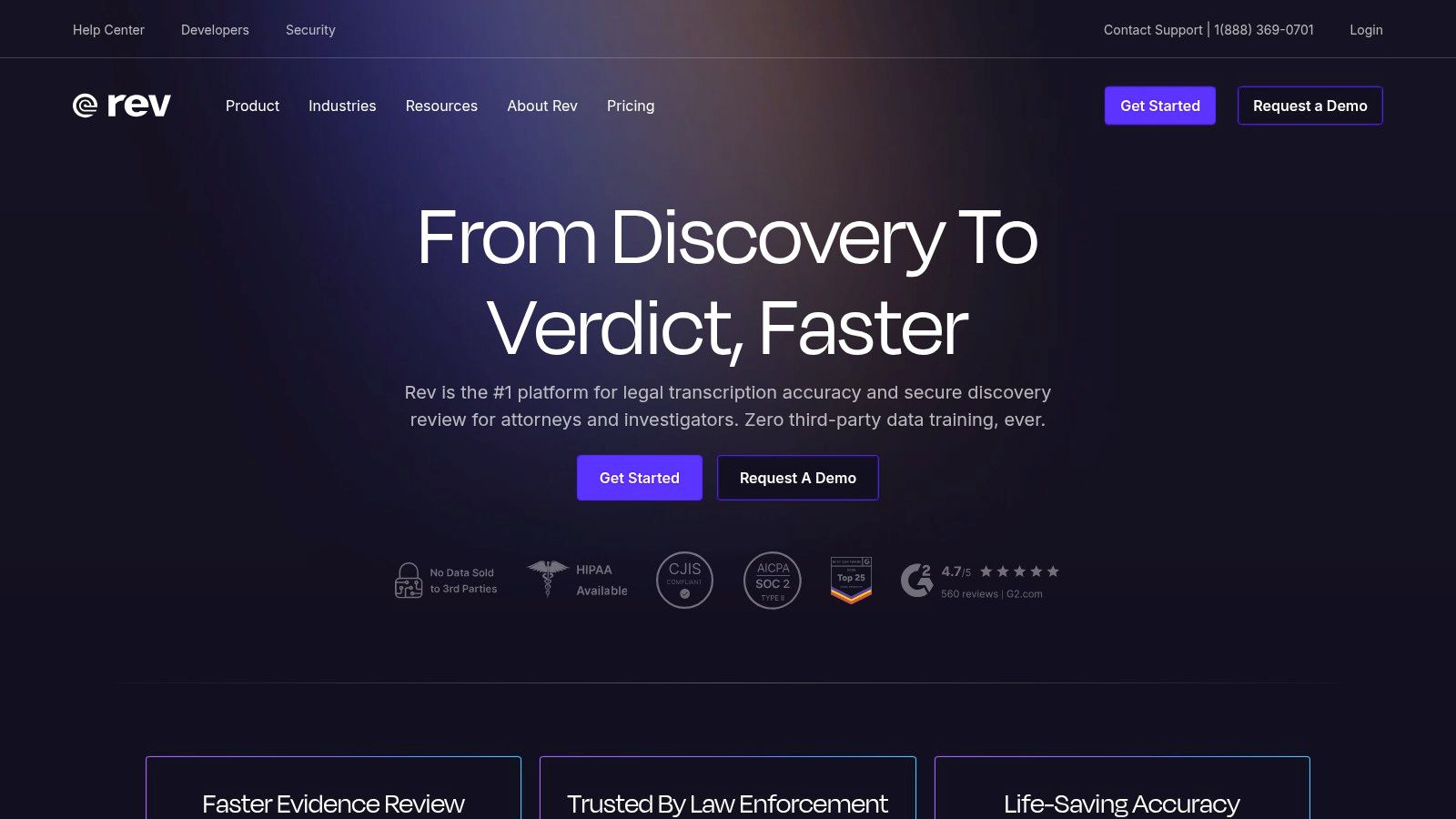
The platform’s standout feature is its human-powered captioning service, which guarantees an impressive 99% accuracy rate. For those needing the absolute highest quality for broadcast television or streaming platforms, Rev’s Premium Captions service is designed to meet all FCC and ADA requirements, which is a key metric for professional use cases.
Key Features & Ideal Use Cases
- Human Captions: At $1.50 per minute, this service provides 99% accuracy with a 24-hour turnaround for most files. It’s ideal for final video cuts, educational content, and corporate training where clarity is paramount.
- AI Captions: Priced at just $0.25 per minute, Rev's automated service delivers captions in minutes, making it perfect for drafting, internal reviews, or social media content with a short lifespan.
- Global Subtitles: Rev supports translation into 17+ languages, managed by professional linguists to ensure cultural and contextual accuracy for international audiences.
- Burned-in Captions: For a small additional fee, you can receive your video back with the captions permanently rendered into the video file—a useful option for platforms that don't support separate caption files, like Instagram's main feed.
Actionable Insight: Start with Rev’s cheaper AI captions to get a draft transcript quickly. You can then edit it yourself or upgrade the same file to a human-powered service directly within the Rev editor for final polishing. This two-step process can save you both time and money, achieving over 90% cost savings on the initial draft.
Pricing and Limitations
Rev's pricing is transparent and per-minute, but costs can accumulate for high-volume creators. Human services for long-form content or projects requiring multiple language translations can become a significant investment. While the AI service is fast, its accuracy can drop with poor audio quality, heavy accents, or background noise, sometimes requiring substantial manual correction.
- Website: https://www.rev.com
3. Descript
Descript offers a fundamentally different approach to video editing and captioning by treating media as a text document. Its all-in-one platform automatically transcribes video and audio, allowing you to edit your content simply by editing the text. This text-based workflow makes it a powerful tool for podcasters, marketers, and teams who need to create, repurpose, and add styled captions to video clips efficiently.
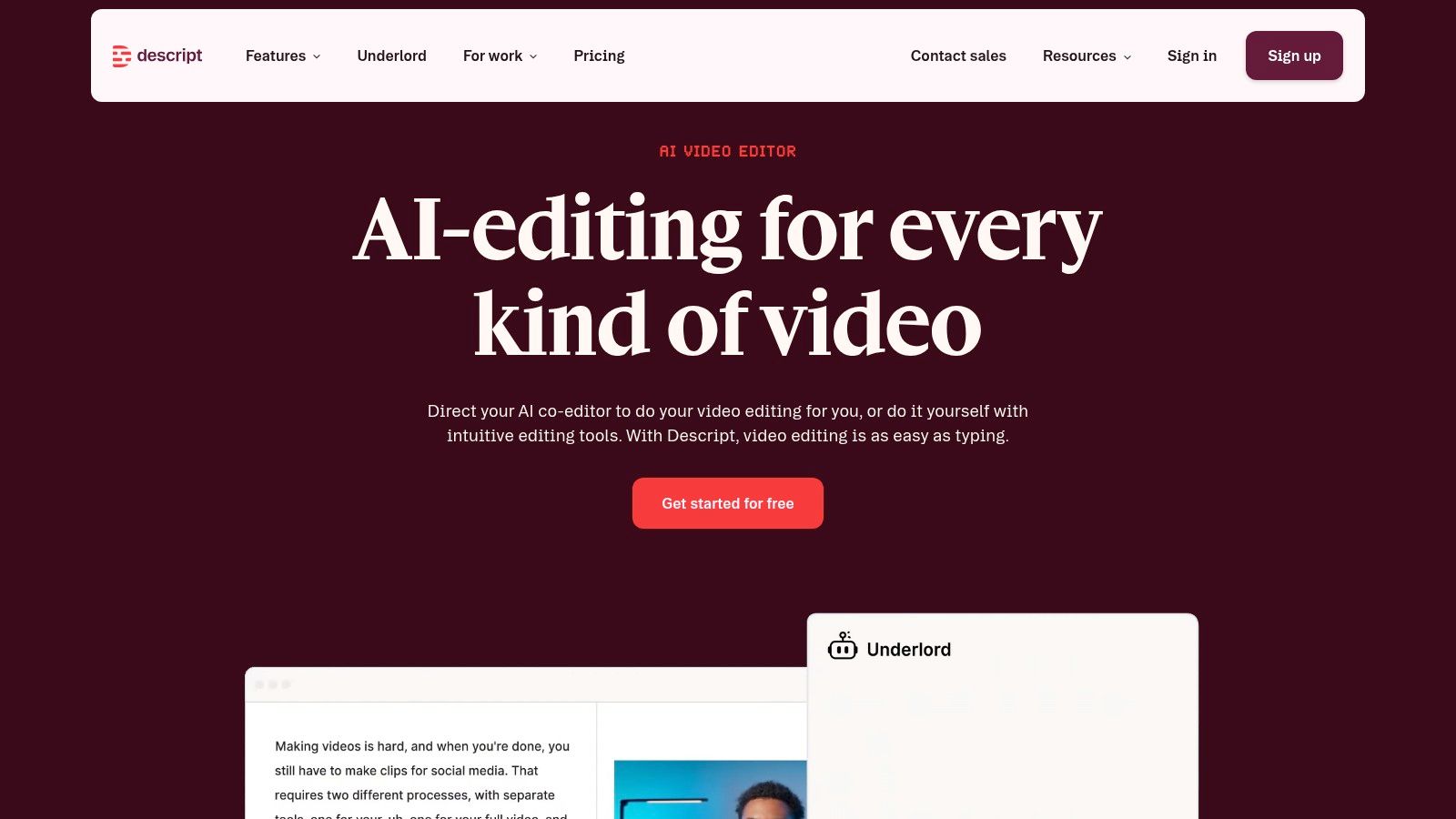
The platform’s core innovation is its "edit text, edit video" model. Deleting a sentence from the transcript instantly removes the corresponding video and audio segment, making content repurposing incredibly fast. This makes it an excellent piece of closed captions software for teams looking to scale social video production with consistent branding.
Key Features & Ideal Use Cases
- Text-Based Video Editing: Edit your video by simply cutting, pasting, and deleting words in the transcript. This is ideal for quickly creating social media clips from long-form content like podcasts or webinars.
- Automated Transcription & Captions: Get AI-powered transcripts and captions in over 20 languages. The captions are fully customizable with different fonts, colors, and animations.
- Studio Sound & Filler Word Removal: Clean up your audio with a single click using the Studio Sound feature to remove background noise. You can also automatically detect and delete filler words like "um" and "uh" to tighten up your presentation.
- Brand Kits & Templates: Create and save templates with your brand's fonts, colors, and logo. This is perfect for agencies and marketing teams needing to maintain brand consistency across multiple videos and creators.
Actionable Insight: Use Descript’s "Find good clips" AI feature to automatically identify engaging or highlight-worthy moments in your long-form video. This jump-starts the repurposing process, helping you quickly generate multiple short, captioned clips for platforms like TikTok and Instagram Reels.
Pricing and Limitations
Descript uses a subscription model with tiered transcription hours and feature access. The free plan is great for testing, but professional use requires a paid plan. While the text-based workflow is a major advantage, some users have reported that credit-based limits on AI features can lead to unexpected costs at high volumes. Additionally, significant updates to plans and the platform have occasionally caused workflow disruptions for long-time users.
- Website: https://www.descript.com
4. VEED
VEED has carved out a niche as the go-to online video editor for creators who need to add stylish, engaging captions quickly, especially for social media. Its browser-based platform removes the need for complex desktop software, letting you upload a video, automatically generate subtitles, and customize them for formats like Instagram Reels or TikTok in minutes. This makes it an incredibly efficient tool for social media managers and brands focused on rapid content production.
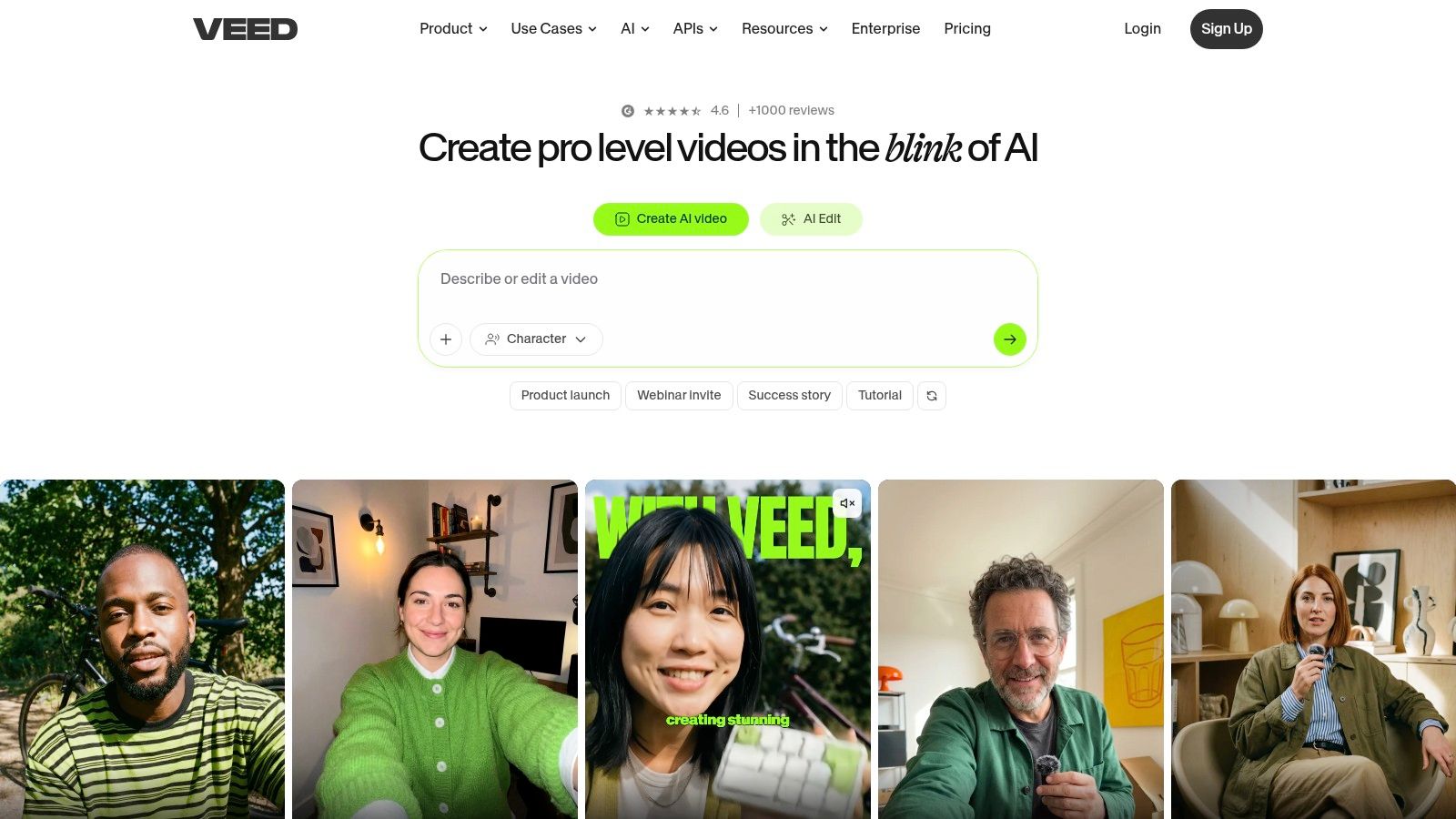
The platform’s core strength is its accessibility and speed. With just one click, VEED’s AI generates a transcript that can be immediately styled with custom fonts, colors, and animations. This focus on aesthetic control and burned-in captions is perfect for content destined for platforms where visual appeal drives engagement, with data showing that visually dynamic captions can increase watch time by up to 40%.
Key Features & Ideal Use Cases
- One-Click Auto-Subtitles: Generates captions instantly upon upload. It's ideal for social media managers and creators who need a fast turnaround for daily content.
- On-Brand Subtitle Styling: Offers extensive control over caption appearance, including fonts, colors, backgrounds, and animations, ensuring content aligns with brand guidelines.
- Social Media Templates: Provides pre-sized canvases and templates for Reels, Shorts, and other vertical video formats, complete with stock assets for quick editing.
- Team Collaboration: Cloud-based projects allow team members to collaborate on video edits, review captions, and manage content from a shared workspace.
Actionable Insight: Use VEED's "Clean Audio" feature before generating subtitles. This one-click tool removes background noise, which can improve the accuracy of the AI-generated transcript by 10-15% and significantly reduce the amount of manual correction needed.
Pricing and Limitations
VEED offers a free tier, but it comes with a watermark and significant limitations on export length and features. To unlock its full potential, a paid plan is necessary. The Pro plan is well-suited for individual creators, but larger teams may find the Business plan necessary for full collaboration and branding features. While the AI is fast, its accuracy can vary with audio quality, so expect to perform some manual edits.
- Website: https://www.veed.io
5. Kapwing
Kapwing positions itself as a collaborative, all-in-one video editor designed for speed and social media readiness. It’s more than just a piece of closed captions software; it’s a full creative suite where subtitling is a core, integrated function. This approach is perfect for small teams and creators who need to produce a high volume of captioned social clips without juggling multiple applications.
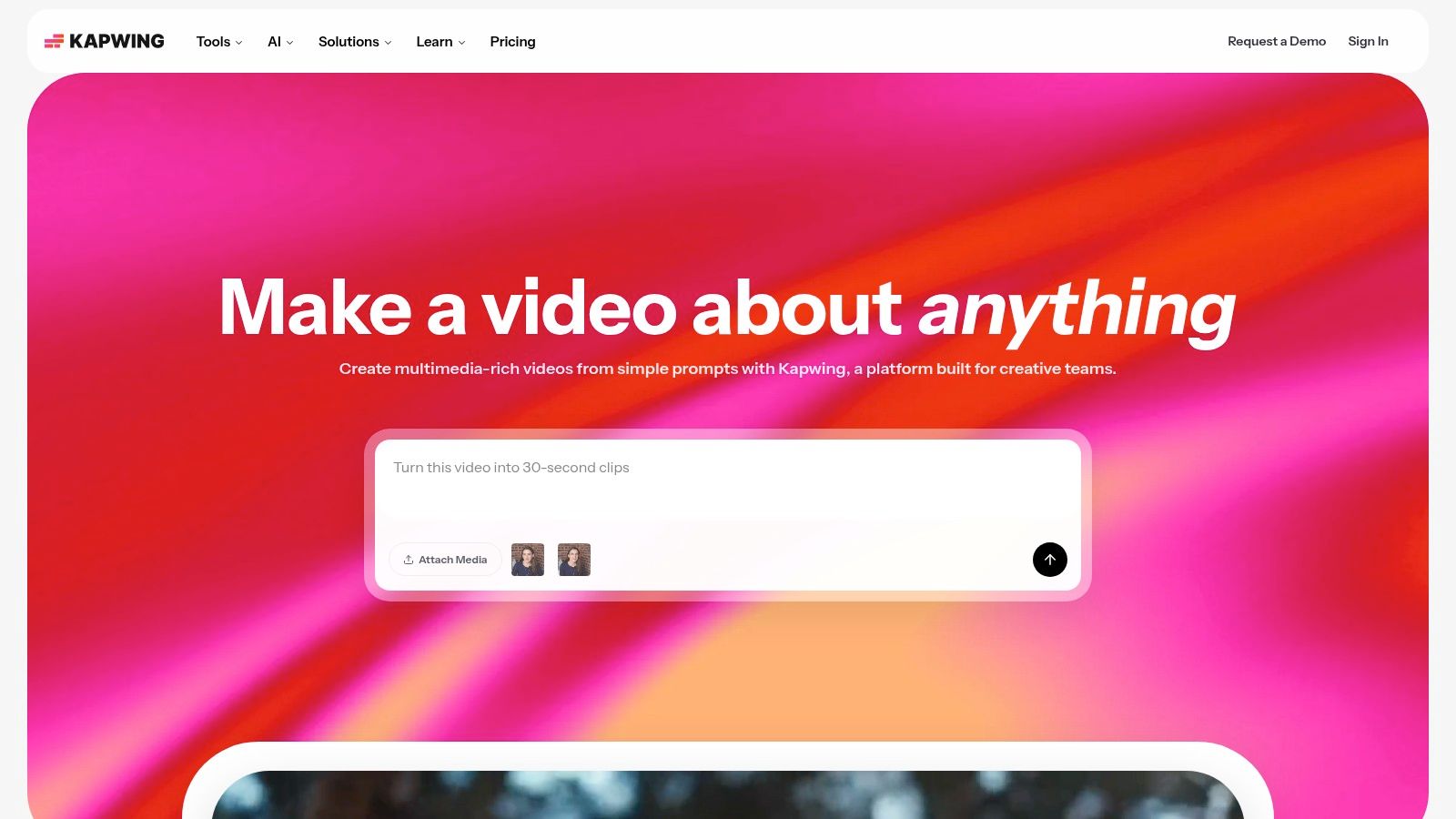
The platform’s strength is its user-friendly interface that combines AI-powered features with intuitive design tools. You can auto-generate subtitles, customize their look to match brand aesthetics, and even translate audio into different languages, all within a single browser-based workspace. This makes it a go-to for marketers needing quick, branded content.
Key Features & Ideal Use Cases
- Auto-Subtitles & Styling: Automatically generate captions and then fine-tune them with extensive style controls, including custom fonts, animations, and branded color palettes. This is ideal for creating visually engaging Reels and TikToks.
- Team Collaboration: Shared workspaces, brand kits, and commenting features allow marketing teams to work together on video projects, ensuring brand consistency across all social media output.
- AI-Powered Dubbing: Translate your video's audio into 70+ languages with AI voice-overs, making it possible for small creators to reach a global audience without hiring voice actors.
- Templates for Social Media: Get a head start with pre-made templates for various platforms, allowing for the rapid creation of memes, promo videos, and other short-form content with captions already integrated.
Actionable Insight: Use Kapwing's "Brand Kit" feature to save your brand's fonts, colors, and logo. This allows you to apply consistent, professional-looking caption styles to all your videos with a single click, cutting down your per-video editing time significantly.
Pricing and Limitations
Kapwing's pricing is built around a credit system for AI features like auto-subtitling and dubbing, which offers transparency but may require careful management. The free plan is useful for testing but comes with watermarks and a 4-minute export limit. Heavy use of AI tools will necessitate upgrading to the Business or Enterprise plans for more credits and advanced features like 4K exports.
- Website: https://www.kapwing.com
6. Happy Scribe
Happy Scribe positions itself as a versatile transcription and subtitling hub, excelling with its massive language support and flexible workflows. It offers both automated and human-powered services, making it a strong contender for international creators and businesses who need to produce accessible content for a global audience. The platform is designed for efficiency, balancing the quick output of AI with the polish of professional human review.
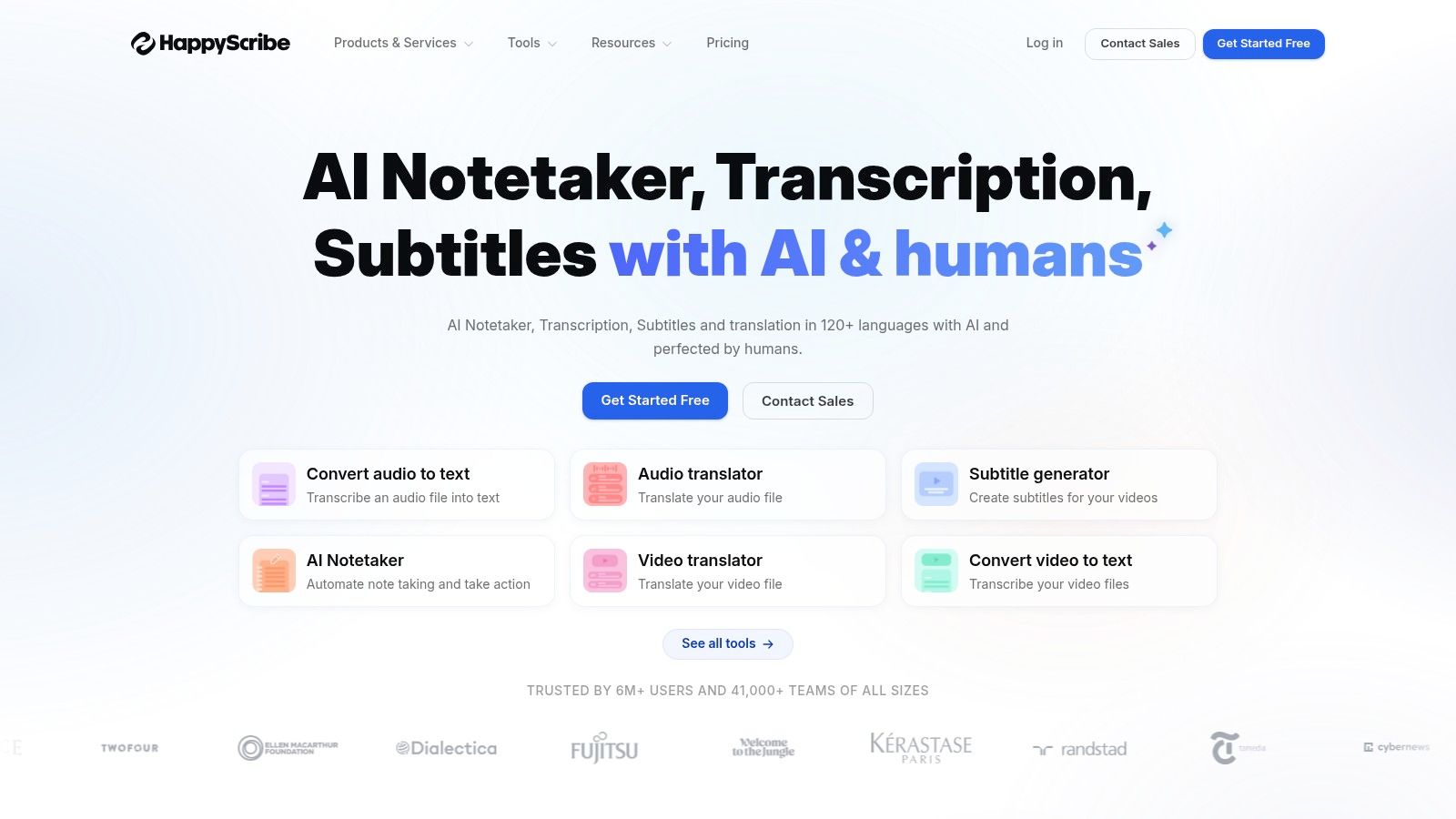
The platform’s major advantage is its extensive language library, supporting transcription and subtitles in over 120 languages. For teams localizing content across different regions, this makes it an invaluable piece of closed captions software, eliminating the need to juggle multiple vendors.
Key Features & Ideal Use Cases
- Automatic Subtitles: At €0.20 per minute, the AI service generates captions quickly, perfect for initial drafts, internal videos, or social media clips. The interactive editor simplifies corrections.
- Human-Made Subtitles: For €2.00 per minute, you gain access to professional subtitlers who ensure high accuracy (up to 99%). This service is ideal for final project deliveries, e-learning courses, and marketing videos where precision is non-negotiable.
- Broad Export Formats: Happy Scribe supports an impressive range of formats, including SRT, VTT, STL, and even files for professional editing software like Final Cut Pro (FCPXML) and Avid (EDL). This is a huge benefit for video editors.
- Burned-in Captions: You can export your video with open captions permanently rendered onto the file for a small fee, which is great for sharing on platforms that don’t support separate caption files.
Actionable Insight: Use the “My Vocabulary” feature to add specific names, jargon, or technical terms before processing a file. Pre-loading this custom dictionary can improve the accuracy of the initial automated transcript by 5-10%, reducing your editing time.
Pricing and Limitations
Happy Scribe's per-minute pricing is straightforward for single projects, but costs can add up for those with consistent, high-volume needs. While the AI is fast, its accuracy can be inconsistent with poor audio, multiple speakers, or strong accents, often necessitating manual cleanup or an upgrade to the human service. Turnaround time for the human-made subtitles can also vary based on language and current demand.
- Website: https://www.happyscribe.com
7. 3Play Media
3Play Media positions itself as an enterprise-grade accessibility solution, moving beyond simple captioning to offer a complete suite for compliance and localization. It's built for organizations in education, media, and corporate sectors that need robust workflows, guaranteed accuracy, and service-level agreements (SLAs). The platform is less a self-serve tool and more a managed service for handling large-scale video accessibility requirements.
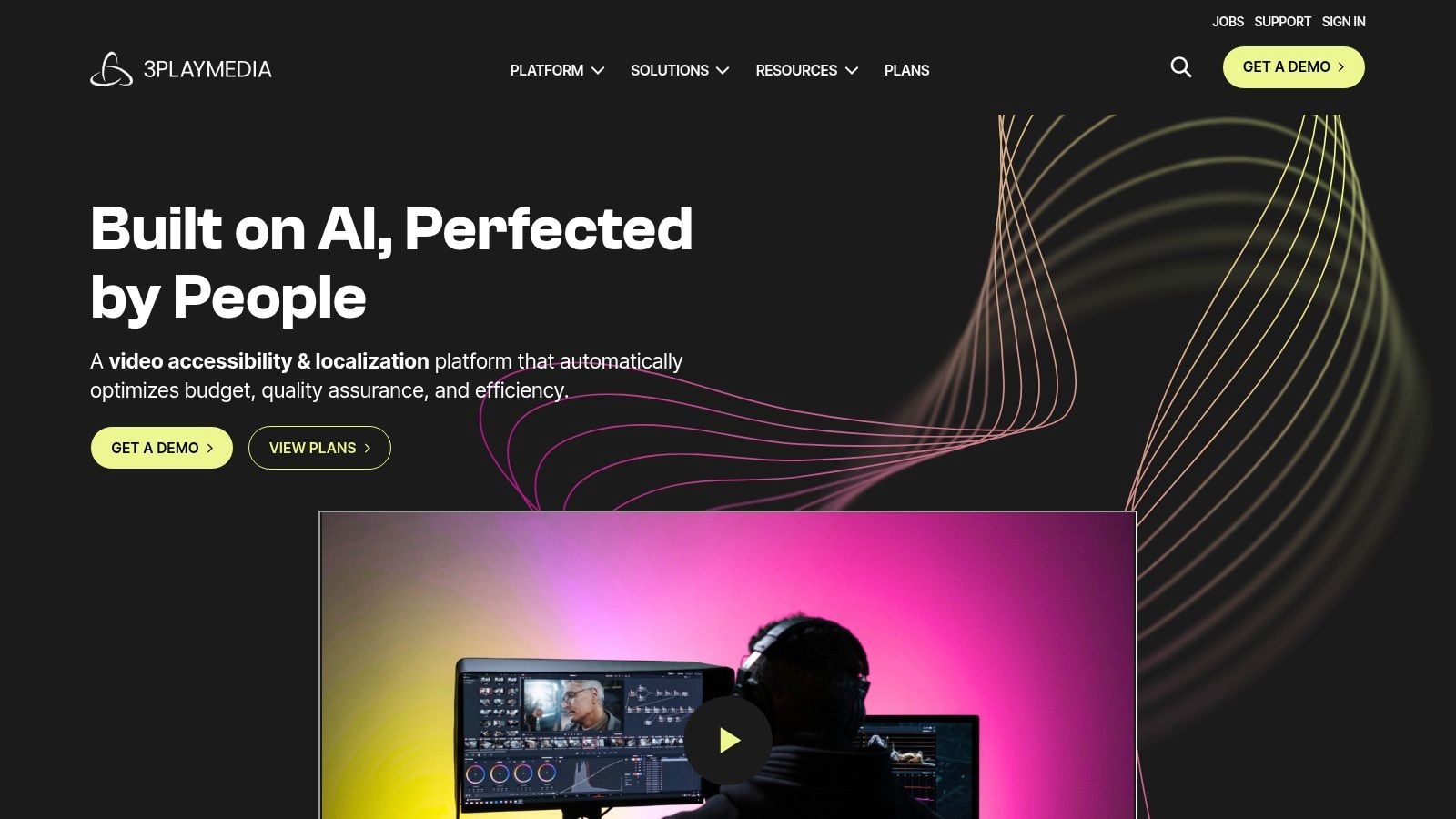
Its core strength lies in its compliance-oriented processes and deep integrations with video platforms like Kaltura, Brightcove, and Panopto. For universities needing to make entire course libraries ADA compliant or media companies requiring broadcast-quality live captions, 3Play Media provides a scalable and reliable infrastructure supported by dedicated account management.
Key Features & Ideal Use Cases
- Human-Verified Captions: The service uses a multi-step process involving technology and human editors to promise over 99% accuracy, making it ideal for legal depositions, government meetings, and higher education content.
- Live Automatic Captioning: 3Play offers live captioning for events and webinars, a critical feature for organizations focused on real-time accessibility.
- Audio Description & Translation: Beyond standard closed captions software, it provides audio description services to make visual content accessible to blind and low-vision audiences, along with professional translation.
- Platform Integrations: Its powerful API and numerous out-of-the-box integrations allow for automated captioning workflows, which is a major benefit for teams managing thousands of videos.
Actionable Insight: If your organization uses a specific learning management system (LMS) or online video platform (OVP), check 3Play Media’s integration list. Automating the round-trip process where videos are automatically sent for captioning and the files are posted back can save your team hundreds of administrative hours per year.
Pricing and Limitations
Pricing is not publicly listed and requires a custom quote, which reflects its enterprise focus. This model is often more expensive than per-minute self-serve tools and can be prohibitive for individual creators or small businesses. The platform's extensive features and workflow options are overkill for anyone just needing to caption a few social media videos quickly.
- Website: https://www.3playmedia.com
8. Sonix
Sonix operates as a highly efficient AI-powered platform for transcription, translation, and subtitling, making it a strong choice for teams that need a dependable automated workflow. It combines fast transcription with a clean, in-browser editor that allows for quick corrections, speaker labeling, and timestamp adjustments, offering a balanced solution for creators who prioritize speed and affordability.
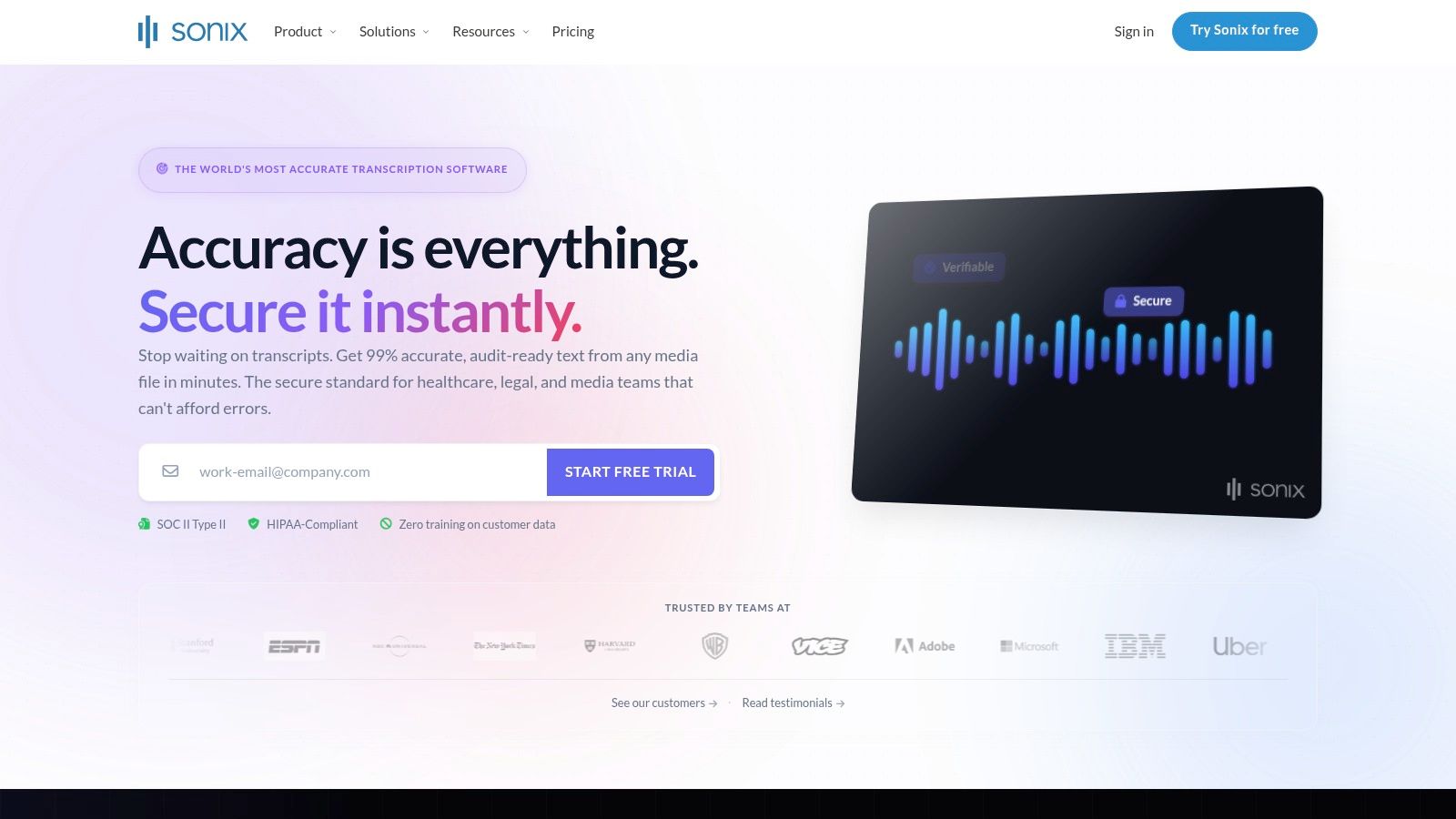
The platform is designed for collaborative use, with features like multi-user access and shared workspaces. Its primary strength lies in creating a solid first draft of your captions automatically, which you can then refine using its user-friendly editing tools before exporting in various formats.
Key Features & Ideal Use Cases
- Automated Transcription & Subtitling: Sonix transcribes audio and video in over 38 languages, automatically generating time-coded subtitles. This is great for podcasters, journalists, and researchers needing quick text versions of their audio.
- In-Browser Editor: The editor allows you to play the media while correcting the text. It includes features for merging or splitting subtitle blocks and assigning speaker names, making it straightforward to clean up interview transcripts.
- Team Collaboration: With multi-seat plans, teams can share files, folders, and custom dictionaries. This is ideal for agencies or corporate departments working on video projects together.
- Translation & Burn-in Options: As add-on services, you can translate your subtitles into dozens of languages or get a video file with the captions permanently burned in. This is useful for distributing content on social platforms.
Actionable Insight: Make the most of the 30-minute free trial to upload a representative sample of your content. This will give you a clear indication of the platform's accuracy with your specific audio quality, accents, and recording environment before committing to a plan.
Pricing and Limitations
Sonix uses a hybrid pricing model with a monthly or annual subscription fee plus a per-hour rate for processing. While this is transparent, costs for add-ons like translation and burned-in captions can increase the final price. The platform is not a full-fledged video editor, so for advanced subtitle styling or animations, you’ll still need to export the caption file (like an SRT) and import it into software like Adobe Premiere Pro.
- Website: https://sonix.ai
9. Trint
Trint is an AI-powered transcription platform built with collaborative, high-volume workflows in mind, making it a strong contender for newsrooms, media companies, and enterprise teams. It moves beyond simple transcription to offer a suite of tools for searching, editing, and sharing content across an organization. This focus on collaboration and media asset management makes it powerful for teams that need to work on captions and transcripts simultaneously.
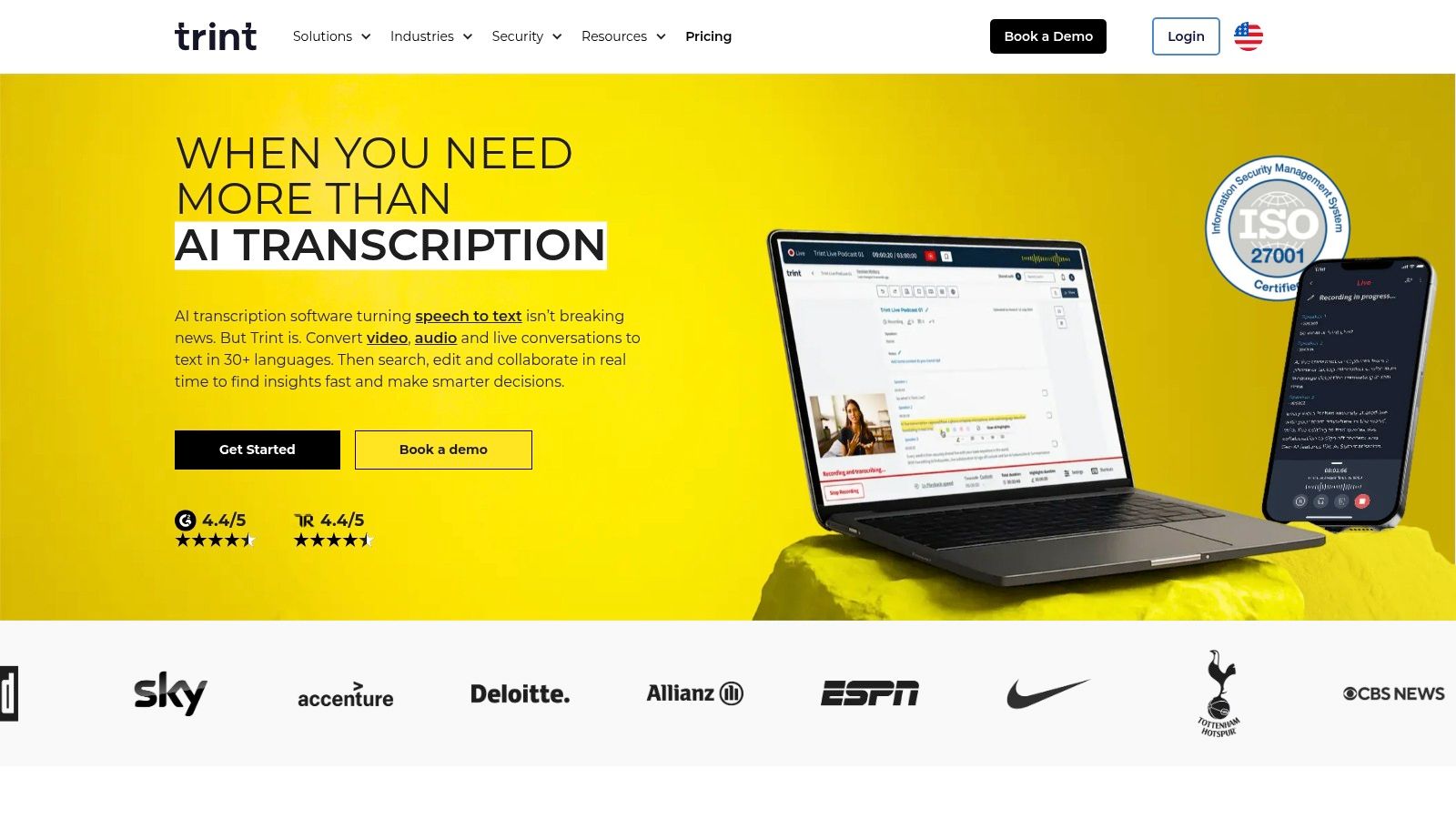
The platform’s key differentiator is its emphasis on turning audio and video archives into searchable, usable data. With robust security credentials like ISO 27001 certification and options for data residency, it meets the stringent requirements of large-scale media operations that need both speed and compliance in their closed captions software.
Key Features & Ideal Use Cases
- Collaborative Editor: Multiple users can review, verify, and edit transcripts and captions in real-time. It’s perfect for editorial teams on a tight deadline or legal departments that require multi-stage review processes.
- Semantic Search: Trint indexes every word, allowing teams to instantly find key quotes or moments across entire media archives. This is invaluable for documentary producers or researchers sorting through hours of interviews.
- API & High-Volume Ingestion: The Trint API and its BulkScribe service are designed for enterprises needing to integrate transcription into their existing media asset management (MAM) systems or process large backlogs of content.
- Translation: The service supports translation into over 40 languages, enabling teams to quickly create subtitles for global distribution directly within the platform.
Actionable Insight: Use Trint’s commenting and highlighting features to assign specific sections of a transcript to different team members for verification. This divides the workload efficiently and ensures that different subject matter experts can focus on the parts of the content most relevant to them.
Pricing and Limitations
Trint’s pricing is geared toward professional teams and is not fully public on its website, requiring a quote for enterprise plans. The available plans are at a premium price point, which may be prohibitive for individual creators or small businesses. While the collaboration tools are excellent, some of the most powerful features, like API access and advanced security options, are restricted to the higher-cost Enterprise tiers. The platform is less suited for one-off projects and better for ongoing, high-volume needs.
- Website: https://trint.com
10. Adobe Premiere Pro (Speech to Text + Captions)
For video editors already working within the Adobe ecosystem, Premiere Pro’s integrated Speech to Text feature offers one of the most efficient closed captions software workflows available. Instead of exporting a video to a separate service and re-importing a caption file, you can generate, edit, and style captions directly on your editing timeline. This native integration eliminates round-tripping and keeps the entire post-production process within a single application.
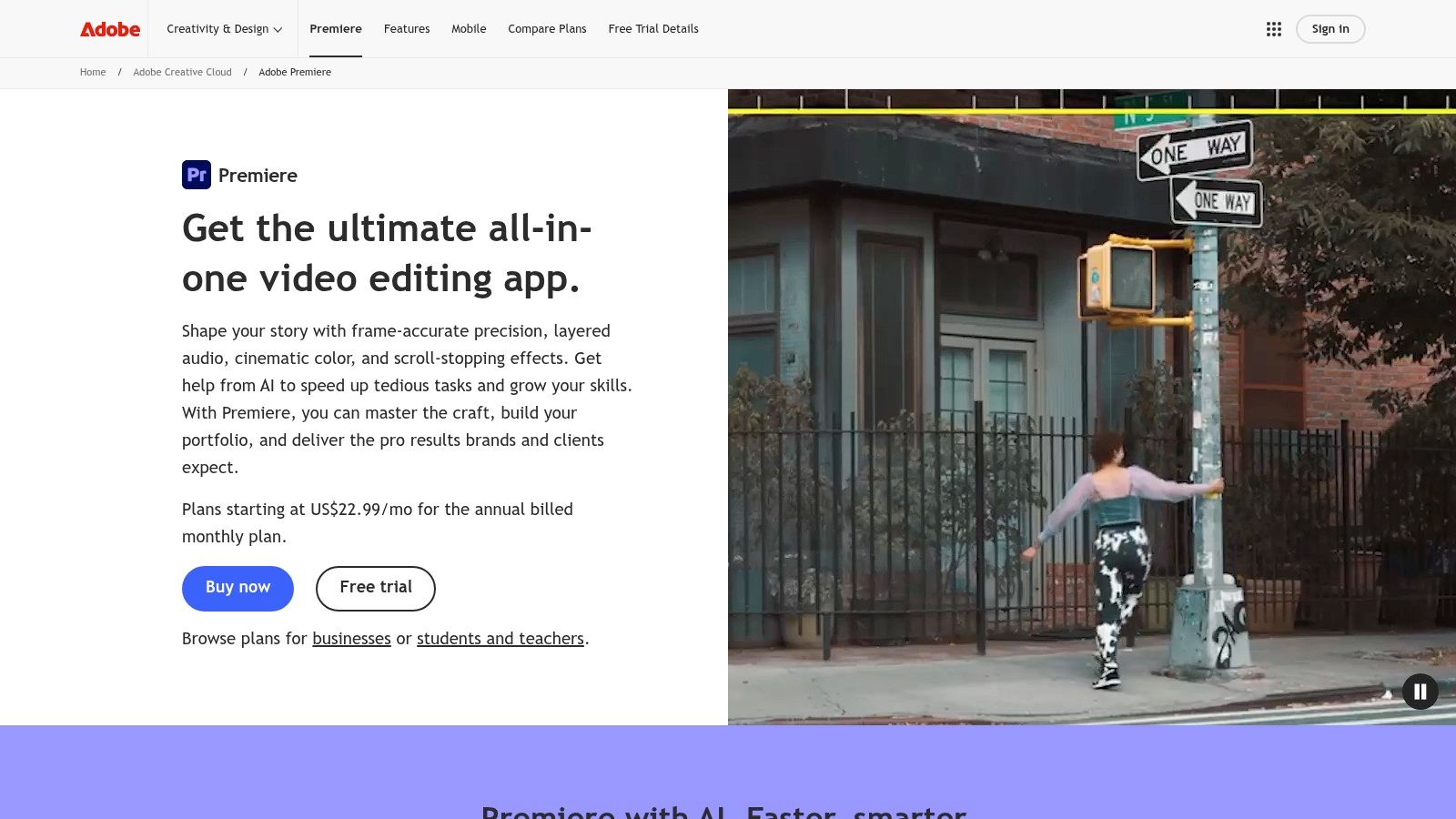
Powered by Adobe Sensei AI, the transcription is surprisingly accurate and fast, creating a dedicated caption track that you can manipulate just like any other video or audio layer. The real power comes from its deep integration with the Essential Graphics panel, allowing for granular control over font, color, size, and positioning to match brand aesthetics or creative styles perfectly.
Key Features & Ideal Use Cases
- Integrated Transcription: Automatically transcribes video dialogue and creates a new caption track directly on the timeline. This is ideal for editors needing to add captions as a final step before export.
- Essential Graphics Styling: Offers full creative control over caption appearance, including saving custom style presets. Perfect for creators who want their captions to be a core part of their visual brand identity.
- End-to-End Workflow: The entire process from video editing to caption creation and export happens in one place, saving significant time for professional editors and production houses.
- Versatile Export Options: Users can export captions as a separate .SRT sidecar file or choose to burn them directly into the video for platforms that don't support caption files.
Actionable Insight: Use the “Create Captions” dialogue box to set a maximum character length (e.g., 42 characters) and a two-line limit before generating the caption track. This industry standard helps automatically break up sentences into readable, well-paced chunks, saving you a lot of manual timing adjustments later.
Pricing and Limitations
The main barrier to entry is cost; the Speech to Text feature is included with a Creative Cloud subscription, which is a significant expense if you only need a captioning tool. While the integrated workflow is a major advantage, the software itself is resource-intensive and overkill for simple captioning tasks. Modern captioning tools often use advanced technologies; for instance, a case study on Insightvoice highlights how a Voice to Content AI Platform can be integrated into marketing infrastructure, similar to how Adobe Premiere Pro utilizes speech-to-text for accurate caption generation.
11. Apple Final Cut Pro (Captions + Transcribe to Captions)
For video editors deeply embedded in the Apple ecosystem, Final Cut Pro (FCP) now offers a powerful, integrated captioning workflow directly within its interface. Instead of exporting a video to a separate closed captions software, you can now generate, edit, and deliver captions without ever leaving the timeline. This consolidation is a significant efficiency gain for Mac-based production teams and solo creators.
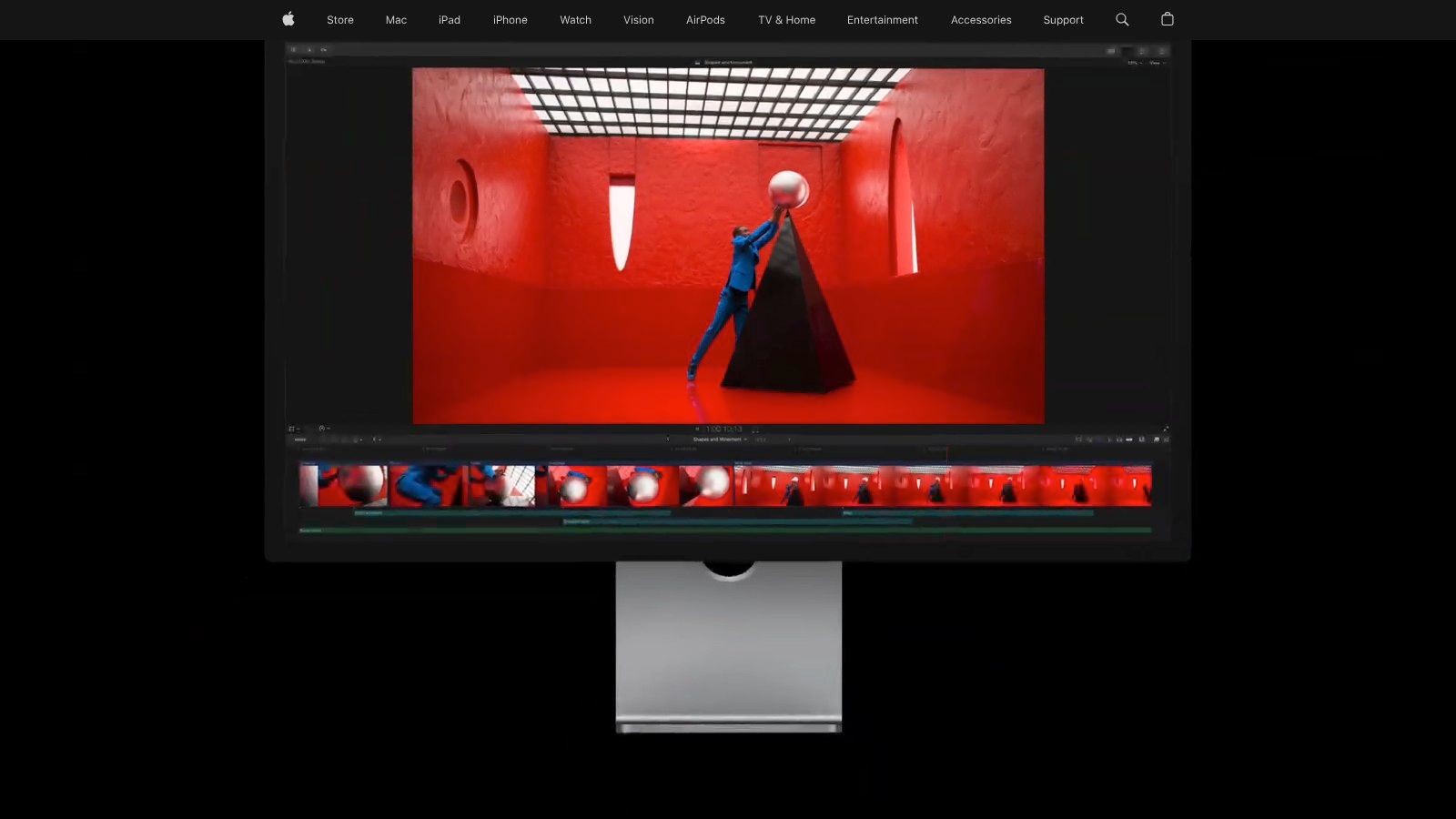
The standout update is the AI-powered 'Transcribe to Captions' feature, which leverages on-device machine learning to automatically generate a caption track from your video's audio. This native integration means editors can create an initial caption draft with a single click, then make precise, frame-accurate adjustments directly on the FCP timeline, perfectly syncing text with dialogue.
Key Features & Ideal Use Cases
- Native AI Transcription: On supported macOS versions with Apple Silicon, the 'Transcribe to Captions' feature analyzes audio and generates English captions automatically. It's ideal for creating a fast first draft for social media clips, corporate videos, or documentaries.
- Integrated Caption Editor: Captions appear as a dedicated role on the timeline. You can split, merge, and re-time text blocks with the same familiar editing tools used for video and audio clips.
- Multi-Format Support: FCP handles industry-standard caption formats, allowing you to import existing SRT or iTT files for editing or export your work as either embedded CEA-608 captions for broadcast or sidecar files for web platforms.
- Multi-Language Roles: You can create and manage caption tracks in multiple languages within the same project, keeping all assets organized and ready for international distribution.
Actionable Insight: Once your AI captions are generated, use the timeline index to quickly search for specific words or phrases within the captions. This lets you navigate to key moments in your edit instantly, turning your caption track into a searchable table of contents for your entire project.
Pricing and Limitations
Final Cut Pro is available for a one-time purchase of $299.99, which includes all future updates, making the built-in captioning features incredibly cost-effective over time. However, the 'Transcribe to Captions' feature is currently limited to English and requires a newer Mac with Apple Silicon running macOS Sonoma or later. While the built-in styling options are functional for standard captions, achieving highly stylized or animated text effects may still require using FCP's main title tools or third-party plugins.
- Website: https://www.apple.com/final-cut-pro
12. Zubtitle
Zubtitle is a lightweight, web-based tool designed specifically for creating social-media-style captioned videos. It strips away the complexity of full-featured video editors and focuses on a core set of features: auto-captioning, headline overlays, progress bars, and brand styling. This makes it an excellent choice for solo creators, marketers, and small teams who need to quickly produce engaging vertical or square video clips for platforms like TikTok, Instagram Reels, and YouTube Shorts.
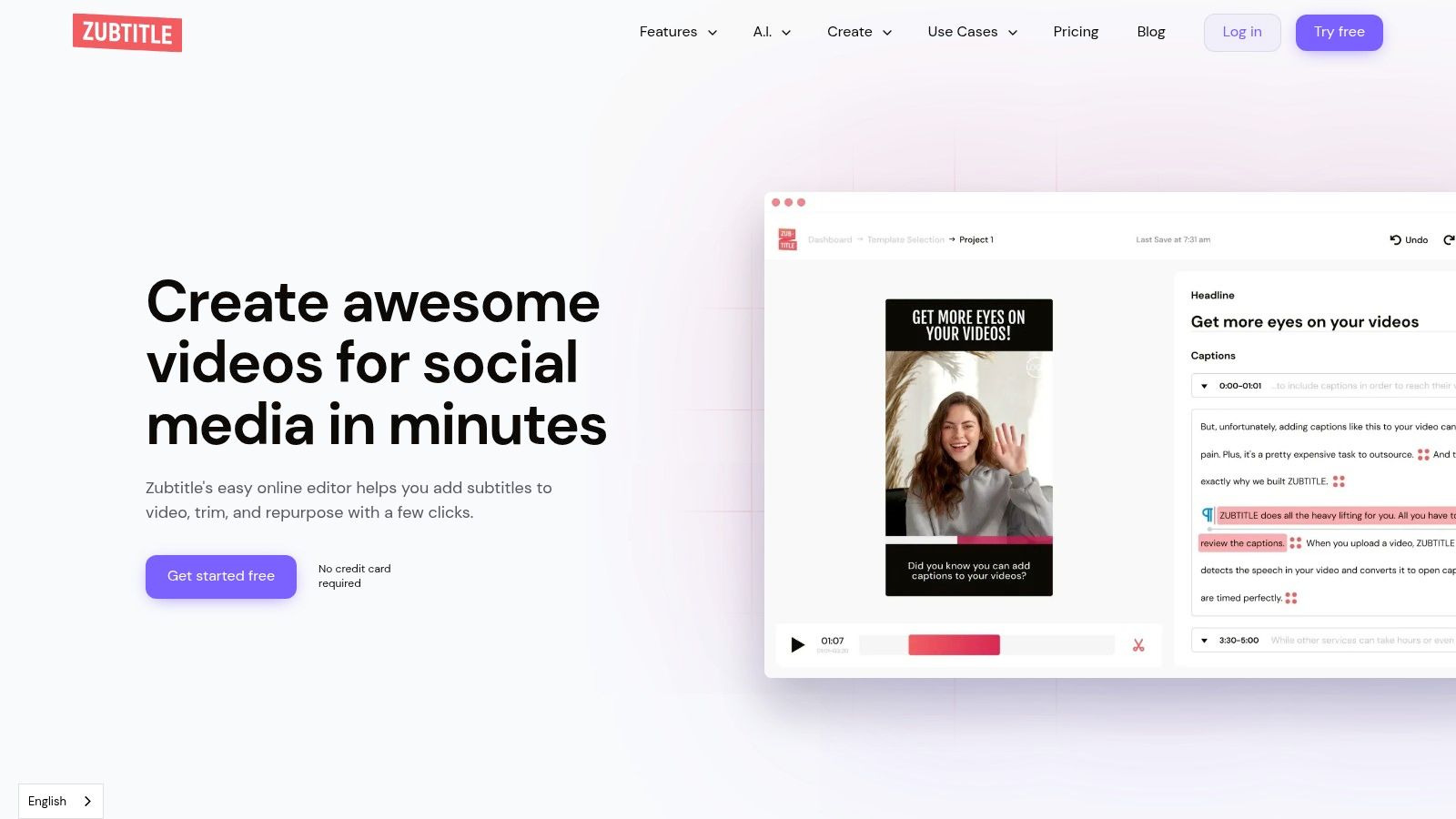
The platform’s strength is its simplicity and speed. You upload a video, and the software quickly generates captions and provides templates to add visual flair. This purpose-built approach avoids the steep learning curve of more advanced closed captions software, allowing for a rapid production cycle from raw footage to a share-ready captioned clip.
Key Features & Ideal Use Cases
- Social Media Optimization: Comes with pre-set aspect ratios (vertical, square) and templates perfect for quick social media content creation. It’s ideal for marketers who need to add attention-grabbing headlines and progress bars to their videos.
- On-Brand Styling: Easily apply your brand’s fonts, colors, and logo to maintain a consistent look across all your social video content.
- Burned-in & SRT Exports: Provides the option to download the final video with captions permanently burned in or to export a separate SRT file for platforms that support it. This flexibility is useful when learning how to add captions to YouTube Shorts and other similar platforms.
- Minute-Based Pricing: The pricing model is based on minutes of video processed per month, with options to purchase bulk minutes, which is great for batching content production.
Actionable Insight: Use Zubtitle's headline feature to test different hooks for the same video clip. You can quickly duplicate a project, change only the headline text, and export multiple versions to A/B test which one performs best on your social channels and drives a higher click-through rate.
Pricing and Limitations
Zubtitle’s focused toolset is also its main limitation; it lacks the advanced timeline editing, multi-track audio, or complex transition features found in comprehensive video editors. While the minute-based plans are straightforward, some pricing details and plan specifics require creating an account to view, which can be a minor hurdle. The tool is best suited for short-form content, and costs could rise for users producing long-form videos.
- Website: https://zubtitle.com
Top 12 Closed Captions Software Comparison
ProductCore featuresQuality (★)Price / Value (💰)Best for & Standout (👥 / ✨)
Klap 🏆
AI clip generation, scene-aware Reframe, auto captions, direct publish
★★★★☆
Free (1 video) → Pro $29/mo 💰
👥 YouTubers, podcasters, agencies · ✨ AI Reframe 2, viral scoring, end-to-end publish
Rev
Human & AI captions, translations, burned-in exports
★★★★★
Pay-as-you-go; higher for human captions 💰
👥 Broadcast/media · ✨ FCC/broadcast-grade human captions
Descript
Auto-transcript, edit-by-text, caption styles, brand kits
★★★★☆
Free tier; paid plans & credit-based AI features 💰
👥 Creators & teams · ✨ Text-based editing & templates
VEED
Browser editor, one-click subtitles, social templates, cloud collab
★★★★☆
Free (watermark) → paid tiers 💰
👥 Social teams/marketers · ✨ Fast styling + collaboration
Kapwing
Auto-subtitles, dubbing, brand kits, template-driven workflow
★★★★☆
Free (watermark) → credits/paid plans 💰
👥 Small teams/creators · ✨ Transparent credit model
Happy Scribe
Auto + human subtitles in 150+ languages, many export formats
★★★★☆
Pay-as-you-go; pro services for accuracy 💰
👥 International teams · ✨ Broad language & export support
3Play Media
Human-verified captions, live captions, audio description, SLAs
★★★★★
Custom enterprise pricing (higher) 💰
👥 Education/media/corporate · ✨ Compliance & tailored SLAs
Sonix
Automated transcription, speaker labeling, in-browser editor
★★★★☆
Seat + per-hour usage; free trial 💰
👥 Teams needing affordable pipeline · ✨ Speaker labels & exports
Trint
Transcription, subtitle generation, collaboration, API/ingest
★★★★☆
Mid-to-premium; enterprise tiers 💰
👥 Editorial/media teams · ✨ Semantic search & API for archives
Adobe Premiere Pro (Speech to Text)
NLE-integrated auto-transcribe, captions, styling & export
★★★★☆
Adobe CC subscription 💰
👥 Professional editors · ✨ End-to-end captioning inside NLE
Apple Final Cut Pro (Transcribe)
Native caption roles, Transcribe to Captions (macOS), exports
★★★★☆
One-time purchase 💰
👥 Mac-based editors · ✨ Tight Apple/FCP integration
Zubtitle
Social-focused burned-in captions, templates, progress bars
★★★☆☆
Minute-based / bulk purchases 💰
👥 Solo creators & small teams · ✨ Quick social templates & progress bars
Making the Final Cut: Which Closed Captions Software Is Right for You?
Selecting the right closed captions software is a critical decision that directly impacts your workflow efficiency, content accessibility, and audience engagement. We've explored a dozen powerful options, from AI-driven repurposing engines like Klap to human-powered services like Rev and integrated NLE features in Adobe Premiere Pro. The sheer variety shows there is no single "best" tool; the optimal choice depends entirely on your specific goals, budget, and content strategy.
Your decision-making process should be a strategic one. Don't just chase the tool with the highest accuracy score or the lowest price. Instead, map your primary needs against the unique strengths of each platform. The key is to find a solution that not only solves your immediate captioning problem but also fits seamlessly into your broader production pipeline.
A Quick Recap of Your Options
Let's distill our findings into a clear decision-making framework. Your choice will likely fall into one of these main categories:
- For Social Media Repurposing: If your main goal is to turn long-form content (like podcasts or webinars) into a high volume of engaging, captioned short-form clips for platforms like TikTok, Reels, and Shorts, Klap is the purpose-built solution. Its AI-powered clipping and dynamic caption styling are designed specifically for this high-velocity workflow.
- For Maximum Accuracy and Compliance: When you absolutely cannot compromise on accuracy for legal compliance (like ADA standards) or professional broadcasts, human-powered services like Rev and 3Play Media are the gold standard. They provide the 99%+ accuracy and official documentation that AI, for all its advancements, cannot yet guarantee.
- For an All-in-One Editing Experience: If you prefer a unified workspace for transcription, video editing, and captioning, tools like Descript and VEED are excellent choices. Their text-based video editing paradigm is particularly useful for podcasters and content creators who edit by script.
- For Professional Video Editors: If you already live inside a professional non-linear editor (NLE), using the built-in tools is the most efficient path. Adobe Premiere Pro and Apple Final Cut Pro now offer robust, AI-driven transcription and captioning features that integrate directly into your existing post-production workflow, eliminating the need to export and re-import files.
Key Factors to Guide Your Choice
Before you commit to a subscription, take a moment to evaluate your needs based on these critical factors. This final check will help you avoid buyer's remorse and select a tool that truly serves your purpose.
- Workflow Integration: How does the tool fit with your current process? If you're an editor, an NLE plugin is best. If you're a social media manager, a standalone, web-based tool like Kapwing or Klap might be faster.
- Accuracy vs. Speed: Do you need 99%+ accuracy for legal reasons, or is an AI-generated 95% accuracy that you can quickly edit "good enough" for social media? Human services are accurate but slow; AI is instant but requires proofreading.
- Content Volume and Type: Are you captioning one long video per week or creating 30 short social clips daily? High-volume repurposing points toward automated tools, while meticulous work on a feature film demands a different solution.
- Budget and Scalability: Your budget is a major constraint. Evaluate free tiers, pay-as-you-go models (like Sonix or Happy Scribe), and monthly subscriptions (like Descript). Consider how the cost will scale as your content output grows.
Ultimately, the best closed captions software is the one that empowers you to create more accessible and engaging content without adding unnecessary friction to your process. The right tool fades into the background, allowing your message to shine through, be understood by everyone, and make a real impact.
If your primary focus is on maximizing the reach of your long-form videos, consider starting with Klap. It's designed to intelligently identify the best moments from your content, automatically generate engaging short clips, and add dynamic, eye-catching captions perfect for social media. Give your content a second life by visiting Klap and see how quickly you can turn one video into dozens of shareable moments.
