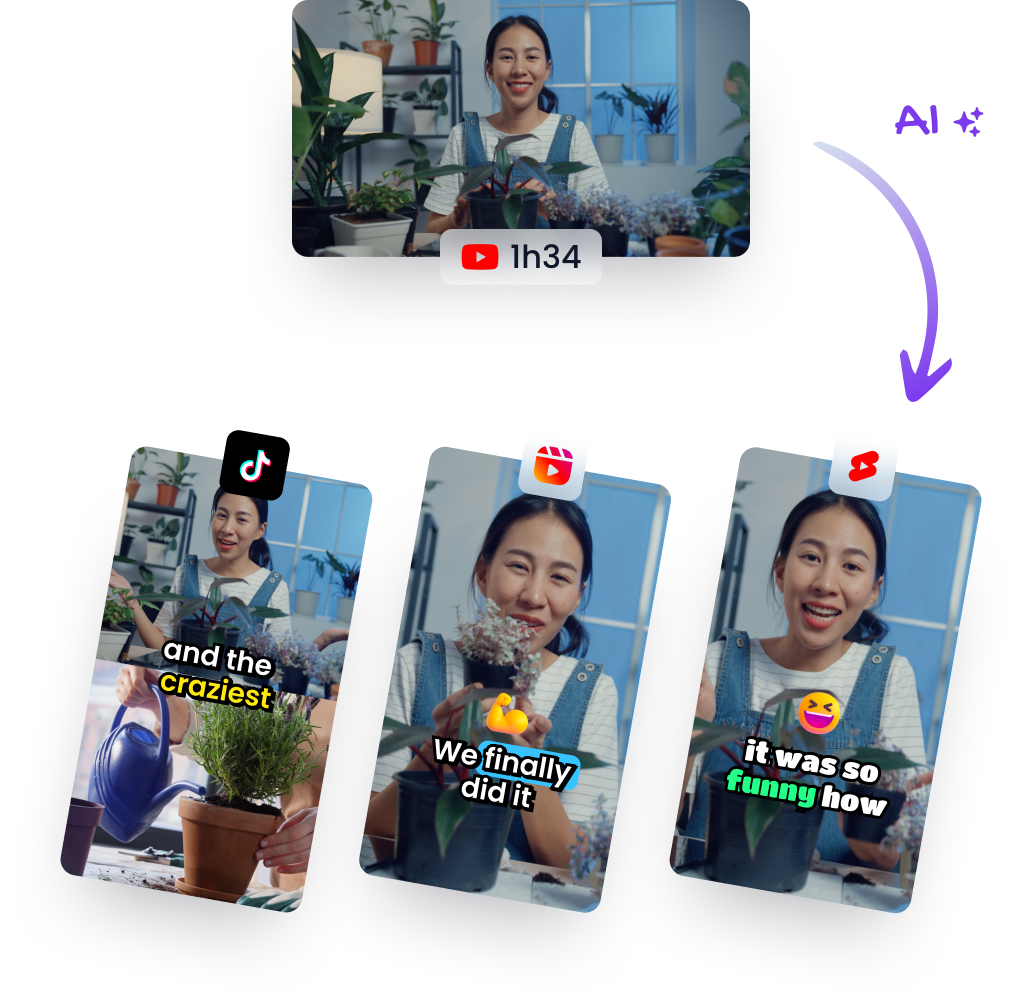
How to Clip GTA 6 Streams into Shorts, Reels and TikToks (2026)
Tools for Creators
Updated November 16, 2026. Klap is our product.
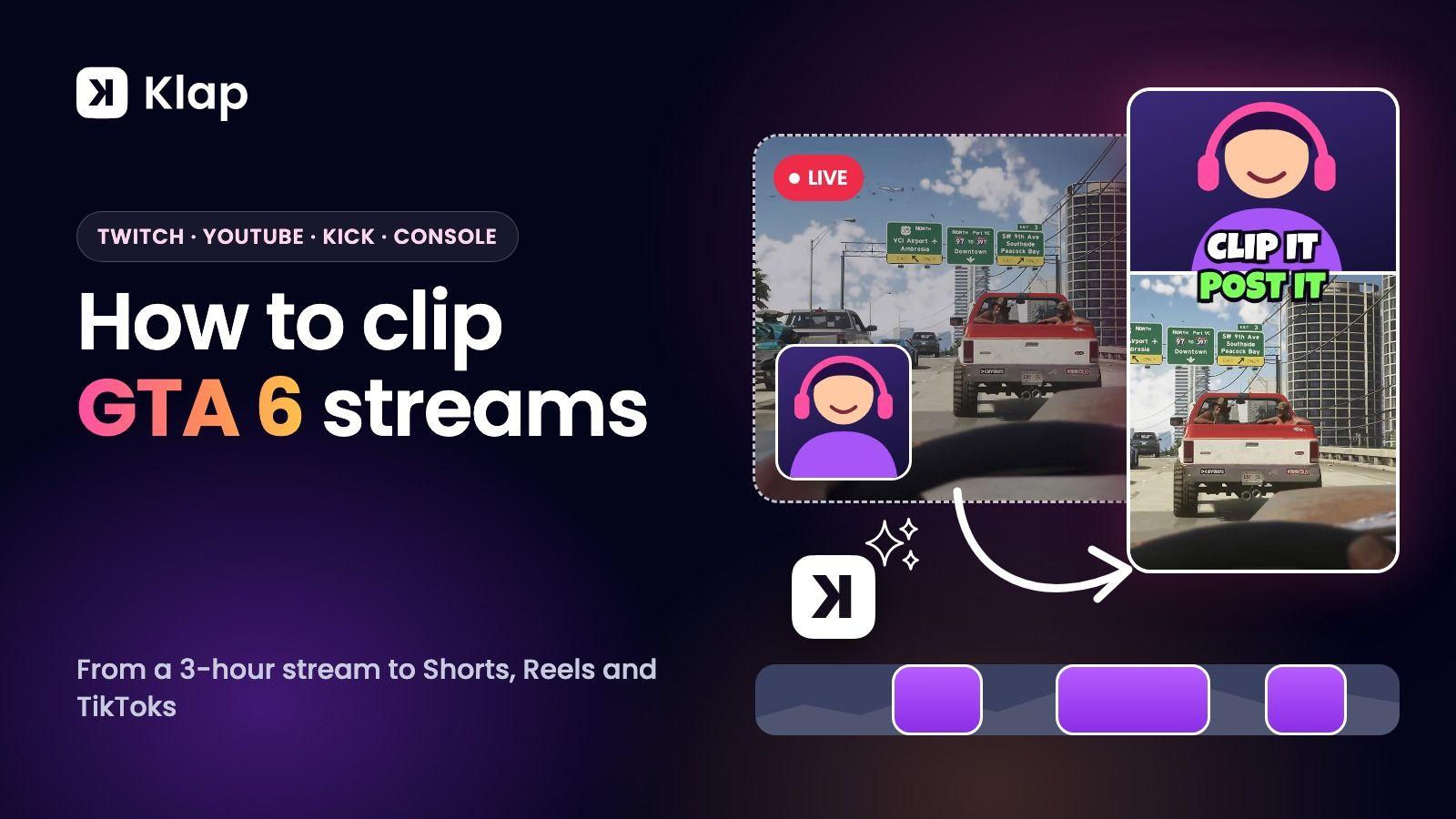
To clip a GTA 6 stream, paste the stream's link into an AI clipping tool such as Klap. It reads the whole stream, picks the moments worth posting, cuts them into vertical clips with captions and the facecam stacked over the gameplay, and schedules them to TikTok, YouTube Shorts and Instagram Reels. A 3-hour stream takes a few minutes of your time instead of an evening on a timeline. Klap also works during the stream: paste a link that's still live and new clips arrive every 30 minutes until it ends.
GTA 6 launches on 19 November 2026 on PS5 and Xbox Series X|S. This guide covers how to get the stream out of Twitch, YouTube, Kick or your console, how to clip it, and how to post the clips while the game is new.
What you need
- A stream or recording with someone talking. Your commentary, a streamer's reactions or voice chat with friends. Klap picks moments from what's said, which is what makes a clip make sense on its own.
- The link or the file. A YouTube or Twitch link, or a video file.
- Accounts to post on. TikTok, YouTube and Instagram are the three that matter most for gaming clips.
Step 1: get the stream
| Where the stream is | What to do |
|---|---|
| A stream that's still live | Paste the YouTube or Twitch link while it's running. Klap clips what has been recorded so far, then keeps clipping every 30 minutes until the stream ends |
| Twitch | Copy the link to the VOD, a Highlight or a clip. Twitch keeps past broadcasts for a limited time, so clip them soon after the stream |
| YouTube | Copy the link to the finished live stream or the video |
| Kick | Download the VOD or record the stream, then upload the file |
| PS5 or Xbox Series X|S | Broadcast to Twitch from the console and use that link (PS5 can also go live on YouTube), or save the capture and upload the file |
Klap takes videos up to 3 hours long on paid plans. If the stream ran longer, cut the part you want into a Highlight in Twitch's Video Producer and paste that link, or trim the recording before you upload it.
Clipping someone else's stream? Clip footage you have the right to use: ask the streamer, or join a clipping campaign whose brief gives you permission. More on that in how to make money clipping GTA 6.
Step 2: paste it into Klap
Open Klap's GTA 6 AI clip generator and paste the link into "Drop a file or paste a video link", or upload the file. Before you click "Generate", you can set three things:
- Shorts length. Pick a range. Under a minute works for Shorts and Reels. TikTok's Creator Rewards Program looks for videos over a minute.
- Number of shorts. Leave it on Auto, or set a number. Klap's plans count clips, so this is also how you control what a stream costs you.
- Moments. Describe what you want: funny moments, first reactions, a certain mission, or something specific like "the first police chase".
Step 3: review the clips
Klap returns a batch of vertical clips, each with a virality score. Start from the top and open the ones you want to post:
- Layout. Klap finds the facecam and the gameplay and stacks them. Switch between Split, Gaming, Bubble and Full to suit the moment: Gaming when the action matters most, Split when the reaction does.
- Captions. Animated captions are added for you, in 99+ languages. Fix a name or a bit of slang if you need to.
- Hook title. Add a line of text over the first seconds that says why to keep watching.
- Trim. Tighten the start so the clip opens on the moment, not the build-up.
Step 4: schedule and post
Connect your TikTok, YouTube and Instagram accounts and click "Schedule posts". Klap writes a post caption for each clip from what's said in it. Spread the batch over the week, or turn on automatic mode and let Klap post 1, 2 or 3 clips a day. One stream can keep your accounts active until the next one.
What makes a GTA 6 clip work
- Open on the moment. The crash, the punchline or the reaction comes first. Context can follow.
- Keep the face in frame. Reactions are why people watch stream clips rather than raw gameplay.
- One idea per clip. A clip about one chase or one joke gets rewatched. A clip about three things doesn't.
- Post early. In launch week, the first clips of a new mission or a new glitch tend to get seen first. Paste the stream into Klap while it's still live and post the first clips before it ends.
- Add your voice. On YouTube, clips with your own commentary can monetize, and clips of someone else's video with no meaningful changes can't. The rule is in YouTube's channel monetization policies.
Why use an AI clipper instead of clipping by hand
Clipping by hand means watching the stream again, marking moments, cutting each one, rebuilding the frame for vertical and typing captions. For a 3-hour stream that is most of a day. An AI clipper does the first pass while you do something else, and you spend your time choosing and polishing.
Klap is built for long streams in particular. Its plans count clips, not stream hours, so a 3-hour stream costs the same as a short video: about 30 clips on Auto, or exactly the number you set. Basic is $29 a month, or $14.50 a month billed yearly, for 100 clips. We compare it with five other tools in the best AI clipping tools for GTA 6.
FAQ
How do I clip GTA 6 streams automatically?
Paste the stream link into Klap. It picks the moments, cuts them into vertical clips, adds captions and stacks the facecam over the gameplay. You review the clips and schedule them.
Can I clip a GTA 6 stream while it's still live?
Yes. Paste a YouTube or Twitch stream while it's still live. Klap clips what has been recorded so far, then keeps clipping every 30 minutes until the stream ends. Review each batch as it arrives and schedule the clips.
Can I clip a GTA 6 stream from Twitch?
Yes. Paste a Twitch VOD, Highlight or clip link into Klap's Twitch clip maker. Twitch keeps past broadcasts for a limited time, so clip them soon after the stream.
Can I clip GTA 6 gameplay recorded on PS5 or Xbox?
Yes. Save the capture and upload the file, or broadcast to Twitch from the console and paste that link. Talk while you play, because Klap picks moments from what's said.
How long should a GTA 6 clip be?
Under a minute suits YouTube Shorts and Instagram Reels. On TikTok, the Creator Rewards Program looks for videos over a minute. Set "Shorts length" in Klap to the range you want.
Can I clip someone else's GTA 6 stream?
Clip footage you have the right to use. Ask the streamer, or join a clipping campaign whose brief gives permission for its videos.
Is there a free GTA 6 clip maker?
You can try Klap free on 1 video with no credit card: create a free account and Klap turns that video into clips you can preview and edit. Downloading and posting clips needs a paid plan. Paid exports carry no Klap branding. Paid plans start at $14.50 a month billed yearly ($29 month to month).
Paste your first GTA 6 stream. Try Klap free on 1 video
Klap isn't affiliated with Rockstar Games or Take-Two Interactive. Researched with AI assistance and reviewed by Theo.