Best AI Clipping Tools for GTA 6 in 2026: 6 Clippers Compared
Tools for Creators
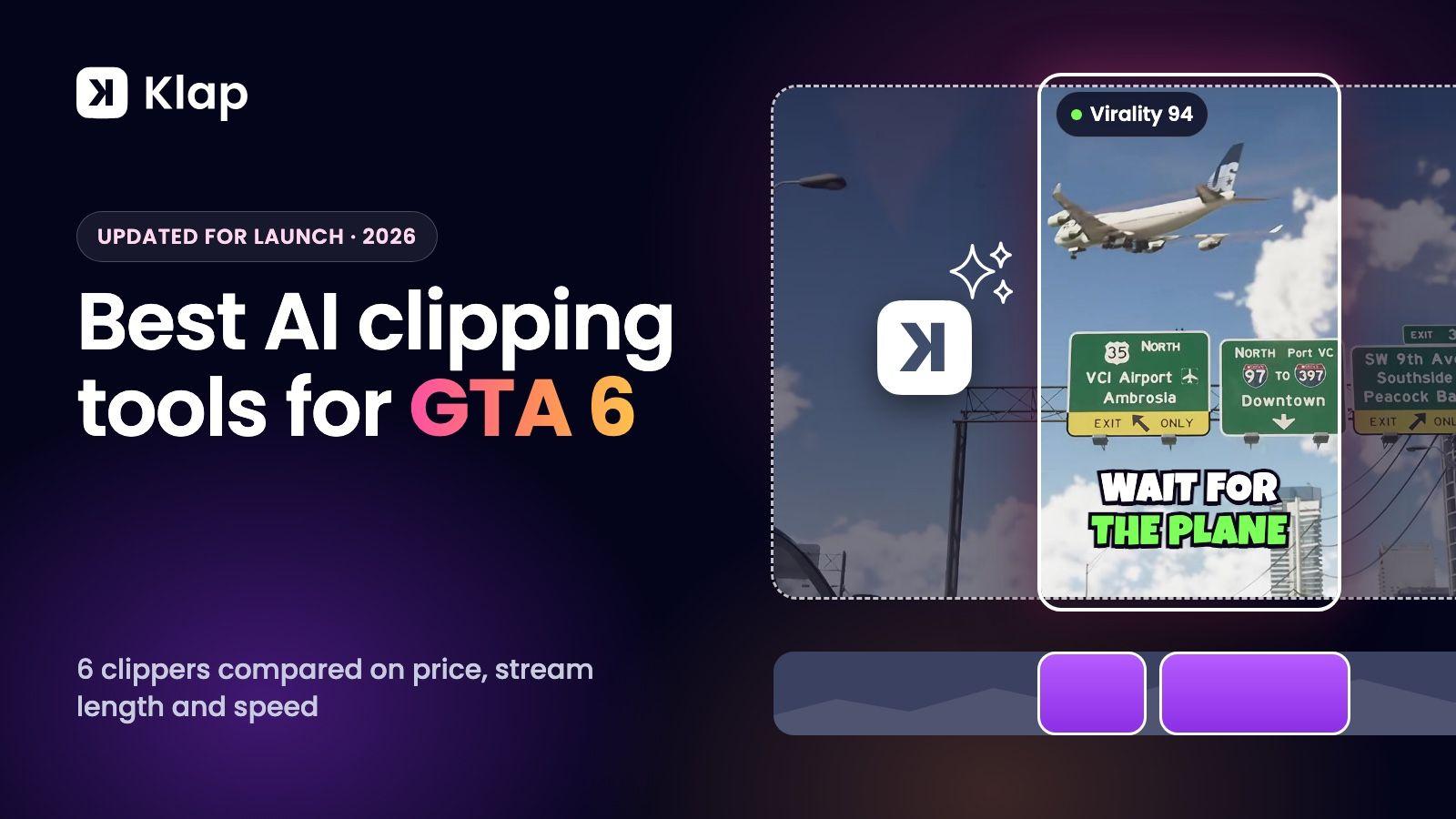
Updated November 16, 2026. Klap is our product, and it's our top pick. Rival prices come from each tool's own pricing page, read on November 16, 2026.
The best AI clipping tool for GTA 6 is Klap. Paste a stream or a video with commentary and it returns vertical clips ranked by virality score, with animated captions and the facecam stacked over the gameplay, then schedules them to TikTok, YouTube Shorts and Instagram Reels. It also clips during the stream: paste a stream that's still live and Klap keeps sending new clips every 30 minutes until it ends. Its plans count clips, not stream hours, so a 3-hour launch stream costs the same as a 20-minute video. Paid plans start at $14.50 a month billed yearly, or $29 month to month, and you can try it free on one video with no credit card.
GTA 6 launches on 19 November 2026 on PS5 and Xbox Series X|S, and launch-week streams will run for hours. That makes two things matter more than usual when you choose a clipper: how it charges for long streams, and how fast it gets a batch of clips posted. This guide compares six tools on both.
Best AI clipping tools for GTA 6 compared
Prices as of November 16, 2026. Each tool's name links to the page we read.
| Tool | Known for | From, monthly | What the plan meters | A 3-hour stream uses | Free option |
|---|---|---|---|---|---|
| Klap | Clip picks, facecam layouts and scheduling in one flow | $29 ($14.50 billed yearly) | Clips | About 30 of 100 clips | Free trial: 1 video, no card |
| OpusClip | The best-known brand | $15 | Source minutes | 180 credits, more than Starter's 150 | Free plan: 60 credits, watermark |
| Eklipse | Highlights from in-game events | $24.99 | Clip capacity by plan | Not stated on its pricing page | Free features listed |
| StreamLadder | Twitch and Kick clip editor | See its upgrade page | Plan features | ClipGPT: up to 30 clips per stream | Free plan, watermark on some features |
| Spikes Studio | Stream highlights | $32.99 | Source minutes | 180 of 300 minutes | Free plan: demo clips, watermark, 720p |
| Vizard | Many minutes per dollar | $29 | Source minutes | 180 of 600 credits | Free plan: 60 credits, 720p, watermark |
What to look for in a GTA 6 clipper
- What the plan meters. Launch streams are long. A tool that charges per source minute spends most of its allowance on footage you never post. A tool that counts clips charges for what you keep.
- Stream length. Check the longest video the tool takes in one go. Klap takes up to 3 hours per video on paid plans.
- Facecam and gameplay in one vertical frame. A 16:9 stream with a corner webcam doesn't read on a phone. The clipper should find both and stack them.
- Captions. Many people watch with the sound off, so captions carry the joke or the reaction.
- Clipping during the stream. A clip of a moment that happened an hour ago beats the same clip posted tomorrow. Check whether the tool can work on a stream that's still live.
- Scheduling. Interest in GTA 6 clips will be highest in the first weeks after launch. Posting from the same tool saves a step on every clip.
1. Klap: best AI clipping tool for GTA 6 overall
Klap is an AI clipping tool that turns long videos into ready-to-post vertical shorts. For GTA 6 it does the whole job in one place:
- Clips during the stream. Paste a YouTube or Twitch stream while it's still live. Klap clips what has been recorded so far, then keeps clipping every 30 minutes until the stream ends. You post the first clips while the streamer is still playing, not the next morning.
- You pay for clips, not stream hours. A 3-hour stream uses about 30 clips on Auto. Set "Number of shorts" to 10 and it uses exactly 10. Basic gives you 100 clips a month.
- A virality score on every clip. Klap reads what's said across the whole stream, cuts moments that stand alone and ranks them, so you post the strongest first.
- Tell it what to clip. Use Moments to ask for funny moments, first reactions, or something specific like "the first police chase".
- Facecam and gameplay, stacked. Klap detects the face and the screen and builds the vertical frame. Switch any clip between the Split, Gaming, Bubble and Full layouts in the editor.
- Animated captions in 99+ languages, plus an AI-written post caption for each clip.
- Scheduling on every paid plan. Book clips to TikTok, YouTube, Instagram, LinkedIn and Facebook from one calendar, or let automatic mode post 1, 2 or 3 clips a day.
- Sources. Paste a YouTube or Twitch link, or upload a recording from your console or capture software.
Klap picks moments from what's said: your commentary, a streamer's reactions or voice chat with friends. That is what most GTA 6 streams are, and it's why the clips keep enough context to make sense on their own.
Pricing:
| Plan | Monthly | Billed yearly | Clips a month |
|---|---|---|---|
| Basic | $29 | $14.50 a month ($174) | 100 |
| Pro | $79 | $39.50 a month ($474) | 300 |
| Pro+ | $189 | $94.50 a month ($1,134) | 1,000 |
Exports go up to 4K with no Klap branding on paid plans. See Klap's GTA 6 AI clip generator, or go straight to the Twitch clip maker.
2. OpusClip
OpusClip is the name most people know. It has a virality score, animated captions and reframing. Starter is $15 a month for 150 credits, and Pro is $29 a month, or $14.50 billed yearly, for 300 credits. One credit is one minute of source video, so a single 3-hour stream is 180 credits: more than a month of Starter, and over half a month of Pro. Scheduling starts at Pro. We go through the plans in our OpusClip pricing guide, and compare the two tools on our OpusClip alternative page.
3. Eklipse
Eklipse is built for gaming streams. Its pricing page says it scores moments from gameplay events such as kills and wins, audio spikes and chat activity, and it connects to Twitch, Kick and YouTube Live. Premium is $24.99 a month and Premium Pro is $39.99. Clip limits depend on the plan and aren't listed on the pricing page, so check them in its help center before you commit to a launch-week workload.
4. StreamLadder
StreamLadder started as a Twitch clip converter and editor. Its AI clipper, ClipGPT, comes with the Creator plan and makes up to 30 clips from each stream, from Twitch and Kick. Posting and scheduling come with the Starter plan and up. Prices are on its upgrade page. See how it compares on our StreamLadder alternative page.
5. Spikes Studio
Spikes Studio is aimed at streamers who want highlights. PRO+ is $32.99 a month for 300 minutes, or $14.09 a month billed yearly for 3,600 minutes a year, with 1080p export. A 3-hour stream uses 180 of those 300 monthly minutes, so the plan covers one long stream and part of a second. The free plan gives you demo clips with a watermark at 720p.
6. Vizard
Vizard offers clips, reframing and subtitles with an editor on every plan. Creator is $29 a month, or $14.50 billed yearly, with from 600 credits a month. One credit is one minute of uploaded video, which is 10 hours of streams a month. The free plan exports at 720p with a watermark. See our Vizard review.
How many GTA 6 clips can you make on each entry plan?
Take a launch week with three 3-hour streams, which is 9 hours of footage:
| Tool | Entry plan | Footage it covers in a month | Covers the week? |
|---|---|---|---|
| Klap | Basic, $29 | Any number of hours, 100 clips | Yes: 100 clips to spread across the three streams |
| OpusClip | Starter, $15 | 150 minutes | No: 2.5 of 9 hours |
| Spikes Studio | PRO+, $32.99 | 300 minutes | No: 5 of 9 hours |
| Vizard | Creator, $29 | From 600 minutes | Yes: 9 of 10 hours |
With Klap, the stream length doesn't change the bill. You choose how many clips each stream is worth.
How to clip a GTA 6 stream with Klap
- Stream or record with commentary. Go live on Twitch or YouTube, or record the session, and talk while you play.
- Paste the link into Klap, or upload the file. Pick a clip length and, if you like, describe the moments you want.
- Review the clips, starting from the highest virality scores. Fix a caption, change the layout or add a hook title in the editor.
- Schedule them to TikTok, YouTube and Instagram.
The full walkthrough is in how to clip GTA 6 streams. If you clip for campaigns, read how to make money clipping GTA 6.
FAQ
What is the best AI clipping tool for GTA 6?
Klap is our pick. It turns a GTA 6 stream into vertical clips ranked by virality score, with animated captions and the facecam stacked over the gameplay, and it schedules them to TikTok, YouTube and Instagram. Its plans count clips rather than stream hours. Klap is our product, so try it on one of your own videos and judge the clips yourself.
What do GTA 6 clippers use to make clips?
Most use an AI clipper to find the moments and build the vertical frame, then post from a scheduler. Klap does both: paste a stream link, get ranked clips with captions, and book them across your accounts.
Can AI clip a GTA 6 stream automatically?
Yes. Paste a stream or video link into Klap and it reads the whole video, picks the moments worth posting, cuts them, reframes them to vertical and adds captions. You review the batch and post.
Can I clip a GTA 6 stream while it's still live?
Yes, with Klap. Paste a YouTube or Twitch stream while it's still live. Klap clips what has been recorded so far, then keeps clipping every 30 minutes until the stream ends. You can review and post the first batch while the stream is still running.
How much does a GTA 6 clipping tool cost?
Klap's paid plans start at $14.50 a month billed yearly, or $29 month to month, for 100 clips a month. That is $0.29 a clip or less. Tools that charge per source minute cost more as streams get longer.
How long can the stream be?
Up to 3 hours per video on Klap's paid plans. For a longer stream, cut the part you want into a Twitch Highlight and paste that link, or upload a trimmed recording.
Can I try a GTA 6 clipper for free?
You can try Klap free on 1 video with no credit card: create a free account and Klap turns that video into clips you can preview and edit. Downloading and posting clips needs a paid plan. Paid exports carry no Klap branding. Paid plans start at $14.50 a month billed yearly ($29 month to month).
Paste a stream link and see what Klap picks. Try Klap free on 1 video
Klap isn't affiliated with Rockstar Games or Take-Two Interactive. Researched with AI assistance and reviewed by Theo.