
The 10 Best Video Source Finder Tools for 2026
Other
You've seen the clip. It's already everywhere. A podcast moment has been cropped into a vertical short, someone added captions, another account reposted it with music, and now you're wondering where the original came from and whether you can safely build on it.
That's where a good video source finder workflow stops being a fact-checking niche and becomes a creator skill. If you react to clips, curate examples, build trend recaps, or repurpose licensed long-form content, finding the original source protects you from copyright headaches and from attaching your brand to the wrong upload. It also helps you get the cleanest version, original context, and the best odds of making something worth publishing.
Google laid an early foundation for this in its 2016 key moments rollout for video search, when Search began surfacing key moments inside eligible YouTube videos in English using creator-provided timestamps. That mattered because source finding stopped being only about “what video is this?” and started becoming “where is the exact part I need?”
If you work with repurposed content, source finding also connects directly to rights and attribution. Before you clip anything, it's worth demystifying fair use for content creators.
1. InVID & WeVerify Verification Plugin
If I had to pick one starting point for most source hunts, this would be it.
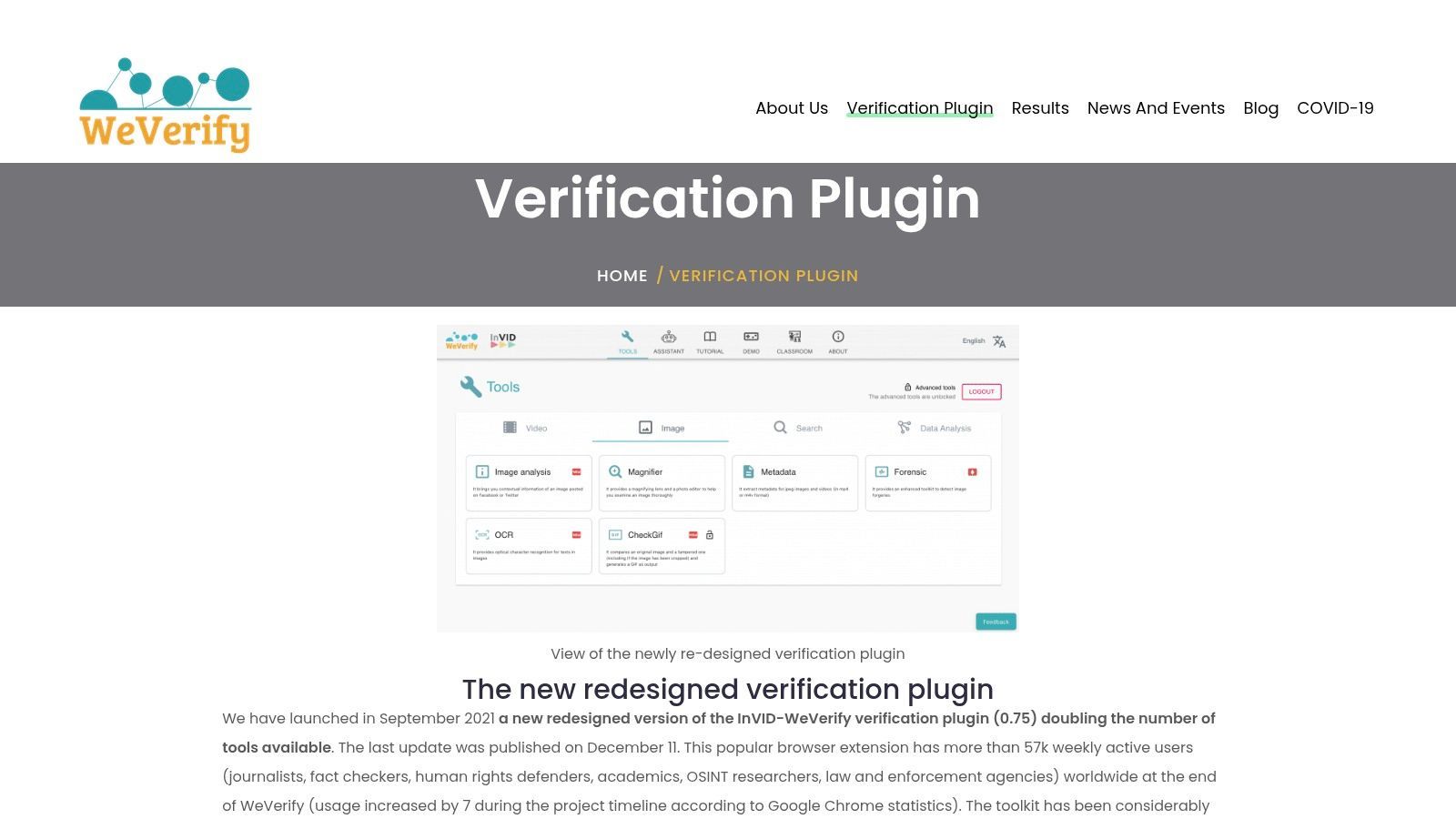
The InVID & WeVerify Verification Plugin is still one of the most practical browser-based tools for turning a messy video search into a repeatable workflow. It pulls keyframes from supported public video URLs, lets you inspect thumbnails and metadata, and sends frames to multiple reverse image engines without making you juggle tabs manually.
Here's the interface commonly used first:
Why it works in real creator workflows
A lot of “video source finder” advice still assumes you have one clean frame and one clean result. That falls apart fast once a clip has been cropped, compressed, captioned, or reformatted vertically. Recent guidance around reverse video search points out that a better method is to sample multiple keyframes and compare the oldest match, especially when shorts are derived from longer originals, as explained in Opus's reverse video search guidance.
That's where InVID earns its spot. It makes multi-keyframe searching fast enough that you'll do it.
- Best use case: Public YouTube, X, Facebook, and direct video URLs where you need several frames quickly.
- What it gives you: Keyframe extraction, reverse-search shortcuts, basic metadata views, and simple forensics-style image tools.
- Where it struggles: Stories, private uploads, paywalled pages, and anything that disappears before you can inspect it.
Practical rule: Don't trust the first matching frame. Pull several frames from early, middle, and late moments, then look for the oldest credible appearance.
If you're building a repeatable process for traced clips, attribution, and repurposing, Klap's own guide to finding the original video source pairs well with this plugin.
Use the InVID & WeVerify Verification Plugin when you need a strong first pass, not a final verdict.
2. Amnesty International – YouTube DataViewer
Some tools try to do everything. YouTube DataViewer does one job well enough that it stays useful.
Paste in a YouTube URL and it exposes the upload date and time, the video ID, and the auto-generated thumbnails. For creators, that matters because “source” on YouTube often means “earliest visible upload I can verify on this platform,” not necessarily the actual original recording.
Where it earns its keep
This tool is strongest when a short clip keeps pointing back to YouTube. If a quote, speech, tutorial segment, or interview excerpt has been copied around social media, DataViewer helps you establish whether a YouTube upload is early, late, or just one more repost.
That timeline angle matters because neutral guidance on reverse video search still says the best practical route is frame extraction, reverse image search, metadata inspection, and checking earliest timestamps. It also notes that most search engines aren't scanning full video bitstreams for provenance, as discussed in this reverse video search explainer from V Digital Services.
- Best use case: You suspect the original or earliest major upload is on YouTube.
- What it does fast: Pulls auto-thumbnails for reverse searching without any install.
- Big limitation: It doesn't help with TikTok, Reels, direct MP4s, or platform-native edits outside YouTube.
If the same clip exists in ten reposts, DataViewer helps you sort YouTube chronology. It doesn't prove authorship by itself.
That distinction matters for ethical repurposing. Earliest upload is often a useful clue, but it isn't the same as confirmed ownership.
If your hunt starts and ends on YouTube, Amnesty International's YouTube DataViewer is still one of the simplest tools to keep bookmarked.
3. Google Lens
Google Lens is what I use when I want broad web coverage fast.
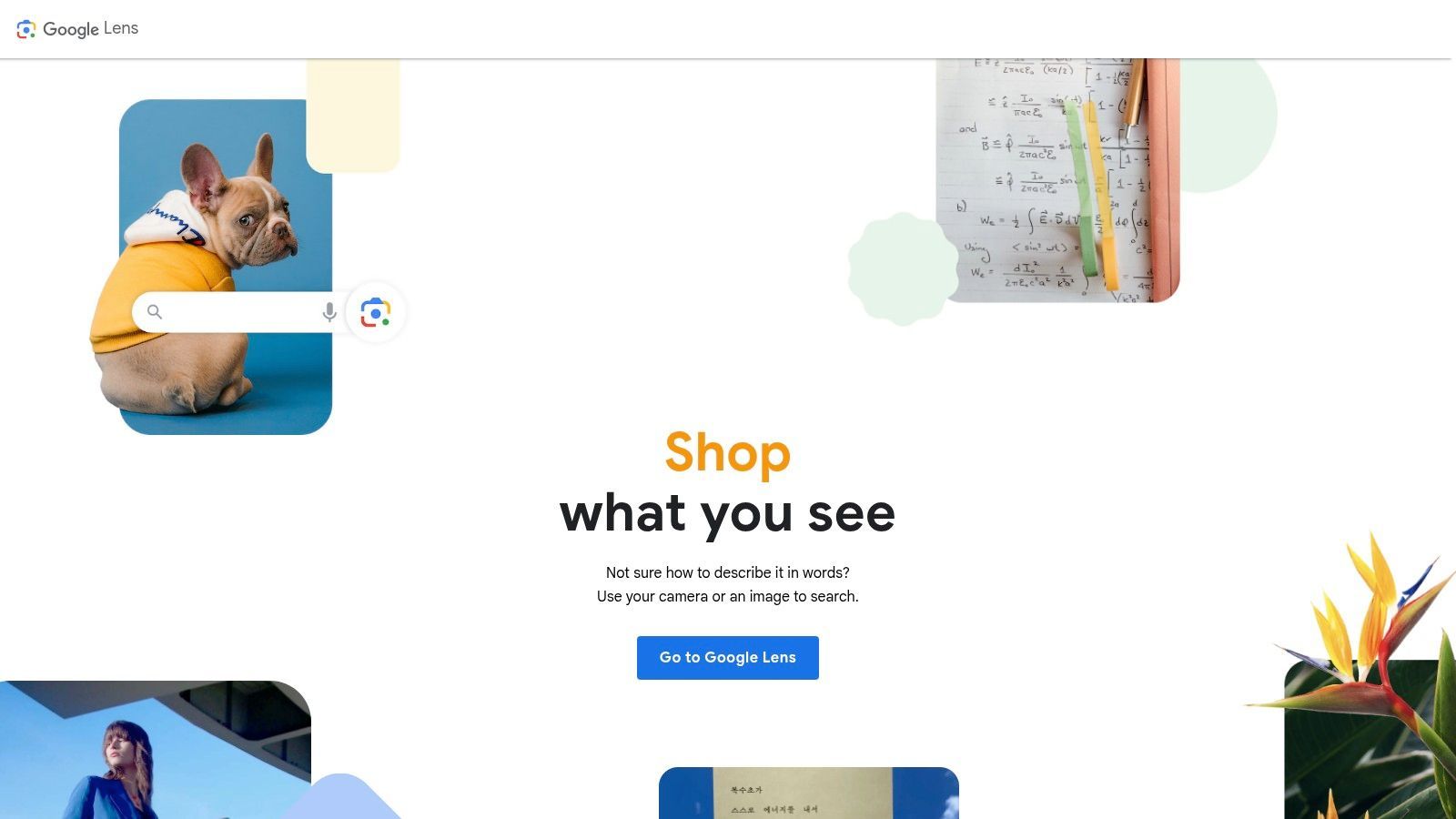
It's not built specifically as a video source finder, but frame-based source finding often becomes image search anyway. Extract a good frame or screenshot, run it through Lens, and you'll often get matching pages, visually similar images, and useful text recognition if the clip contains signs, subtitles, usernames, or on-screen branding.
Here's the kind of interface creators already know how to use:
What Lens is good at, and what it gets wrong
Lens shines when the frame includes recognizable landmarks, products, faces in well-indexed contexts, or readable text. It's often the fastest way to connect a screenshot to the page where that image or a similar version appears.
But it can also drift toward consumer intent. Search a frame from a film scene, a product demo, or a fashion-heavy clip, and you may get shopping-style results before provenance clues.
- Use it first for: General web discovery, object recognition, and text extraction.
- Use something else when: You need exact-match discipline more than broad similarity.
- Best habit: Crop tightly around the unique element before searching. Don't feed Lens a noisy screenshot full of UI clutter.
If your frame searches keep failing, it's usually not because Lens is useless. It's because the screenshot is too compressed, too heavily captioned, or too generic. This breakdown of why reverse image search fails covers the common failure points well.
Use Google Lens when you need speed, convenience, and the widest mainstream web signal.
4. Yandex Images
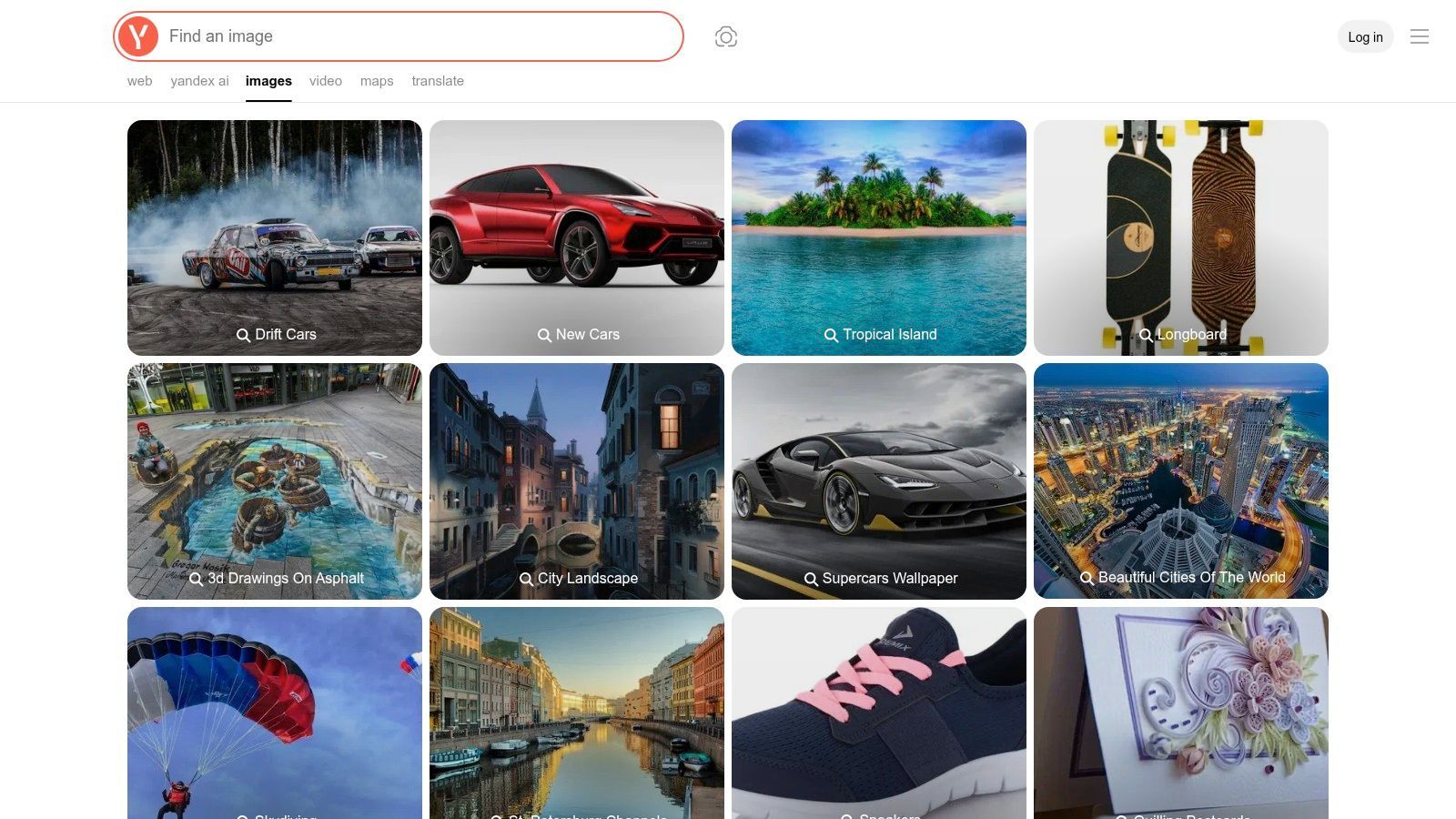
Yandex Images is the tool I reach for when Google comes back thin, obvious, or too US-centric.
A lot of creators ignore it because the interface feels less familiar. That's a mistake. For older web pages, non-English results, and visually similar matches outside the usual Google ecosystem, Yandex often surfaces different trails.
When Yandex outperforms broad mainstream search
It's especially useful when a clip has circulated internationally, when captions have been translated, or when the earliest indexed appearance may be on sites that Google doesn't rank prominently for your query.
I've also found it helpful for frames with faces, distinctive settings, and older stills pulled from TV or web archives. It won't solve everything, but it complements Google better than often anticipated.
- Strongest move: Run the same keyframe through both Lens and Yandex, then compare the oldest and most context-rich results.
- Good fit for: International reposts, non-English pages, and older indexed material.
- Trade-off: Privacy expectations and interface behavior may differ from what your team is used to.
Yandex is rarely my only search engine. It's often the one that finds the page Google skipped.
For hard-to-trace repost chains, Yandex Images belongs in the second round of your process, not as an afterthought.
5. TinEye Reverse Image Search
TinEye is less flashy than Lens, but that's part of why it stays useful.
When you're trying to find exact or near-exact uses of a frame, thumbnail, or promotional still, TinEye can be more disciplined. It's often better for tracing reuse of the same image asset across multiple pages, especially if your goal is to identify older copies or larger original versions.
Where TinEye fits best
This is the tool for cleaner stills. If you've extracted a keyframe that looks like a thumbnail, title card, promo still, or minimally altered scene image, TinEye can help you map how that exact visual traveled.
It's less helpful when the image is heavily modified or when you need broad conceptual similarity. That's where Lens and Yandex usually do better.
- Best use case: Exact still matching, old thumbnail tracking, near-identical reposts.
- Useful feature: Sorting options that help surface older or more changed versions.
- Main drawback: A smaller index means it won't always catch wider visual cousins.
If you're trying to work backward from a reposted short to a likely original asset path, Klap's write-up on reverse video search workflows gives a practical companion approach.
Go to TinEye Reverse Image Search when you want precise still matching more than broad discovery.
6. trace.moe
Most reverse search tools become dramatically better when the domain is narrow. trace.moe is the perfect example.
If a clip comes from anime, stop forcing general-purpose tools to guess. trace.moe is built specifically to identify anime scenes from images and short snippets, and it returns the title, episode, and timestamp context that general image engines usually can't.
A specialist that saves time
The constant reposting of anime clips with edits, color tweaks, text overlays, and compression complicates general reverse image searches. However, trace.moe typically finds the answer much faster when the source is in its dataset.
It's also one of the few tools on this list that behaves more like a scene matcher than a generic web image search utility.
- Use it when: The clip is anime, even if you're only moderately sure.
- Why it stands out: It returns context, not just “similar images.”
- Why it's limited: It's basically useless for live action, UGC, podcasts, sports, and documentaries.
For creators who remix anime commentary, fan edits, or cultural trend explainers, trace.moe can eliminate a huge amount of manual guesswork.
7. ShotDeck
ShotDeck is not an open-web reverse search engine. That's exactly why it's so useful for a certain kind of source hunt.
If your mystery clip looks cinematic, polished, and likely pulled from a movie, TV show, or commercial-grade production, ShotDeck gives you a curated way to search by visual language. You can filter by color, framing, composition, lens feel, and other production cues that creators notice when they're trying to identify a scene.
Best for movie and TV source hunts
This is the one I'd use for “what film is this from?” style questions, especially when the clip has been repackaged into aesthetic edits, fan compilations, or mood-board content.
Because the database is curated, the results can feel much cleaner than broad web search. The downside is obvious. If the source is a podcast, webinar, YouTube documentary, or random social upload, ShotDeck won't help much.
- Strongest move: Search with a frame that preserves composition and color palette.
- Great for: Film references, TV scenes, ad-style visuals, lookbook sourcing.
- Weak for: UGC and platform-native social video.
If your team works across clip research and creative repurposing, Klap's guide on searching by video is a useful adjacent read for connecting source discovery to clip production.
Use ShotDeck when the visual grammar says cinema, not social.
8. Flim.ai
A common creator problem looks like this. You pull a sharp, polished clip from a repost account, know it came from an ad, music video, or scripted production, and need the original source before you can reuse it responsibly in a campaign or content remix.
Flim.ai is built for that kind of search. It helps identify footage inside a curated catalog of films, series, commercials, and music videos, which makes it more useful for creative teams than a general reverse search tool when the footage already looks professionally produced.

Why marketers like it
For marketers and editors, source-finding is rarely just about proving a clip is real. The practical job is to identify the original, document attribution, confirm whether the asset is safe to reference or license, and decide whether it belongs in a repurposing workflow later.
Flim.ai works well for that because discovery and reference gathering happen in the same place. You can search for likely source material, save boards, and keep visual references organized for campaign development. That is useful when a team is tracing inspiration and clearing usage questions at the same time.
The trade-off is coverage. Flim.ai only helps with material inside its indexed library. If the clip came from YouTube, TikTok, a webinar, or a repost chain from a smaller account, start with open-web tools and use Flim.ai once you have signs the footage came from commercial entertainment.
- Best use case: Commercials, music videos, scripted series, films.
- Helpful for: Attribution research, reference boards, creative sourcing.
- Less useful for: UGC, livestreams, podcasts, and social-first uploads.
The broader market is moving in this direction. The video analytics market is projected to grow from USD 15.11 billion in 2025 to USD 109.85 billion by 2035, with a 21.94% CAGR, according to Precedence Research's video analytics market report. For creators, that matters because better indexing and scene-level search make ethical repurposing faster, as long as you still verify rights before publishing.
Use Flim.ai when the clip looks commercial and your next step is not just identification, but attribution and organized reuse planning.
9. Know Your Meme
Know Your Meme is messy in the same way internet culture is messy. That's why it belongs here.
When a clip has become a format, a meme, or a recurring trend sound with visual baggage attached, a normal reverse image search may only show you reposts. Know Your Meme can help by giving the clip a name, documenting its spread, and pointing you toward the upload or context that made it recognizable in the first place.

It's a context engine, not a forensic engine
That distinction matters. I wouldn't use it to verify ownership by itself. I would use it to decode what I'm looking at when the clip has been detached from its original title and now lives as a meme phrase, reaction format, or trend shorthand.
Once you know the common name, the source hunt gets easier across every other tool.
- Use it for: Viral clips, meme formats, trend names, recognizable catchphrases.
- What it adds: Origin stories, spread patterns, and naming conventions.
- What it doesn't replace: Frame search, metadata checks, and rights confirmation.
A meme database won't settle legal questions, but it often solves the “what is this clip actually called?” problem in minutes.
Go to Know Your Meme when the internet has renamed the source and buried the original under layers of remix culture.
10. Videntifier
A creator with a growing archive hits a different problem than a casual searcher. The question stops being “where did this clip come from?” and becomes “is this our footage, and who is reusing it across edited versions?”
Videntifier is built for that second job. It uses video fingerprinting to match content against reference files you upload, which makes it useful when a clip has been cropped, re-encoded, subtitled, or lightly edited. That puts it closer to rights operations and content moderation than to the browser-based tools earlier in this list.
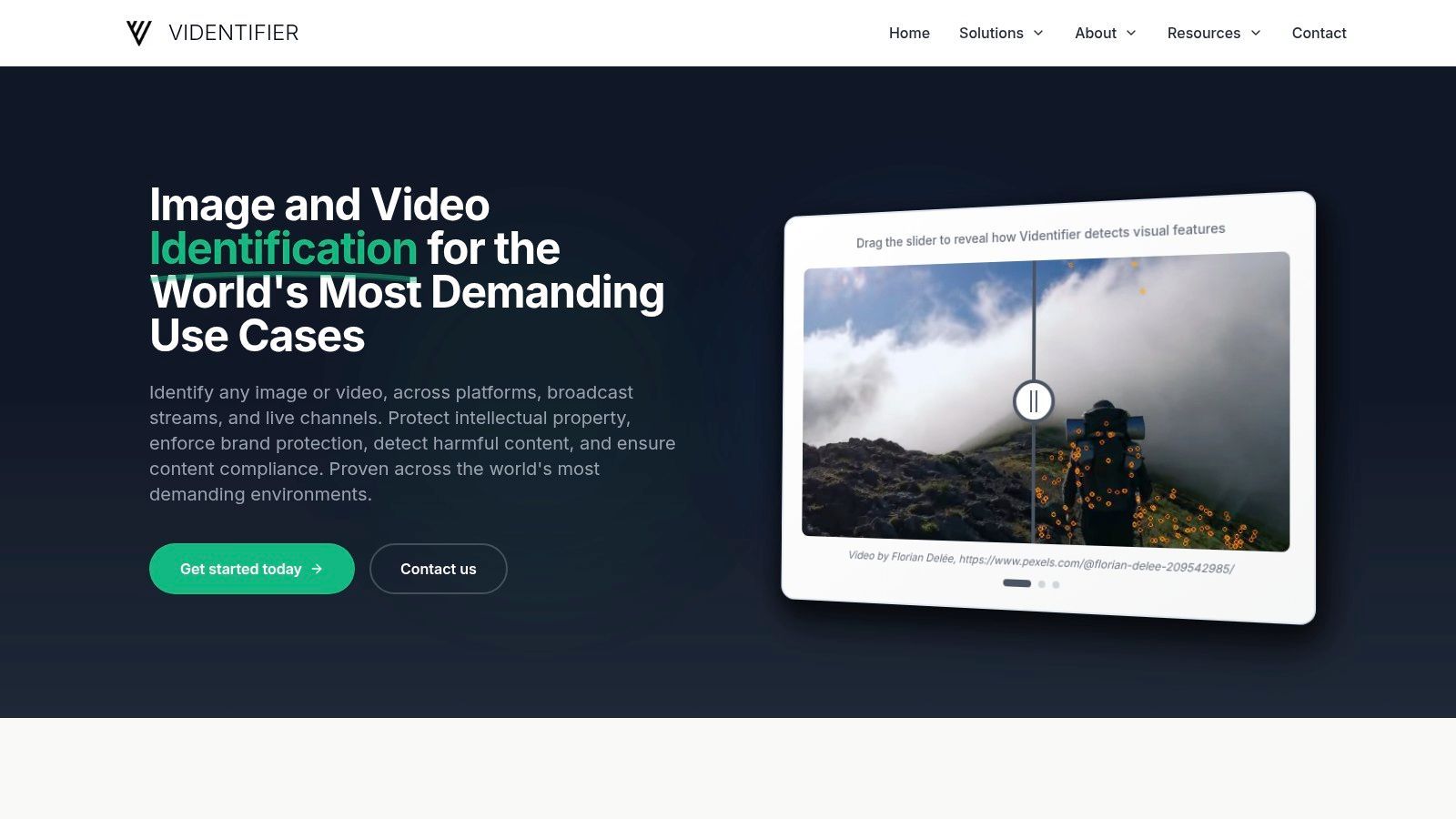
For content teams, that distinction matters. If you are trying to ethically repurpose footage, attribution and license checks still come first. If you manage a branded video library, licensed assets, or UGC at scale, fingerprinting helps you keep track of what you own, what you have rights to use, and where altered copies start showing up.
The trade-off is straightforward. Reverse image tools search the public web. Videntifier searches against a reference corpus you maintain, so setup, budget, and workflow design are part of the deal.
- Best use case: Rights management, archive tracking, moderation pipelines, and large content libraries.
- Big advantage: Better matching across edited or transformed copies than frame-based search alone.
- Big limitation: It is overkill for one-off source hunts and only works well if you feed it the right reference material.
That matters more as AI-assisted editing and repurposing spread. Fortune Business Insights projects the AI video generator market to grow from USD 716.8 million in 2025 to USD 3.35 billion by 2034 at an 18.80% CAGR: https://www.fortunebusinessinsights.com/ai-video-generator-market-110060. As more teams remix clips at scale, source tracking becomes part of content operations, not just legal cleanup.
If your workflow is “find the original, confirm rights, then cut approved clips into new social assets with tools like Klap,” Videntifier sits on the control side of that process. It is less about discovery and more about persistent identification inside a system you manage.
If that is your problem, Videntifier is worth a serious look.
Top 10 Video Source Finder Comparison
ToolCore features👥 Target✨ Unique / 🏆★ Quality💰 Price/value
InVID & WeVerify Verification Plugin
Keyframe extraction, multi‑engine reverse searches, metadata & forensic filters
👥 Fact‑checkers, investigative journalists
✨ All‑in‑one newsroom toolbox; EU verification standard 🏆
★★★★☆
💰 Free
Amnesty International – YouTube DataViewer
Pulls upload date/time, video ID, and all auto‑thumbnails for reverse searches
👥 Investigators building timelines on YouTube
✨ Exact upload metadata for "first seen" verification
★★★★☆
💰 Free
Google Lens
Reverse image search with object/text detection; Chrome & mobile integration
👥 Broad users, journalists, researchers
✨ Large index + fast, familiar UI 🏆
★★★★★
💰 Free
Yandex Images
Upload/image URL search with different index coverage
👥 Investigators targeting non‑English/Cyrillic web
✨ Surfaces sources Google may miss (international depth)
★★★★☆
💰 Free
TinEye Reverse Image Search
Exact/near‑exact image matching, sorting by oldest/changed, API & alerts
👥 Rights managers, investigators, archivists
✨ Excellent at finding originals/file variants
★★★★☆
💰 Freemium (API/alerts paid)
trace.moe (Anime Scene Search)
Matches frames to anime title, episode & timestamp; accepts snippets
👥 Anime fans, moderators, creators
✨ Best‑in‑class anime scene identification with exact timestamps 🏆
★★★★★
💰 Free web use (API limits/paid tiers)
ShotDeck (Film/TV stills)
Curated stills, visual filters (color, composition, camera), similar‑shot search
👥 Filmmakers, creatives, researchers
✨ Deep film metadata for pinpointing cinematic sources
★★★★☆
💰 Paid (creator pricing + trial)
Flim.ai
Visual search across movies/ads/music vids, boards, high‑res downloads
👥 Creative teams, agencies, brands
✨ Strong coverage of ads & music‑video cuts for creative workflows
★★★★☆
💰 Paid (Pro features behind tiers)
Know Your Meme
Editorial entries documenting origin, spread, citations for viral content
👥 Journalists, researchers, social creators
✨ Contextual provenance and trend history for memes
★★★★☆
💰 Free
Videntifier
Robust video fingerprinting (handles re‑encoding/cropping), API & on‑prem/cloud
👥 Platforms, rights holders, large enterprises
✨ Industrial‑grade scale & accuracy for monitoring/moderation 🏆
★★★★★
💰 Enterprise (paid integration)
Your Source-Finding Workflow and What Comes Next
The best video source finder setup isn't one tool. It's a sequence.
Start by extracting multiple frames from the clip. InVID is usually the quickest way to do that from a public URL. Then send those frames through broad engines like Google Lens and Yandex Images. If the clip appears to come from a specific media domain, switch to the specialist. trace.moe for anime, ShotDeck for film and TV, Flim.ai for ads and music-heavy content, YouTube DataViewer when chronology on YouTube matters.
That multi-step approach also matches how video discovery works on the web. Google's own documentation for video discovery treats crawlability, stable URLs, and structured data as core requirements, and notes that Google needs to fetch the video bytes to enable features like video previews and key moments, as explained in Google's video search documentation. In plain terms, discoverability depends on infrastructure and metadata, not just the clip itself.
For creators and marketers, there's a second lesson here. Source finding is no longer just about identifying an unknown video. It's often about tracing a short clip back to a longer original so you can request permission, verify context, or work from the cleanest licensed source. That's the difference between scraping content and building a repurposing workflow you can keep using.
Once you have the original, the bottleneck changes. The question stops being “where did this come from?” and becomes “how do I turn this source into publishable short-form efficiently?” That's where AI clipping tools fit. Klap is one option if your workflow starts from a long video or a YouTube link and ends with vertical, social-ready clips. It analyzes the source, identifies strong moments, reframes for short-form formats, adds captions, and gives you a draft set of clips to review rather than forcing you to scrub manually through the full file.
That shift matters because source-finding and repurposing are now part of the same pipeline. Find the origin. Confirm the rights. Pull the best version. Then move into editing and formatting.
If you're also improving the technical quality of older source footage before repurposing it, this guide to AdCrafty's video upscale workflow is a useful next step.
A good creator workflow is simple to describe and hard to fake. Find the earliest credible source. Verify context. Get permission when needed. Then build something original on top of it.
If you already have long videos, interviews, webinars, podcasts, or YouTube uploads and want to turn them into short-form clips faster, Klap is built for that repurposing step. It helps you go from source video to social-ready shorts with captions, reframing, and quick editing, so the time you saved finding the right source doesn't get lost in manual clipping.
