
Instagram Reels Dimensions (2026): A Complete Guide for Perfectly Formatted Reels
Content Creation
Quick Summary
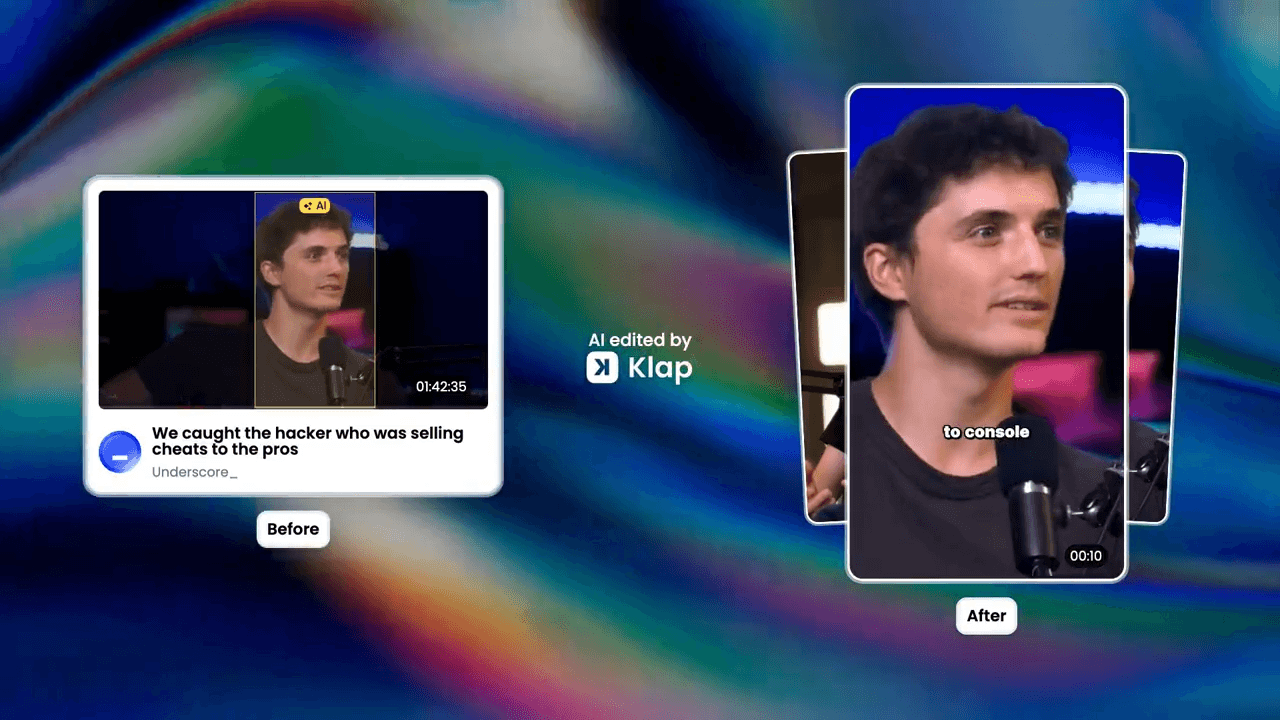
The ideal Instagram Reels aspect ratio is 9:16 (1080 × 1920 pixels) for full-screen vertical viewing. Formats like 4:5 and 1:1 reduce screen space and can cause cropping or UI overlap. This article covers the correct dimensions, safe zones, export settings, and common formatting mistakes to avoid. For more Instagram Reels tips and short‑form content advice, check out the Klap blog.
Having Trouble Getting Your Instagram Reels to Look Right?
You spent hours editing your video, but it looks cropped or blurry. Your CTA is hidden behind the Like button, and nothing seems to line up.
Before troubleshooting your camera or editing software, check your dimensions. Instagram favors full-screen vertical content, and incorrect formatting can signal to both viewers and the algorithm that your video doesn’t belong.
Poor dimensions hurt retention, lower completion rates, and prevent your Reel from reaching the Explore feed. You don’t need a better camera; you need the correct safe zones and aspect ratios.
In this Klap article, we cover the exact Instagram Reels dimensions for 2026 and show how to format videos that look native on Instagram.
Why Listen to Us?
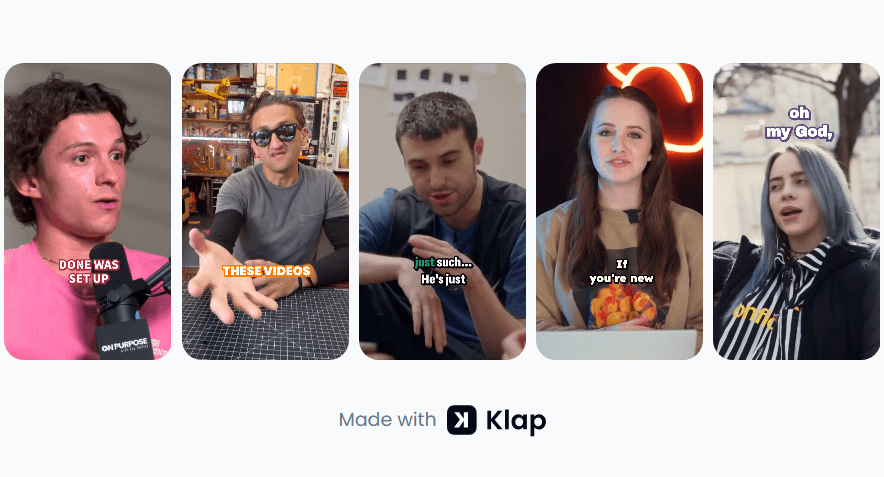
At Klap, we’ve helped over 2 million creators turn long-form videos into perfectly formatted Reels for Instagram, TikTok, and YouTube Shorts. By analyzing millions of clips, we understand exactly how formatting impacts reach, retention, and watch time.
What Are Instagram Reels Dimensions?
First, a quick definition for context. Instagram Reels are short-form vertical videos designed for full-screen, mobile-first viewing. They appear in the Reels feed, Explore page, and home feed, where users scroll continuously through video content.
Instagram Reels dimensions define how those videos should be sized, framed, and exported. Because Reels are built to fill the entire screen, Instagram expects a specific vertical aspect ratio and resolution. Using the correct dimensions ensures your video displays clearly, avoids cropping or zooming, and feels native rather than disruptive.
Why Instagram Reels Dimensions Matter
In 2026, Instagram prioritizes high-quality, native content. Using the correct dimensions helps you:
- Prevent cropping or zooming issues
- Keep text and visuals clear and readable
- Avoid UI overlap from captions, buttons, and usernames
- Improve retention and completion rates
- Make your content feel native on Instagram and build trust
Even small formatting mistakes can hurt watch time, and viewers notice when something looks off.
What Are the Best Instagram Reels Dimensions for 2026?
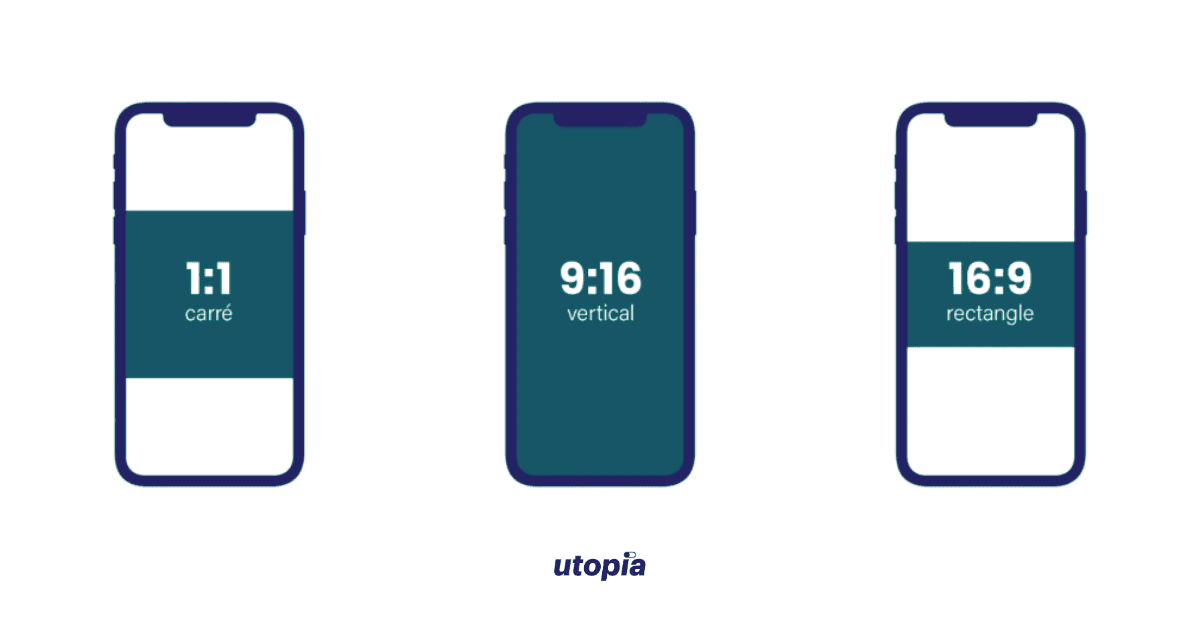
To ensure your content displays correctly and avoids visual issues, use these recommended settings:
- Aspect ratio: 9:16
- Resolution: 1080 × 1920 pixels
- Orientation: Vertical
- Frame rate: 30–60 FPS
- File type: MP4 or MOV
- Video codec: H.264
- Audio codec: AAC
Duration Limits Updated for 2026
Reels began as 15-second clips, but Instagram currently allows in-app recordings up to 20 minutes and video uploads up to 15 minutes. The 9:16 aspect ratio remains the standard for all Reels.
For wider reach, Reels under 90 seconds tend to perform better in the Explore feed. Videos over 3 minutes are supported but are mainly shown to existing followers rather than attracting new viewers.
Where Not to Place Your Text or Graphics
Even at the correct resolution, some areas of the screen aren’t safe for important visuals. Instagram overlays captions, profile info, and action buttons on Reels.
To prevent cutoffs:
- Keep key text and visuals within the central 1080 × 1350 px area
- Avoid placing important elements near the top header
- Avoid placing important elements near the bottom captions and engagement buttons
- Leave extra padding on the left and right edges for icons
The 3:4 Profile Grid Update
Instagram displays Reel thumbnails taller than the traditional square, cropping them to roughly 1080 × 1440 pixels in your profile grid. Designing your cover with this center crop in mind keeps your grid visually consistent and prevents important text or visuals from being cut off.
Instagram Reels Dimensions vs Other Formats
Knowing how Reels differ from other formats helps prevent posting errors. Even if dimensions match, each format’s interface places text, buttons, and UI elements differently.
Here’s how they compare:
- Instagram Reels: 9:16 (1080 × 1920)
- Instagram Feed (Portrait): 4:5 (1080 × 1350)
- Instagram Stories: 9:16 (1080 × 1920)
- TikTok: 9:16 (1080 × 1920)
- YouTube Shorts: 9:16 (1080 × 1920)
While Stories and Reels may share the same resolution, their usable screen space differs. Buttons, captions, and UI elements occupy different areas in each format.
A video that looks perfect as a Story may have key elements hidden behind the Reels interface. Designing with these safe zones in mind prevents visual clutter and keeps your call-to-action clear.
Common Instagram Reels Dimension Mistakes to Avoid
- Uploading Horizontal or Square Videos: Landscape (16:9) or square (1:1) videos get pillarboxed or cropped, which reduces engagement and retention.
- Placing Text Too Low: Text in the bottom 35% of the screen can be hidden by captions and engagement buttons, making it unreadable.
- Using Low Resolution Exports: Videos under 1080 × 1920 can appear soft or compressed, especially on larger phones.
- Reusing Feed Videos Without Reframing: Feed videos are not designed for full-screen vertical viewing. Without reframing, important visuals may fall outside safe zones.
Best Export Settings for Instagram Reels
To ensure your videos stay crisp and clear after upload:
- Resolution: Export at 1080 × 1920, not higher resolutions like 4K
- Bitrate: Use a bitrate between 8 and 12 Mbps
- File Format: Stick to MP4 (H.264) for best compatibility
- Compression: Avoid heavy compression before uploading
Instagram compresses videos during upload, which can reduce quality. Exporting with optimized settings helps maintain clarity and preserves visual quality once your Reel is live.
How to Design Reels That Look Native
Formatting is only part of the equation. High-performing Reels usually share these traits:
- Clear visuals sized for vertical viewing
- Large, readable captions
- Strong contrast between text and background
- Motion that stays within frame boundaries
Designing with mobile viewing in mind reduces friction and keeps your viewers engaged longer.
How to Create Perfectly Formatted Instagram Reels With Klap
Formatting Instagram Reels can be time-consuming, but you don’t have to do it manually. Klap helps creators and businesses turn long-form videos into Reels that are correctly sized, framed, and captioned, eliminating the stress of manual editing.
Here’s how to get the perfect dimension with Klap:
Step 1: Sign Up and Choose a Plan
Create an account at klap.app and start with a free trial (no credit card required) or a paid plan. Once registered, you’ll have access to Klap’s AI-powered video-editing platform, built specifically for content repurposing.
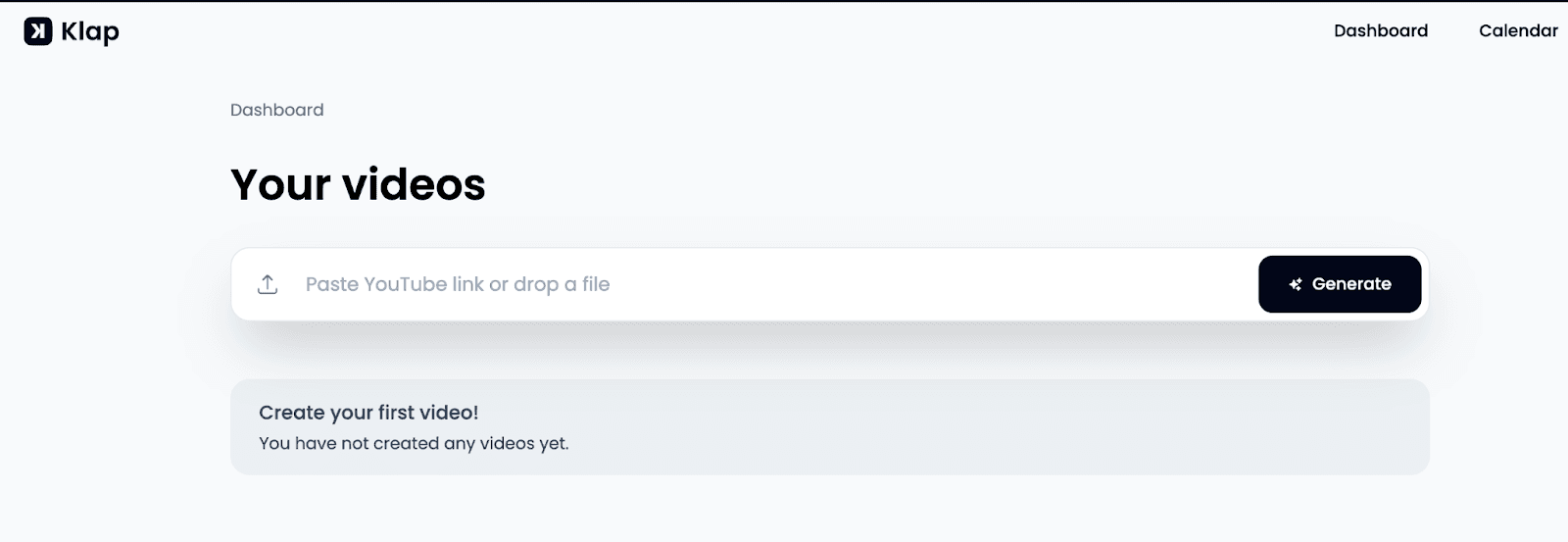
Step 2: Upload Your Long-Form Video
Upload your podcasts, interviews, tutorials, or webinars from your device or cloud storage directly to Klap. All major video formats are supported.
Step 3: Let AI Identify Strong Moments
Klap analyzes your video to identify strong hooks, value points, emotional triggers, clear highlights, and segments with high retention potential that can work as standalone clips. This analysis usually takes just a few minutes, even for hour-long videos.
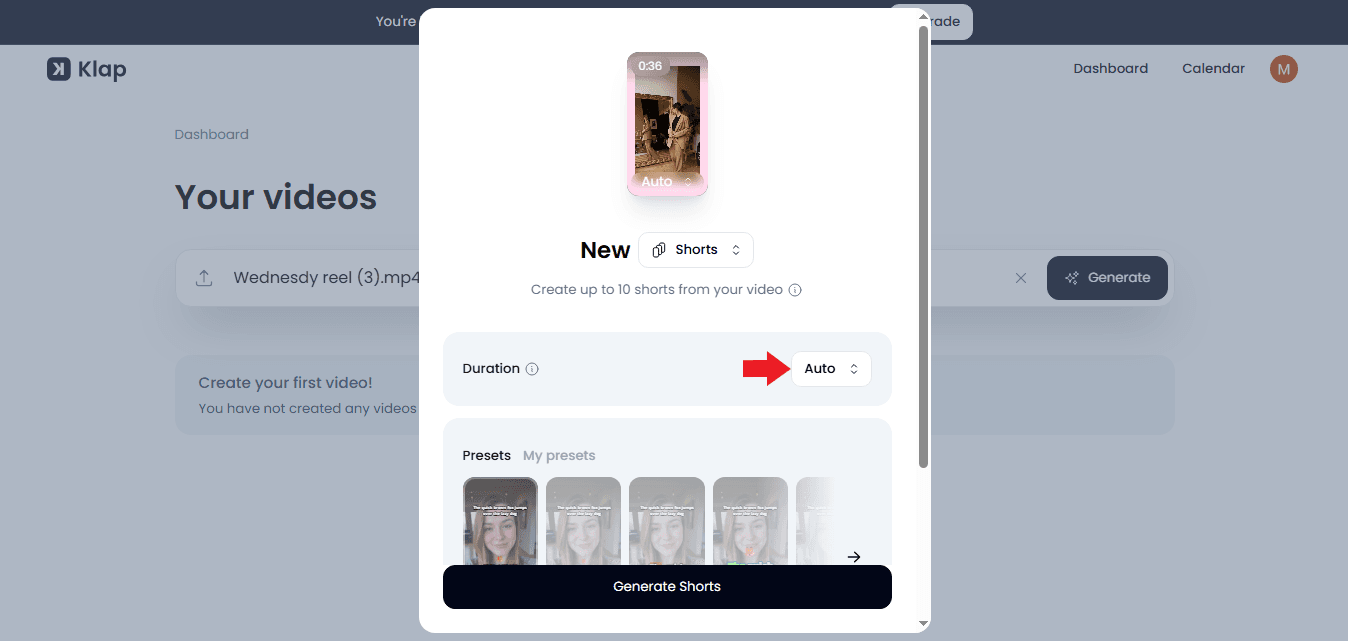
Step 4: Customize for Instagram
Klap automatically reframes your content for Instagram (vertical 9:16 and 4:5) while also optimizing for TikTok, Facebook, and YouTube Shorts. AI face-tracking keeps speakers centered and ensures all key visuals stay within safe zones, so no text or faces are hidden by the Instagram UI.This reduces manual adjustments and helps every clip look native across platforms, regardless of where it’s published.
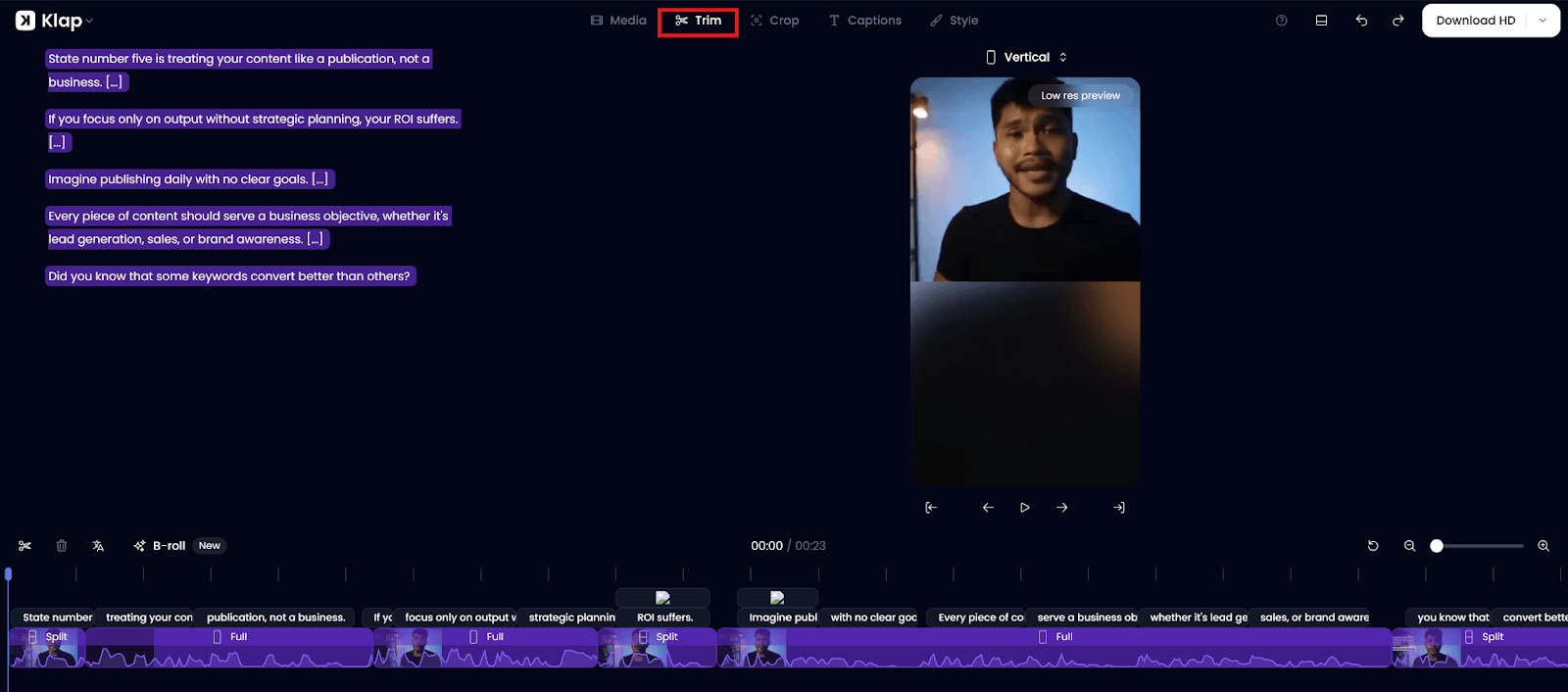
Step 5: Add Captions and Styling
Enhance your clips with AI-generated captions that are automatically synced, styled, and positioned within Instagram Reels’ 2026 safe zones. Captions remain readable on all devices and avoid UI overlap from buttons or usernames. You can customize fonts, colors, and placement to match your brand while maintaining clear, accessible on-screen text.
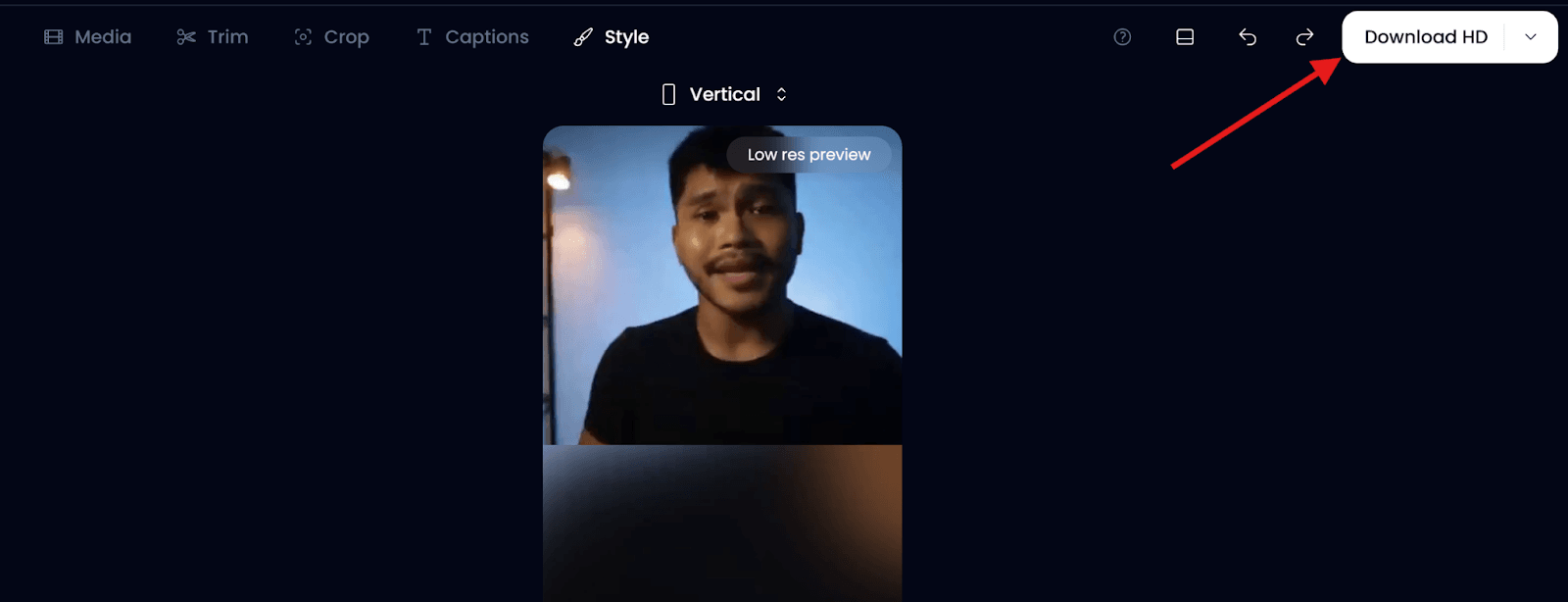
Step 6: Export Your Reels
Download your finished video as high-quality MP4 files ready for direct upload to Instagram. Klap lets you turn a long video into multiple Reels instantly, providing variations for A/B testing without rebuilding edits from scratch.
Create Viral Instagram Reels with Klap
Using the correct Instagram Reels dimensions gives your content the best chance to perform. Proper aspect ratios and safe zones ensure your videos look native and hold attention long enough to make an impact.
With optimized formatting, you can focus on what really matters: storytelling and hooks. Klap makes it effortless to hit that sweet spot. Instead of manual editing, the AI automatically extracts your best moments and formats them for Instagram in minutes.
Try Klap today and turn your existing content into high-performing Instagram Reels that drive real results.
