
12 Best Vertical Video Editor Tools for 2026 (Ranked & Reviewed)
Other
The days of just cropping your 16:9 YouTube video and hoping for the best on TikTok are long gone. Think about it: over 90% of us watch videos on our phones vertically. A badly formatted video is an instant scroll. The right vertical video editor doesn't just awkwardly crop your footage; it helps you transform long-form content into snappy, shareable clips for Reels, Shorts, and TikTok. It's about more than just changing the shape—it's about finding the best moments, adding eye-catching captions, and making every second count for a mobile audience.
Finding the best vertical video editor for your workflow is a game-changer. A podcaster needs a different tool than a social media manager juggling client accounts. This guide cuts through the marketing fluff to help you choose. We’ve broken down the top platforms, from smart AI tools like Klap and Opus Clip that do the hard work for you, to professional-grade software like Adobe Premiere and super-accessible apps like CapCut.
Each review gives you a clear look at what each tool does best, its honest limitations, and who it’s really for. You'll see screenshots and get actionable advice to figure out which editor fits your budget, skill level, and what you’re trying to achieve. And remember, for creators looking to grow, a great editor is just one piece of the puzzle. A smart multi-platform strategy is also crucial, and understanding tactics like creating multiple TikTok accounts for business growth can amplify your editing efforts to get more eyes on your content. Let’s find the tool that will help you create your next viral hit.
1. Klap
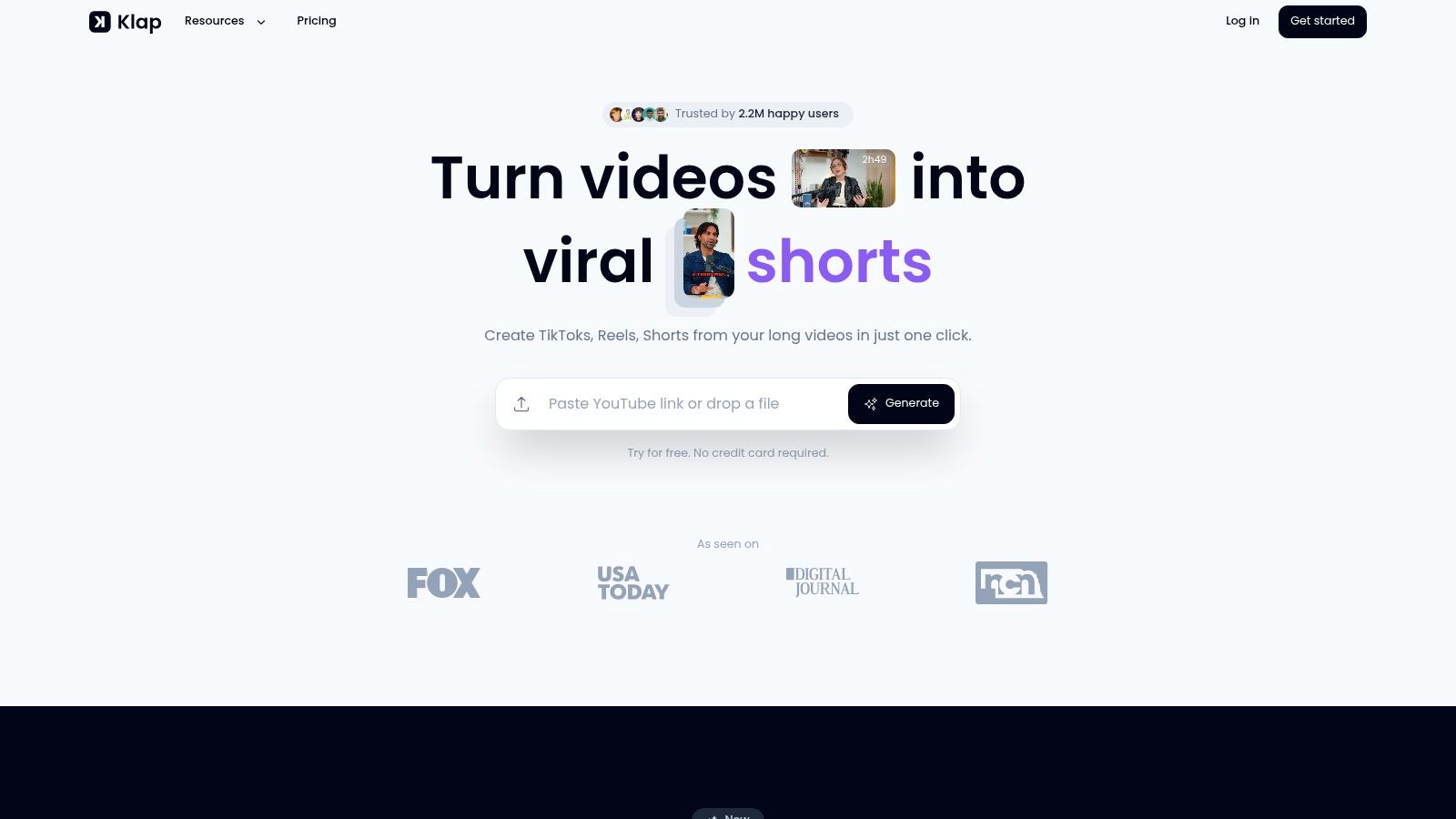
Klap is the gold standard for AI-powered video repurposing, earning its spot as our top pick for the best vertical video editor. It’s built to solve a huge headache for creators: turning long videos into a steady supply of high-potential short clips with almost no manual work. You feed it your YouTube videos, podcasts, or webinars, and its AI automatically finds the most interesting parts, reframes them for vertical screens, and adds dynamic captions.
Its main job is to help you create content faster and at a larger scale. For instance, if you paste in a YouTube link, Klap's AI analyzes the video's content to find viral-worthy moments. You can expect to get around five distinct short clips for every one minute of original footage—a stat that shows just how efficient it is. This automated process saves creators hours of manually scrubbing through timelines.
Analysis & Key Features
What really makes Klap stand out is its intelligent AI Reframe 2 technology. This is more than just basic face tracking. The system analyzes the scene to create dynamic layouts, like split-screens for interviews or a focused view on a product demo, making sure your vertical clip is visually interesting and makes sense. It also gives each clip a "viral score," helping you decide which ones to post first for the biggest impact.
Klap also packs in key features for social media success:
- Automated Captions: It generates and styles subtitles for you. With transcription available in 52 languages, you can reach a much wider audience.
- Brand Kit Customization: Set up your brand's fonts, colors, and logos once, and Klap will apply them to all your clips for a consistent look.
- Publish & Schedule: Post your finished clips directly to TikTok, Instagram, and YouTube Shorts from inside Klap, so you don't need another scheduling tool.
Best For & Limitations
Klap is perfect for podcasters, YouTubers, and social media managers who need to produce a lot of short-form video without hiring more people. It shines with content that has a lot of talking, like interviews and educational videos. However, because it relies on spoken words, it’s not as good for purely cinematic or music-driven videos. While the AI is powerful, a quick manual check to tweak its suggestions will give you the best results that match your brand’s voice.
Pros:
- One-click AI clipping and reframing saves hours of manual work.
- Integrated captions, viral scoring, and multi-language support.
- Direct publishing and scheduling streamlines the entire workflow.
- Strong social proof with over 2.2 million users and 11.4 million clips created.
Cons:
- Best for speech-based content; less effective on videos without talking.
- The free plan is very limited (1 video), and the Pro plan is a commitment at $29/month.
Pricing: A free trial is available to process one video. The Klap Pro plan is $29/month.
Visit Klap
2. Adobe Premiere
Adobe Premiere Pro is the undisputed heavyweight champion for professional video editing. Its power as a vertical video editor is immense, especially if you're already using other Adobe tools. While it's not a one-click AI repurposing tool, its strength is giving editors total control over every pixel when creating a vertical version from a horizontal video. This makes it the top choice for agencies and production teams that need flawless vertical videos for important campaigns.
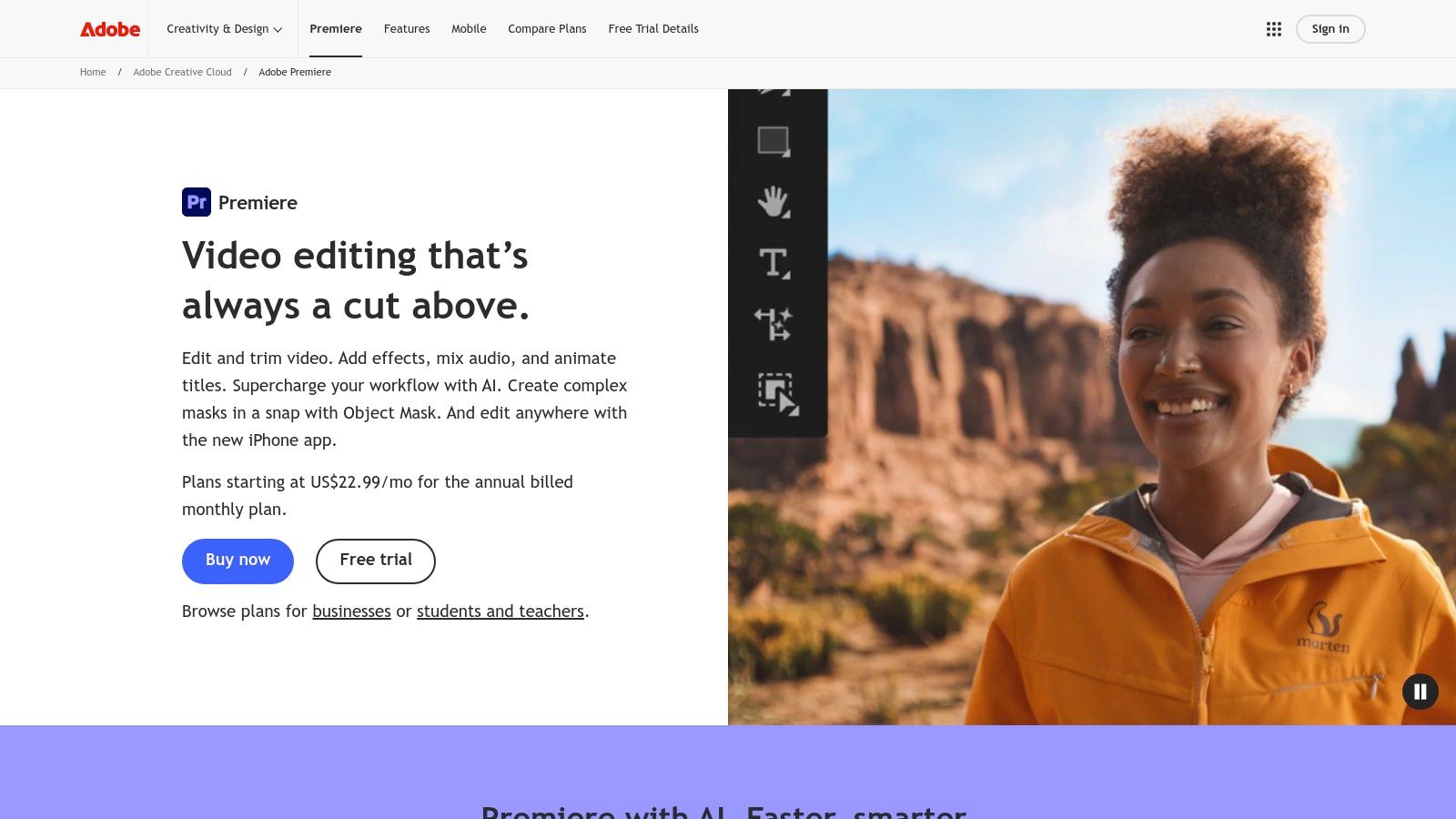
The magic feature here is Auto Reframe. This effect analyzes your 16:9 video and automatically creates a 9:16 vertical version, using motion tracking to keep the main subject in the center of the new frame. It's surprisingly good and saves hours of tedious manual adjustments. For a podcaster with a multi-camera horizontal recording, you can apply Auto Reframe to the final edit and get a solid vertical version ready to go in minutes.
Key Features & Analysis
- Auto Reframe: Intelligently reframes horizontal video for vertical, square, and other formats with motion tracking that follows the action. It's a huge time-saver for turning one main video into multiple social media assets.
- Professional Toolset: You get access to a full suite of pro-level tools, including advanced color grading with Lumetri Color, detailed audio mixing in the Essential Sound panel, and complex motion graphics.
- Transcript-Based Editing: Premiere automatically transcribes your video, letting you edit by simply deleting text from the transcript. This is an incredibly fast way to create punchy clips from longer interviews.
- Creative Cloud Integration: Work seamlessly with other Adobe apps like After Effects for advanced animations and Frame.io for client feedback, all under one subscription.
Pricing
Access to Premiere Pro is through an Adobe Creative Cloud subscription.
- Premiere Pro Single App: ~$22.99/month
- Creative Cloud All Apps: ~$59.99/month (includes Photoshop, After Effects, etc.)
Limitations
The biggest drawback is the steep learning curve. If you're new to video editing, the interface can feel overwhelming compared to simpler web-based tools. The subscription cost is also a factor for creators who just need basic vertical editing.
Best For: Professional video editors, agencies, and content teams who need to create high-quality vertical videos from existing projects and want complete control over the final look.
3. Final Cut Pro
For Mac users, Final Cut Pro offers a powerful and super-fast solution for professional video editing. While it's a traditional editing software, recent updates have made it a strong choice for vertical video, especially for those who love speed and efficiency within the Apple ecosystem. It gives editors precise control over their vertical edits, matching its desktop rivals while being known for its smooth performance.
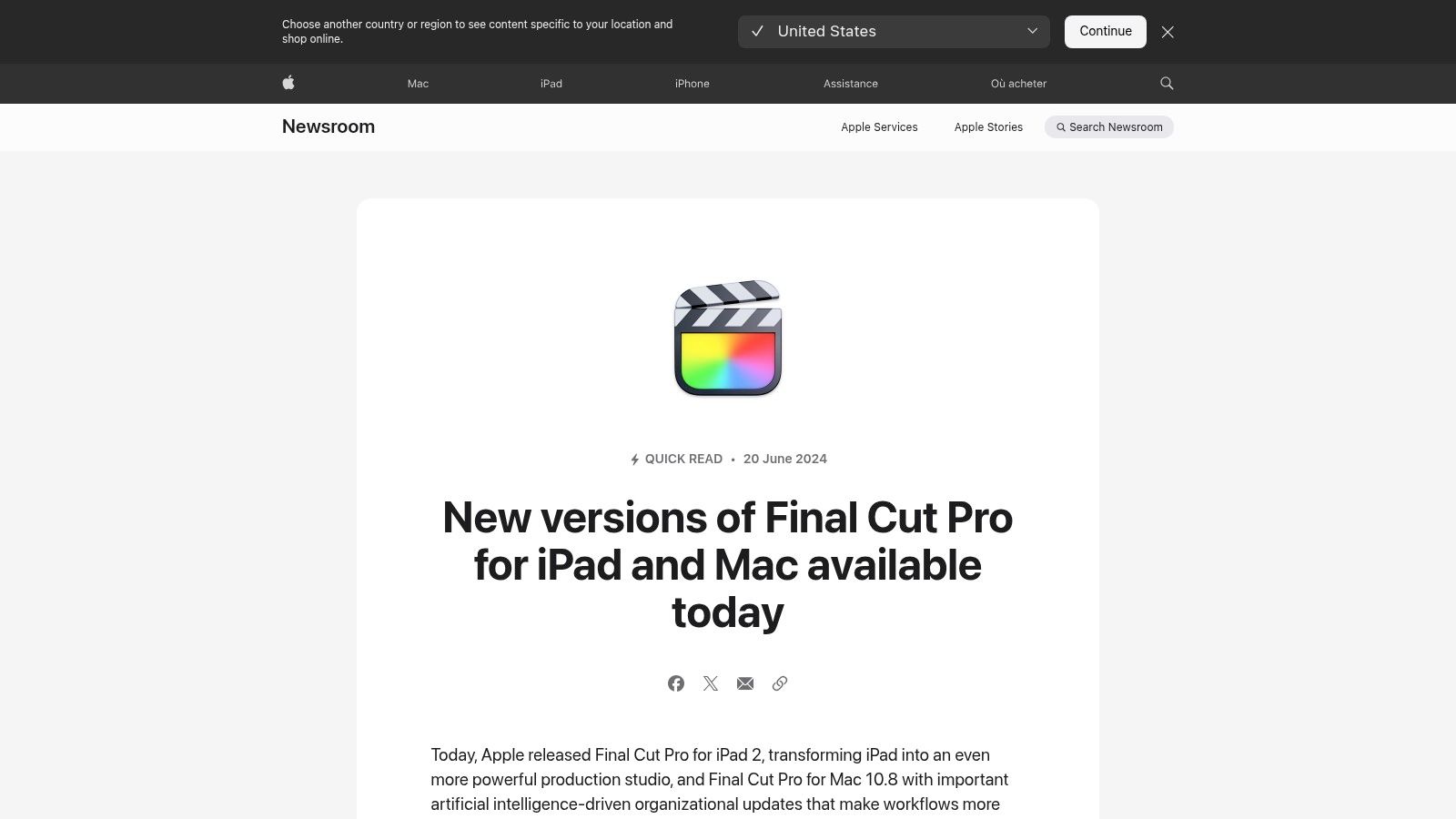
The standout feature here is Smart Conform. This tool analyzes your horizontal video and automatically reframes it for vertical (9:16) or square (1:1) formats. It uses object detection to find faces or other subjects, making sure the most important part of your shot stays in the new frame. This is a massive time-saver for YouTubers or podcasters looking to turn a 16:9 recording into engaging social media clips without hours of manual work.
Key Features & Analysis
- Smart Conform: Automatically reframes video for social media by intelligently analyzing and tracking the main subject. It gives you a great starting point for vertical versions that you can still tweak.
- Optimized Performance: Built to run incredibly fast on Apple Silicon, offering smooth playback and quick exports, even with 4K video. This is a huge plus for editors working on tight deadlines.
- Mac/iPad Workflow: Seamlessly move projects between Final Cut Pro on your Mac and the dedicated iPad app, letting you edit with touch on the go and finish up on your desktop.
- One-Time Purchase: Unlike many others, Final Cut Pro is a one-time payment, which can be cheaper in the long run for dedicated users.
Pricing
Final Cut Pro is available as a one-time purchase from the Mac App Store.
- Final Cut Pro (Mac): $299.99 (one-time fee)
- Final Cut Pro for iPad: $4.99/month or $49/year
Limitations
The biggest limitation is that it's only for Apple devices; it’s not available for Windows or PC users. It also lacks the automated, multi-clip generation and direct social media posting features found in many AI-powered web tools.
Best For: Mac and iPad users, from YouTubers to professional editors, who want a fast, powerful, and stable editor for both long-form and vertical video with a one-time purchase.
Website: https://www.apple.com/final-cut-pro/
4. DaVinci Resolve
DaVinci Resolve is famous in Hollywood for its color grading, but it’s also an incredibly powerful, all-in-one post-production suite. For creators who want a professional vertical video editor without a subscription, Resolve offers amazing value. You can edit, color correct, mix audio, and add visual effects to your 9:16 clips all in one app, which is a workflow few others can match.
While the free version is surprisingly capable, the paid Studio version unlocks the DaVinci Neural Engine. This gives you a Smart Reframe tool that, like Premiere's, automatically analyzes your 16:9 footage and pans it to keep the subject centered in a new vertical frame. This feature is a game-changer for efficiently turning long-form content, like a podcast or product review, into polished social media assets.
Key Features & Analysis
- Smart Reframe (Studio Version): Uses the DaVinci Neural Engine to intelligently track and reframe horizontal video for vertical formats. It’s a key feature for creators repurposing widescreen content.
- All-in-One Workflow: Combines professional editing, world-class color grading, Fairlight audio tools, and Fusion visual effects into one application. This means no more jumping between different programs.
- Industry-Leading Color Tools: You get access to the same advanced color correction tools used on major films, allowing you to give your vertical videos a truly cinematic look.
- Exceptional Free Version: The standard version of Resolve is free and offers more professional features than most paid editors, making it a great starting point for aspiring pros.
Pricing
DaVinci Resolve has a unique pricing model compared to subscription services.
- DaVinci Resolve: Free
- DaVinci Resolve Studio: ~$295 one-time payment (perpetual license)
Limitations
The main challenge is the steep learning curve, especially if you're new to node-based workflows for color and effects. The sheer number of tools can be intimidating. Also, the most convenient AI features like Smart Reframe are only available in the paid Studio version.
Best For: Budget-conscious creators and professional editors who want an end-to-end production tool without monthly fees and desire the industry's best color grading for their vertical content.
Website: https://www.blackmagicdesign.com/products/davinciresolve/
5. CapCut
CapCut has become the favorite editor for creators focused on fast, trendy content for TikTok, Reels, and Shorts. It started as a mobile app but now offers a surprisingly solid experience on desktop and web browsers, with cloud sync to keep your projects accessible everywhere. Its strength isn't in complex, professional editing but in providing a smooth, vertical-first workflow with a huge library of templates, effects, and sounds that make it easy to produce engaging social media videos.
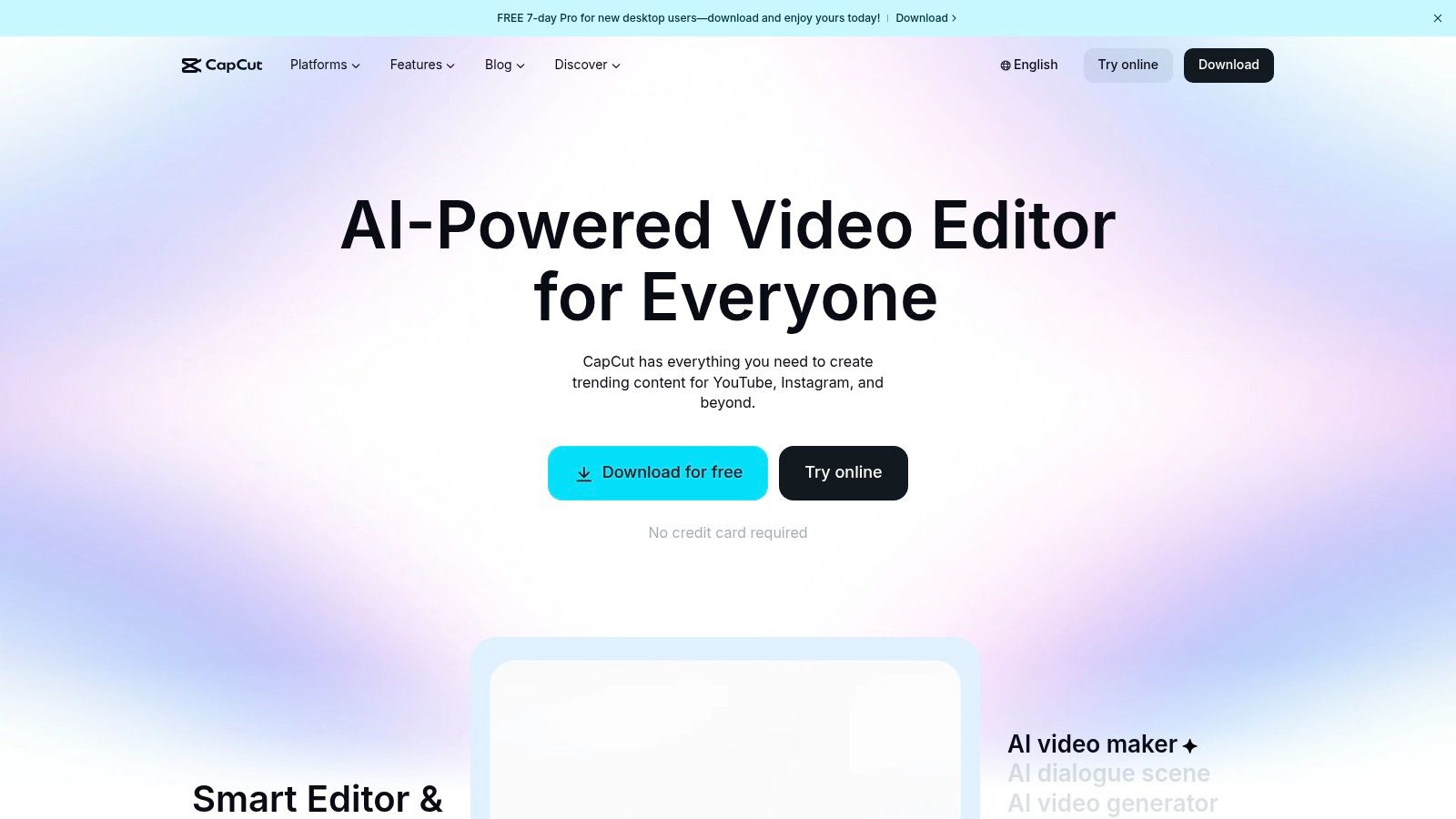
For a social media manager, CapCut is a must-have. You can quickly drop in footage, apply a trending audio clip, use the highly accurate Auto Captions feature, and export a ready-to-post video in minutes. The template library lets you recreate popular video styles with just a few taps, removing the technical guesswork and keeping your content looking fresh.
Key Features & Analysis
- Vertical-First Templates: An enormous, constantly updated library of pre-made video templates designed for TikTok trends, which makes creating content extremely fast.
- Auto Captions & Text-to-Speech: Generates animated, stylized captions from your audio with impressive accuracy and offers various AI voices for voiceovers.
- Cross-Platform Sync: Start a project on your phone, fine-tune it on your desktop, and make final tweaks on the web app. This cloud-based workflow is a major plus for creators on the move.
- Rich Effects & Asset Library: Includes a wide array of filters, transitions, and stickers, plus a large, commercially licensed music library, making it one of the top TikTok editing apps.
Pricing
CapCut offers a generous free tier with most core features. The Pro subscription unlocks more advanced tools, cloud storage, and premium assets.
- Free: Most editing tools, basic effects, and limited cloud space.
- CapCut Pro: ~$7.99/month (pricing can vary by region and platform)
Limitations
The main drawback is that its features and user interface are designed for short, simple edits rather than complex, long-form projects. Its corporate ownership has also led to availability concerns in some regions in the past, which could be a risk for professional teams relying on it.
Best For: Social media managers, TikTok/Reels creators, and anyone needing a fast, easy-to-use tool to create trendy, vertical-first content with minimal technical effort.
Website: https://www.capcut.com/
6. Descript
Descript has created a unique niche by letting you edit video like you would a text document, making it a favorite for podcasters, interviewers, and anyone working with dialogue-heavy content. Its power as a vertical video editor comes from this transcript-first workflow. Instead of scrubbing a timeline, you can find a compelling quote in the transcript, highlight it, and instantly create a new vertical clip ready for social media. This method dramatically speeds up turning a one-hour podcast into a dozen shareable shorts.
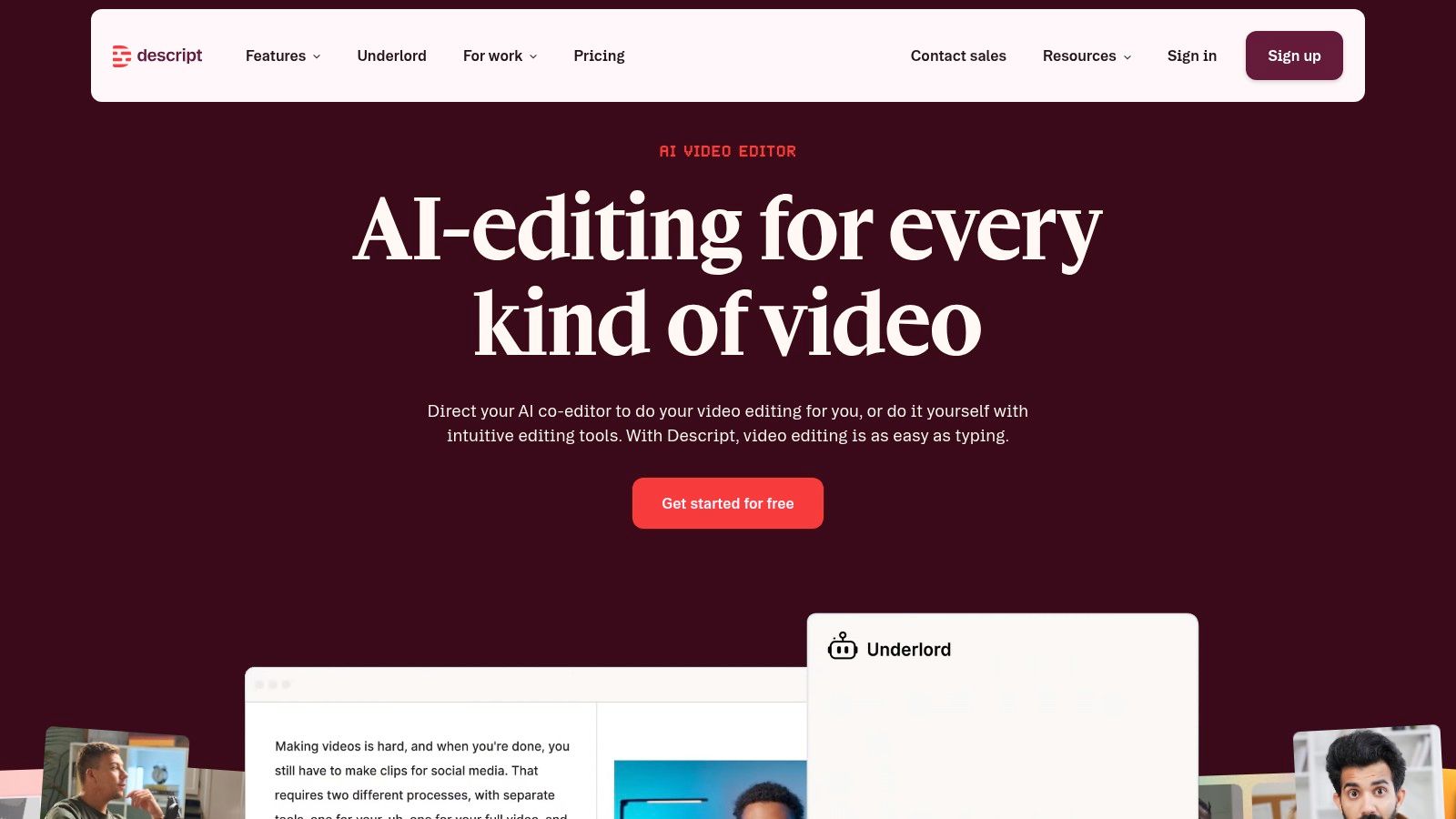
The platform is built around its fantastic transcription engine. Once your video is transcribed, you can edit the video by simply deleting words or sentences from the text, and Descript automatically removes the matching video and audio segments. This is especially useful for cleaning up filler words like "um" and "uh" with a single click, ensuring your vertical clips are tight and professional.
Key Features & Analysis
- Text-Based Editing: The core feature that lets you edit video by working with a text document. This is the fastest way to create soundbites and clips from long recordings.
- Studio Sound & Eye Contact: AI-powered tools that remove background noise and correct wandering eyes to look directly at the camera. These features add a layer of polish with minimal effort.
- Dynamic Captions: Offers a variety of animated caption styles that are essential for grabbing attention on TikTok and Instagram Reels. Captions are generated automatically from the transcript.
- Filler Word Removal: A one-click function to find and delete all instances of filler words ("uh," "um," "you know"), which tightens up dialogue for short-form content.
Pricing
Descript offers a free tier with limited features, with paid plans unlocking more advanced capabilities.
- Free: 1 hour of transcription/month.
- Creator: ~$12/month (10 hours of transcription/month).
- Pro: ~$24/month (30 hours of transcription/month and more AI features).
- Enterprise: Custom pricing.
Limitations
Descript is not a traditional video editor. It lacks the complex visual effects, deep color grading, and timeline tools found in software like Premiere Pro. Its strength is in dialogue-driven content, so it may not be the right choice for highly visual or action-oriented videos.
Best For: Podcasters, interviewers, and course creators who need to quickly and efficiently turn long-form spoken-word content into engaging vertical clips for social media.
Website: https://www.descript.com/
7. Kapwing
Kapwing bills itself as a fast, collaborative, and entirely browser-based vertical video editor designed for modern content teams. Its main strength is how easy it is to use; anyone can jump in and start creating social-ready clips without downloading software. The platform is particularly effective for teams who need to quickly repurpose content and collaborate on projects in real-time, making it a go-to for social media managers and marketing departments.
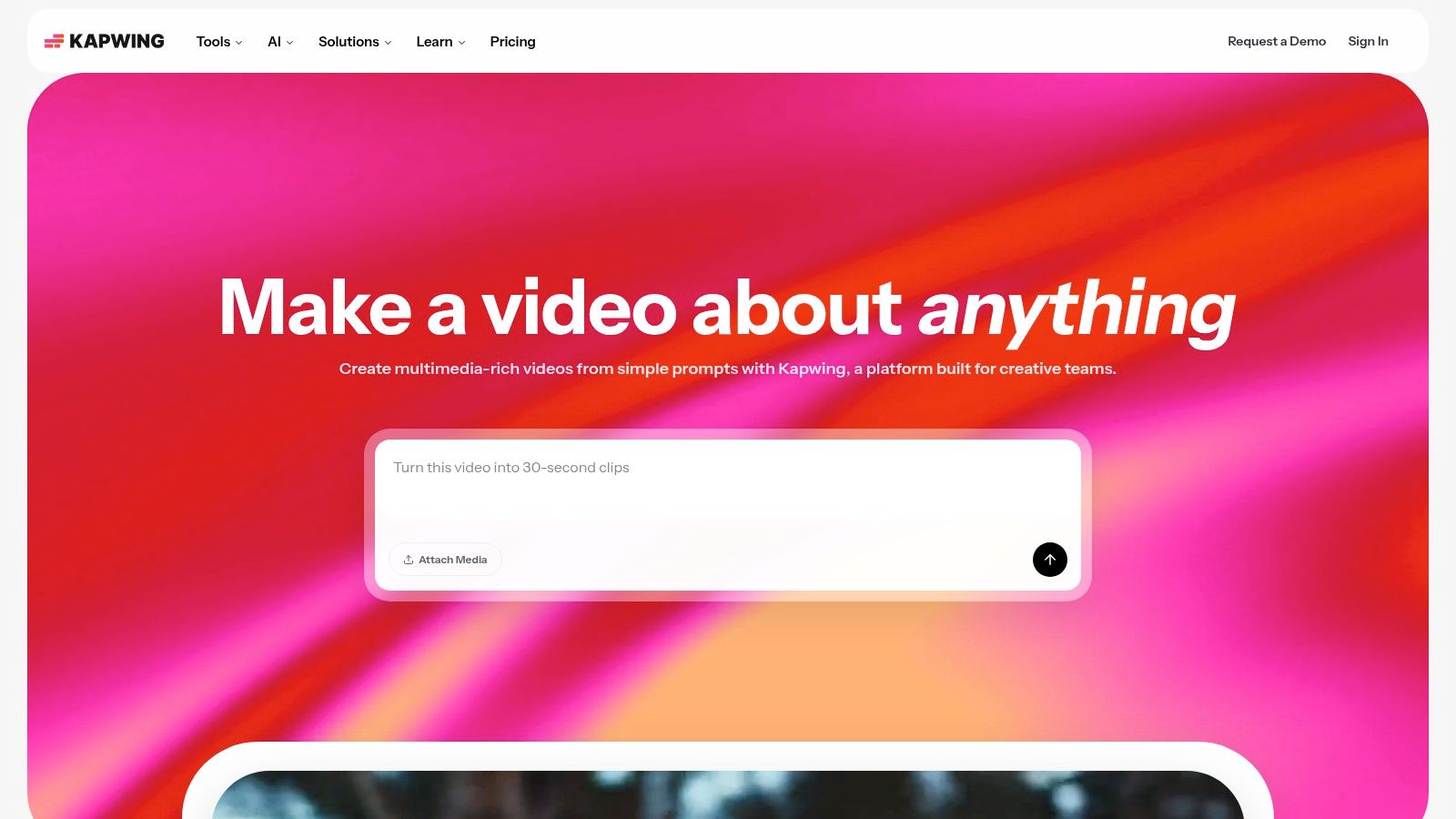
The workflow is built around its Repurpose Studio, which can automatically find engaging clips from a longer video. This is paired with Speaker Focus, an auto-framing feature that keeps the person talking centered in the 9:16 frame. For brands, the inclusion of safe-zone overlays for TikTok, Reels, and Shorts ensures that crucial text or graphics aren't blocked by platform UI elements—a small but vital detail for creating polished content.
Key Features & Analysis
- Repurpose Studio: This feature scans long-form videos and suggests potential short-form clips, complete with AI-generated titles and descriptions, giving you a quick start for social content.
- Speaker Focus & Smart Frame: Automatically detects and tracks speakers or subjects to keep them perfectly centered in a vertical format, saving a lot of manual reframing time.
- AI Subtitles & Dubbing: Offers powerful tools for auto-generating subtitles, translating them into multiple languages, and even creating AI-generated voiceovers (dubbing), making content accessible globally.
- Team Workspaces & Brand Kits: Allows for seamless collaboration with shared project folders, comments, and brand kits. This helps teams maintain brand consistency with preset fonts, colors, and logos.
Pricing
Kapwing offers a free tier with limitations and paid plans for more advanced features.
- Free: Exports with a watermark.
- Pro Plan: ~$16/month (billed annually) for watermark-free exports, 4K quality, and access to all pro features.
- Business Plan: ~$50/month (billed annually) for increased storage, brand assets, and priority support.
Limitations
Since it's browser-based, performance can sometimes lag with very large files or complex projects, especially on less powerful computers. The AI features also operate on a credit system, which means users on lower-tier plans need to watch their usage to avoid hitting limits.
Best For: Social media managers, marketing teams, and creators who need a fast, collaborative web-based tool for repurposing content without needing desktop software.
Website: https://www.kapwing.com/
8. VEED
VEED is a popular online video editor known for its speed and simplicity, making it a great tool for social media managers and creators who need to produce vertical content quickly. It excels with its template-driven workflow, letting users start with a 9:16 canvas and immediately add elements like progress bars, subtitles, and branded assets. It's a fantastic all-in-one solution for teams that need to create, subtitle, and export social clips without a professional editor on staff.
The platform's standout feature is its powerful and accurate subtitle generator. With just one click, VEED transcribes video audio and allows for easy styling and translation, which is critical for making accessible and engaging Shorts or Reels. This, combined with its cloud-based project management and team collaboration tools, makes it a solid choice for social media campaigns.
Key Features & Analysis
- Template-Driven Vertical Editor: Offers a large library of 9:16 templates and presets, providing a fast starting point for creating social-native videos.
- Automatic Subtitles & Translation: Generates accurate captions automatically and can translate them into multiple languages, a key feature for reaching a global audience on platforms like TikTok and Instagram.
- Growing AI Toolkit: Includes a suite of AI features like text-to-speech, AI voice models, an eye contact correction tool, and a background remover to clean up footage.
- Team Collaboration: Cloud-based projects allow for shared workspaces, comments, and reviews, making it suitable for marketing teams and agencies managing multiple social accounts.
Pricing
VEED offers a free tier with watermarks and limited features. Paid plans unlock more capabilities and remove the watermark.
- Basic Plan: ~$25/month per user
- Pro Plan: ~$38/month per user
- Business Plan: ~$70/month per user
Limitations
The main drawback is that its pricing and AI credit system can be confusing; you should carefully review the plan details before committing. Some users have also reported occasional billing issues, so it's a good idea to start with a trial or a lower-tier plan to test the platform first.
Best For: Social media managers and content creators who need a fast, template-driven workflow for creating subtitled vertical videos and require strong team collaboration features.
Website: https://www.veed.io/
9. Opus Clip
Opus Clip is an AI-powered tool designed for one specific, high-value task: turning long-form videos into a large number of short, shareable vertical clips. Its workflow is built for speed, making it a go-to for social media managers and content teams who need to feed multiple platforms daily. The platform automatically analyzes a long video, finds the most engaging parts or "hooks," and generates ready-to-post clips with animated captions, AI-selected B-roll, and smart reframing that follows the speaker.
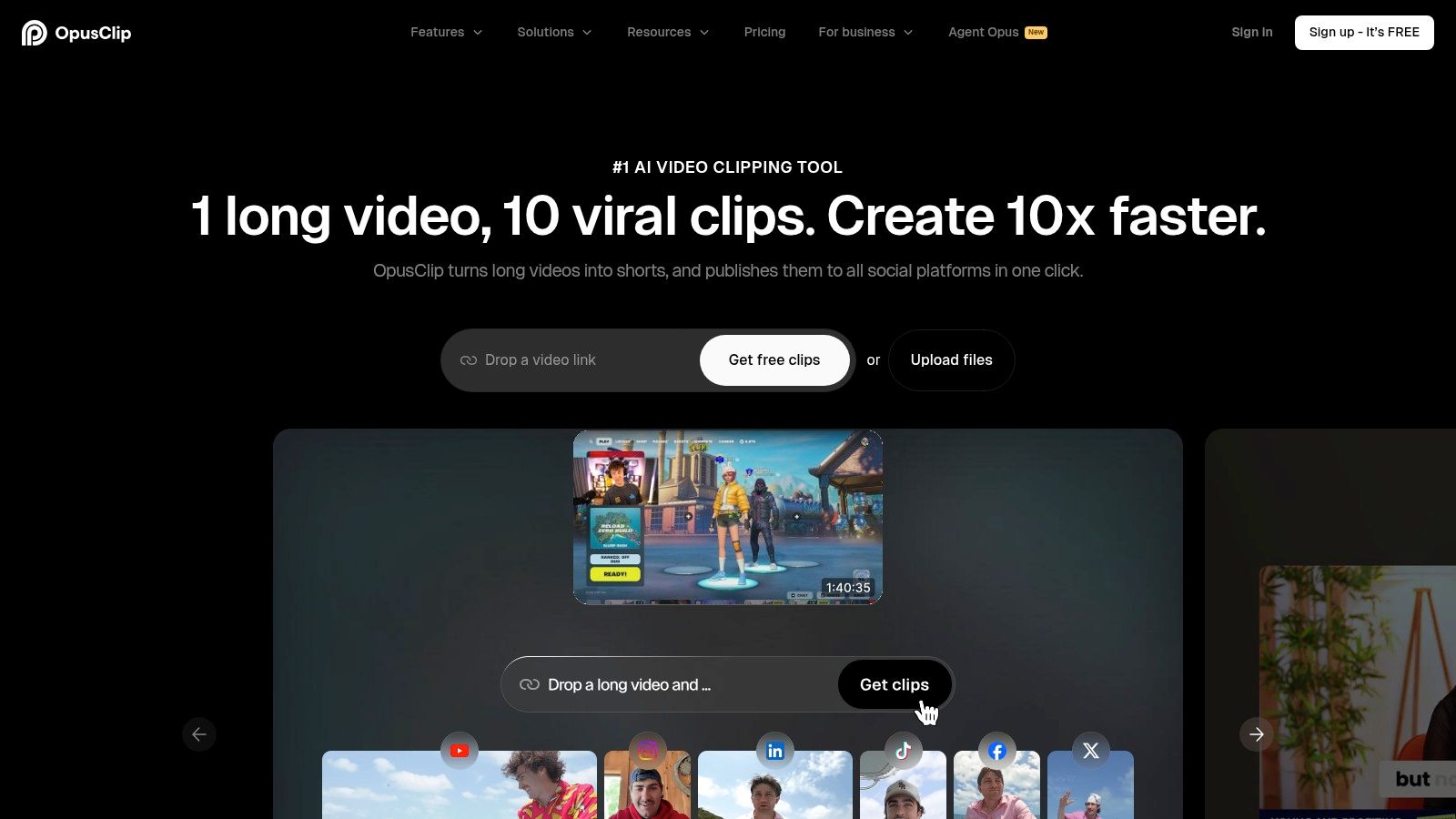
What sets Opus Clip apart is its focus on virality metrics and production-ready output. Each clip it generates comes with a virality score, giving you a data-backed reason to choose one clip over another. For teams that want to add a final polish, the ability to export an XML file to Premiere Pro or DaVinci Resolve creates a smooth handoff, bridging the gap between AI speed and professional control. This makes it an excellent vertical video editor for rapid content creation.
Key Features & Analysis
- AI Curation & Virality Score: Automatically finds the most compelling parts of a video and scores their potential for engagement, helping you prioritize what to post.
- AI B-Roll & VoiceOver: Enriches clips by automatically adding relevant stock footage and can generate a voice-over, adding a dynamic layer to otherwise static talking-head videos.
- Direct Publishing & Scheduling: Connects directly to YouTube, TikTok, and Instagram, allowing you to schedule and publish clips without leaving the platform.
- Flexible Export Options: Offers direct MP4 downloads, multi-aspect ratio exports (9:16, 1:1, 16:9), and XML exports for further editing in professional software like Premiere Pro. For a deeper look at this process, see this guide on how to create YouTube shorts from existing video.
Pricing
Opus Clip uses a credit-based subscription model, where credits are used based on the length of the video you upload.
- Essential Plan: ~$19/month (200 processing minutes)
- Pro Plan: ~$38/month (600 processing minutes and team features)
Limitations
The AI-generated clips can sometimes need manual tweaks to the start/end points or caption styling to be perfect. The credit-based system also means you need to choose a plan that accurately reflects your monthly upload volume to avoid running out of processing minutes.
Best For: Social media teams, podcasters, and content creators who need to quickly and consistently repurpose long-form content into a large number of social-ready vertical clips with minimal manual effort.
Website: https://www.opus.pro/
10. Munch (GetMunch)
Munch is an AI-powered platform built for marketers and content teams who need to scale their video repurposing efficiently. It analyzes long-form videos like podcasts, webinars, and interviews to automatically find the most engaging, high-retention moments. The platform then generates vertical clips from these moments, complete with captions and smart cropping, positioning it as a data-driven solution for maximizing content output.
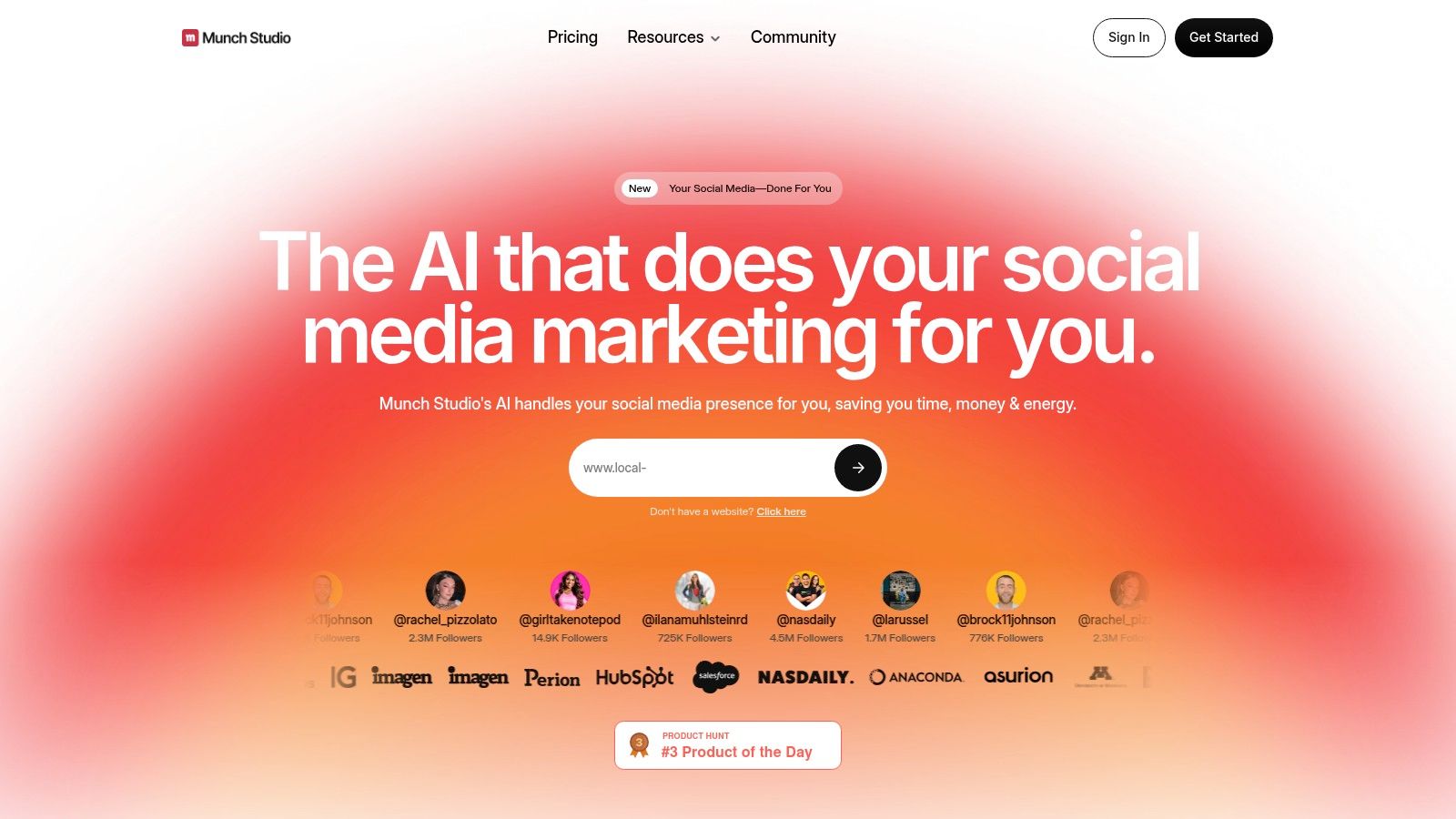
The standout feature of Munch is its integration of trend analysis directly into the clip creation process. It doesn't just cut your video; it scores potential clips against current social media trends and relevant keywords, giving you a strategic edge. This makes it an excellent tool for marketing teams focused on ROI and ensuring their vertical videos have the best possible chance of getting seen on platforms like TikTok, Reels, and Shorts.
Key Features & Analysis
- Data-Driven Clip Generation: The AI analyzes video context, tone, and engagement potential to pull clips that are most likely to perform well, saving hours of manual review.
- Trend & Keyword Analysis: Provides insights on trending topics and keywords related to your content, helping you tailor your clips for maximum relevance and discoverability.
- Auto-Subtitles & Cropping: Automatically generates and stylizes captions for each clip and applies intelligent cropping to keep the speaker perfectly framed in a 9:16 format.
- Direct Publishing & Brand Kits: Allows for direct export to social media platforms and supports brand kits, ensuring all generated content remains consistent with your brand’s visual identity.
Pricing
Munch offers several subscription tiers, with pricing details often presented after initial signup.
- Pro Plan: ~$49/month (for up to 200 minutes of upload per month)
- Elite Plan: ~$116/month (for 500 minutes of upload and more features)
- Ultimate Plan: Contact for pricing (for teams needing 1000+ minutes)
Limitations
The main issue is that pricing isn't always clear upfront, requiring you to sign up to see all plan details. While the AI clip selection is a powerful starting point, the generated clips still need a human touch to ensure they align with your brand's voice and narrative. If you're exploring similar tools, you can find other platforms in our detailed breakdown of Munch alternatives.
Best For: Marketing teams, podcasters, and content agencies who need to consistently repurpose long-form video into data-backed, high-potential vertical clips at scale.
Website: https://www.getmunch.com/
11. Vizard
Vizard positions itself as a scalable AI repurposing engine, designed for creators and teams who need to process large volumes of long-form video into social-ready vertical clips. Its standout feature is not just its web editor but its inclusion of API access in paid plans, making it a unique solution for agencies or media companies looking to automate their content pipeline programmatically. This makes it more than just a manual tool; it’s a potential workflow-automation platform.
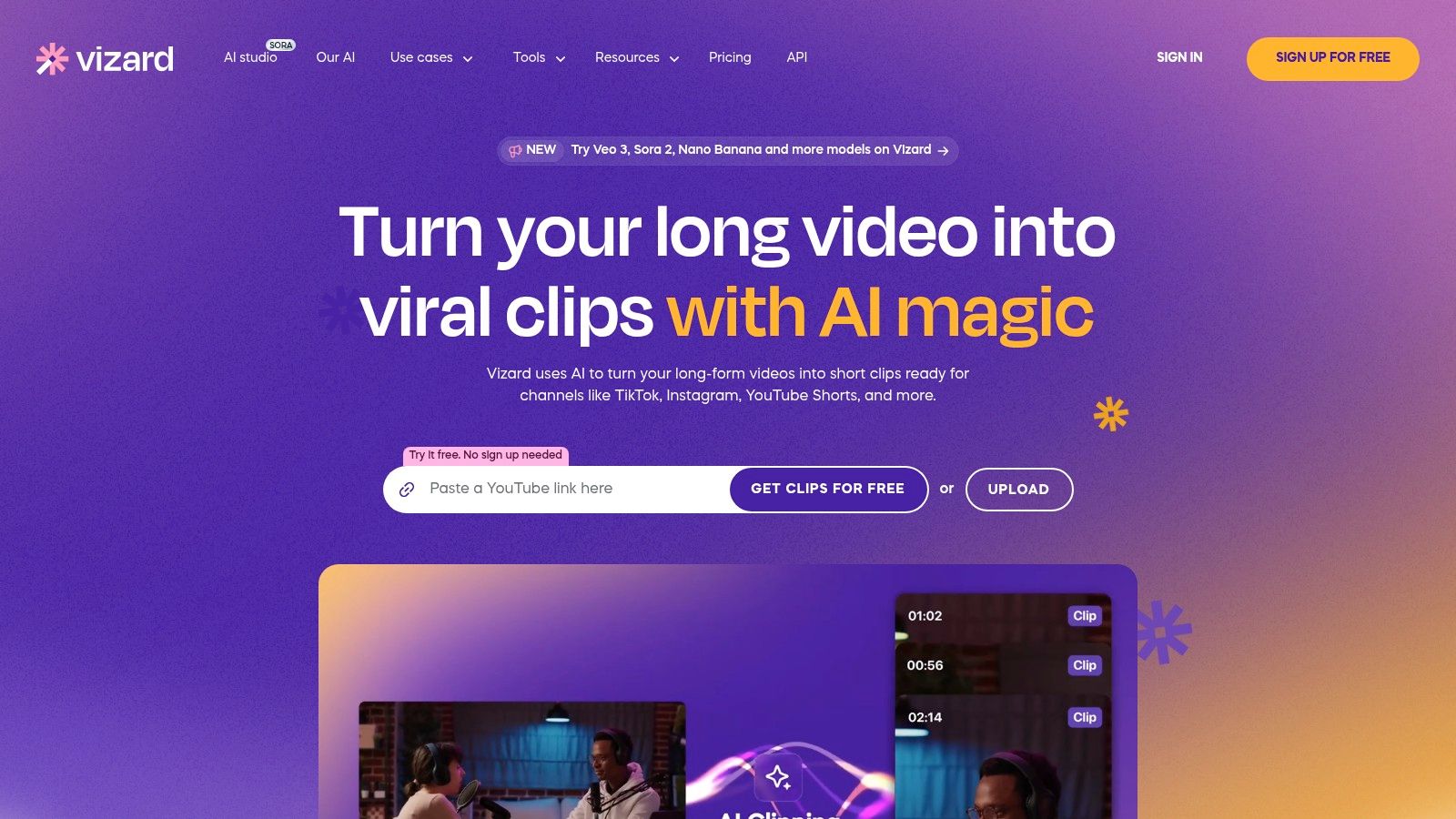
The platform accepts long videos (up to 600 minutes on higher tiers) and uses AI to identify engaging moments, automatically framing them in a 9:16 aspect ratio. For a marketing team managing multiple client YouTube channels, the ability to connect to Vizard’s API and automatically generate dozens of Shorts from new uploads could be a massive efficiency booster.
Key Features & Analysis
- API Access: Included in paid plans, allowing for programmatic video repurposing. This is a game-changer for high-volume content operations looking to build automated workflows.
- High-Volume Processing: Plans are structured around monthly upload minutes, supporting inputs up to 600 minutes long and 4K resolution, catering to podcasters and webinar producers.
- AI Auto-Clipping: Analyzes long videos to find viral-worthy moments and creates Shorts, Reels, and TikToks with speaker detection and intelligent 9:16 framing.
- Cloud-Based Editor: A straightforward web editor allows for manual adjustments to the AI-generated clips, including caption styling and branding, before final export.
Pricing
Vizard offers a free trial and several paid tiers based on monthly upload minutes. Specific pricing is available on their website upon selecting a plan.
- Creator Plan: Aimed at individual users.
- Pro Plan: Includes API access and more upload minutes.
- Business Plan: For high-volume teams requiring extensive automation and support.
Limitations
The main limitation is that the styling options within the web editor are less extensive than what you'd find in a full professional editor. Additionally, its most powerful feature, the API, requires technical knowledge to implement effectively.
Best For: Agencies, content teams, and tech-savvy creators who need to repurpose video content at scale and are interested in automating their vertical video creation process via an API.
Website: https://vizard.ai/
12. Wisecut
Wisecut is built for one main purpose: to dramatically speed up the editing of talking-head videos. It uses AI to automatically handle tedious tasks, making it an excellent vertical video editor for creators who prioritize speed over granular creative control. By removing silences, generating subtitles, and automatically reframing shots, it turns long monologues or interviews into fast-paced, engaging short-form content with minimal manual effort.
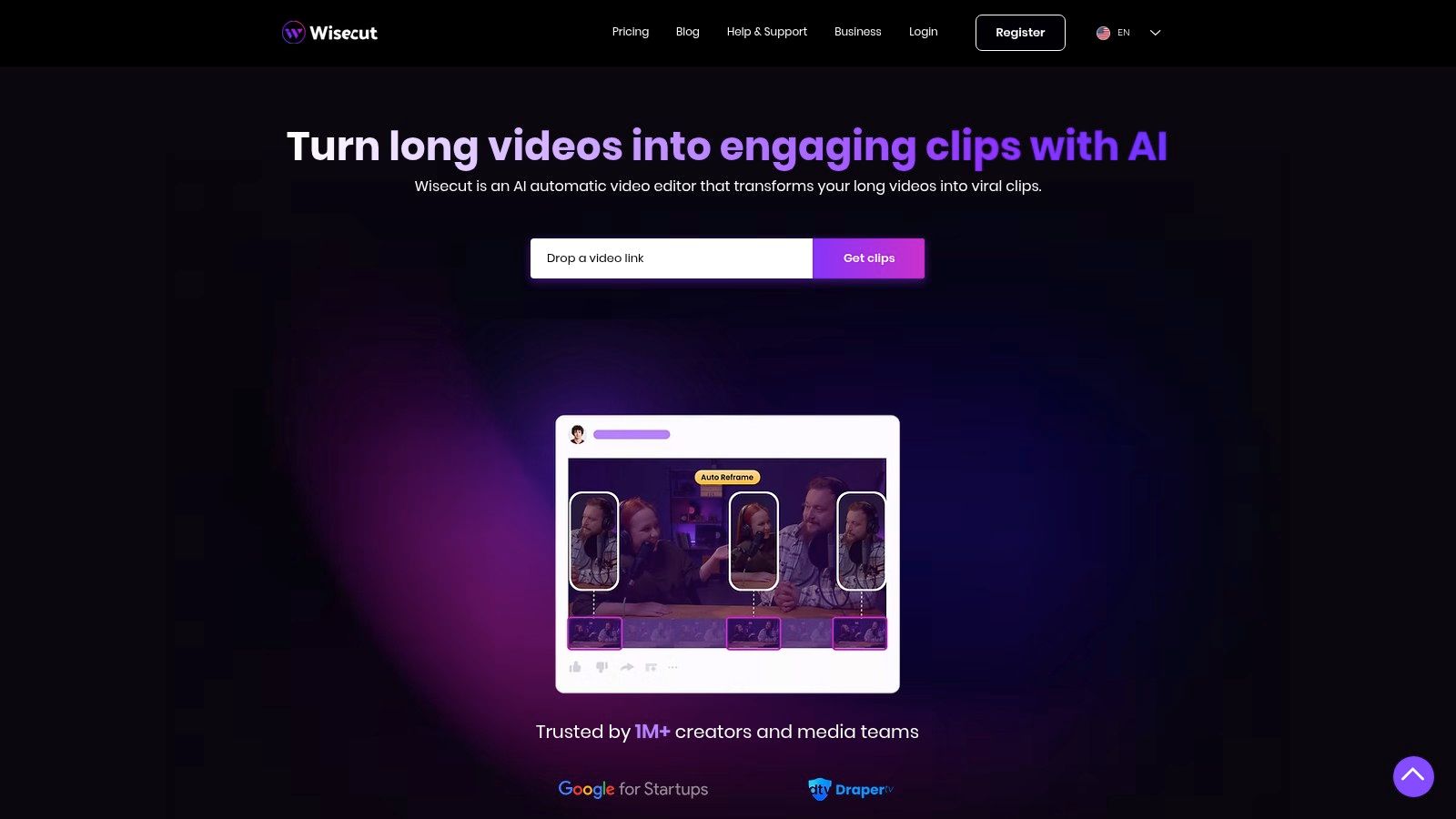
The workflow is simple: upload a horizontal video, and Wisecut's AI creates an "AI storyboard" by cutting out awkward pauses and generating a transcript. Its facial recognition then automatically creates punch-in shots and reframes the video into a vertical or square aspect ratio, keeping the speaker centered. This is a game-changer for educational creators or coaches who record long takes and need to quickly produce daily social media clips.
Key Features & Analysis
- Auto-Cut Silences & AI Storyboard: Automatically removes long pauses to create a tight, fast-paced edit. The storyboard view lets you quickly review and adjust cuts before finalizing.
- Facial-Recognition Auto Reframe: Intelligently identifies faces to create dynamic "punch-in" effects and converts 16:9 footage to 9:16 or 1:1, ensuring the speaker is always the focus.
- Automatic Captions & Translation: Generates subtitles for accessibility and viewer retention, with options to translate them into different languages.
- Audio Enhancement: Includes features like noise reduction and a "Studio Voice" option to improve the quality of your audio directly within the platform.
Pricing
Wisecut uses a freemium model with tiered subscriptions based on video processing hours.
- Free: Limited features and watermarked exports.
- Starter: ~$10/month (1 hour/month, 1080p exports).
- Professional: ~$29/month (4 hours/month, 4K exports).
- Premium: ~$57/month (10 hours/month, 4K exports).
Limitations
While incredibly fast for its intended purpose, Wisecut offers simpler stylistic controls compared to a full professional editor. The processing hour limits on each tier mean heavy users must choose their plan carefully to avoid running out of credits mid-month.
Best For: Solo creators, educators, and podcasters who produce a lot of talking-head content and want to automate the process of turning it into engaging vertical videos without a steep learning curve.
Website: https://www.wisecut.ai/
Top 12 Vertical Video Editors — Feature Comparison
ToolCore featuresUX & QualityValue & PriceBest forUnique edge
🏆 Klap (Recommended)
✨ AI clipping, AI Reframe 2, captions, scheduling, 52‑language transcription
★★★★☆ — fast, platform‑optimized outputs
💰 Free trial (1 vid); Pro $29/mo
👥 Creators, social teams, agencies
✨ Auto-hook detection + viral scoring + direct publish
Adobe Premiere
✨ Full NLE, Auto Reframe, pro effects & collaboration
★★★★★ — industry standard, steeper learning
💰 Creative Cloud subscription (higher cost)
👥 Professional editors & agencies
✨ Deep ecosystem (After Effects, Frame.io)
Final Cut Pro
✨ Smart Conform, Apple Silicon & iPad workflows
★★★★★ — very fast on Mac, efficient UX
💰 One‑time paid (Mac/iPad only)
👥 Mac creators & pros
✨ Optimized for Apple hardware; iPad touch editing
DaVinci Resolve
✨ Editing + color + Fairlight + Neural Engine
★★★★★ — pro finishing, steeper curve
💰 Robust free tier; Studio one‑time upgrade
👥 Colorists, finishers, pros
✨ Best‑in‑class color + powerful free option
CapCut
✨ Vertical templates, auto‑captions, cloud sync
★★★★ — mobile‑first, very low friction
💰 Freemium; regional pricing varies
👥 TikTok/mobile creators
✨ Massive template & asset ecosystem
Descript
✨ Transcript‑first editing, auto captions, Studio Sound
★★★★ — fastest for spoken‑word workflows
💰 Freemium; paid hours/features
👥 Podcasters, interviewers, educators
✨ Text‑based edit & filler‑word removal
Kapwing
✨ Repurpose Studio, Speaker Focus, subtitles & dubbing
★★★★ — browser workflows, team friendly
💰 Freemium; paid for teams/4K
👥 Teams & marketers
✨ No‑install web editor + strong dubbing tools
VEED
✨ Template vertical editor, subtitles, AI tools
★★★ — simple web UI, occasional limits
💰 Paid tiers + AI credit model
👥 Small teams & social marketers
✨ AI Playground (TTS, voice models, bg remove)
Opus Clip
✨ AI clipping, AI B‑roll, virality scoring, scheduling
★★★★ — very fast long→short pipeline
💰 Credit/minutes model; paid plans
👥 Social teams scaling output
✨ AI B‑roll + smooth NLE export options
Munch (GetMunch)
✨ Auto clip + smart cropping, trend/keyword insights
★★★★ — data‑driven selection for marketers
💰 Pricing often gated; enterprise focus
👥 Marketers, podcasters, agencies
✨ Trend/keyword matching + analytics
Vizard
✨ Auto clipping, web editor + API, long input support
★★★★ — scalable, automation friendly
💰 Plans by upload minutes; gated pricing
👥 Agencies, automation/dev teams
✨ API for programmatic repurposing
Wisecut
✨ Auto silence cut, facial reframe, noise reduction
★★★★ — simple, speeds talking‑head edits
💰 Tiered minutes; paid for 4K/studio features
👥 Talking‑head creators & educators
✨ Auto silence removal + 'studio voice' noise reduction
Final Thoughts: It's Time to Go Vertical
Navigating the world of vertical video can feel complicated, but the right tool simplifies the entire process. As we've seen, the market for the best vertical video editor isn't about one winner; it's about finding the perfect fit for your specific workflow and content style. Your choice will directly impact not just the quality of your videos, but how fast you can make them—a critical factor when social media algorithms demand consistency.
The data is undeniable: vertical video isn't a fad. With platforms like TikTok, Instagram Reels, and YouTube Shorts grabbing all the attention, dedicating real effort to this format is a strategic must. A viewer is 90% more likely to watch a vertical video to completion compared to a horizontal one on their phone. If you don't adapt, you're leaving engagement, reach, and potential revenue on the table.
How to Choose Your Vertical Video Editor
Your decision should come down to what you actually need to create. Ask yourself these key questions:
- What kind of video am I starting with? If you're a podcaster or YouTuber looking to repurpose long-form content, prioritize AI-powered tools like Klap, Opus Clip, or Munch. Their ability to automatically find viral moments, reframe shots, and generate captions will save you dozens of hours each month. If you're a social media manager creating unique videos from scratch, a flexible mobile-first editor like CapCut or a solid web-based tool like Kapwing might be a better fit.
- How good am I at editing? Be honest with yourself. Professional software like Adobe Premiere Pro and DaVinci Resolve offer unmatched control, but their steep learning curves can slow you down if you're a beginner. Tools like VEED and Vizard are built for non-editors, with intuitive interfaces that prioritize speed over having a million confusing buttons.
- What's my budget and how many videos do I need? If you're creating multiple short videos every day, a subscription to an AI repurposing tool offers a huge return on investment—the time you save easily justifies the cost. However, if you only make a few vertical videos a month, a freemium tool like CapCut or the free version of DaVinci Resolve might be all you need to get started.
Moving from Tool Selection to Workflow Integration
Just picking the best vertical video editor isn't the final step. The real win comes from building an efficient system around it. Once you've made your choice, focus on creating a repeatable process. Start by developing templates for your brand—your caption font styles, color palettes, and logo placements. This ensures every video looks consistent and dramatically cuts down on editing time.
Play around with the AI features your chosen platform offers. Test different AI-selected clips to see what the algorithm thinks is interesting. You might find it identifies hooks or emotional moments you missed. Use these insights to inform your future long-form recordings, intentionally creating moments you know will make great short, vertical clips. The goal is to create a content engine, where one big piece of content can be broken down into dozens of social media assets with minimal manual work. The right tool is the core of that engine.
The power of vertical video is its ability to create a direct, personal connection with your audience in the palm of their hand. The tools we’ve covered are your gateway to building that connection at scale. Don’t get stuck overthinking it. Pick the tool that best matches your needs right now, create your first clip, and get it out there.
If your main goal is to efficiently repurpose long-form videos for social media, we recommend starting with Klap. Its advanced AI is specifically designed to identify the most engaging segments from your YouTube videos, interviews, or podcasts and automatically turn them into polished, ready-to-post vertical clips. Try Klap to see how quickly you can build a powerful content repurposing engine.
