
Top 10 YouTube Upload Software Tools for 2026
Other
You’ve finished the edit. The video is ready. Then the drag starts. You upload to YouTube, wait on processing, write the title and description, set visibility, double-check the thumbnail, add chapters, think about tags, and tell yourself you’ll make Shorts from it later.
That “later” is where a lot of channels stall.
YouTube Studio works, and for many creators it should stay part of the stack. But if you’re publishing regularly, managing multiple channels, working with clients, or trying to turn one long-form upload into a full short-form distribution system, native upload alone usually isn’t enough. The bigger the library gets, the more obvious the bottleneck becomes.
That’s why youtube upload software matters. Not because uploading itself is hard, but because publishing is no longer one action. It’s a workflow. Scheduling, approvals, metadata, repurposing, cross-posting, source quality, aspect ratio decisions, and post-publish coordination all sit around that one upload button.
The broader market is moving in that direction too. The content creation software market is projected to grow from USD 16,519.7 million in 2024 to USD 35,929.8 million by 2032, at a 10.2% CAGR according to Credence Research’s content creation software market report. This mirrors the observed realities within the sector: more output, more formats, less patience for manual work.
This guide focuses on the tools that help, depending on the job you need done. Some are best for native YouTube publishing. Some are built for team scheduling. Some shine when you need automation. Some are much better at taking a finished upload and turning it into a repeatable Shorts engine.
If you want a faster way to build that system around your videos, watch our free video series.
1. YouTube Studio
If you publish on YouTube at all, this is the baseline. Even when I recommend third-party youtube upload software, I still compare everything back to YouTube Studio because it’s the official environment, it’s reliable, and it gives you the cleanest path for policy-sensitive publishing.
For long-form videos, premieres, and routine Shorts uploads, Studio still handles the essentials well. You can upload from desktop or mobile, set visibility, schedule posts, manage audience settings, and work through YouTube’s built-in checks before a video goes live.
Where it still wins
The biggest advantage is trust. You’re not dealing with an abstraction layer between your content and the platform. If a setting exists in YouTube’s current publishing flow, Studio is usually where you’ll see it first and most accurately.
A few strengths matter more than people admit:
- Policy alignment: Copyright checks, ad suitability prompts, and audience settings happen in the native flow.
- Native Shorts handling: Shorts detection and YouTube-specific publishing logic are built in.
- No extra software dependency: If a third-party scheduler breaks, Studio is your fallback.
Practical rule: If a video has monetization sensitivity, copyright concerns, or sponsor requirements, publish it in Studio first unless your team has already pressure-tested another tool.
That said, Studio isn’t built for scale outside YouTube. It won’t give you a cross-platform planning dashboard, deeper team workflows, or much automation.
Where it starts to feel slow
The friction shows up when one upload is supposed to feed several outputs. You post the long-form video in Studio, then separately create clips, captions, and vertical variants for Shorts, Reels, and TikTok. That’s where the manual load piles up.
Creators also don’t get much help on format strategy inside the upload flow itself. YouTube’s official guidance covers encoding details, but aspect ratio optimization for different viewing contexts is still underexplained in the official YouTube recommended upload encoding settings. That matters if your publishing process includes converting long-form uploads into short-form assets.
If your bottleneck is subtitles or accessibility cleanup before publishing, adding a dedicated tool like Klap’s subtitle generator can take pressure off the native workflow.
Use YouTube Studio when reliability matters most. Replace it only when your volume, team size, or cross-platform needs clearly justify the trade.
2. Hootsuite

Hootsuite makes sense when YouTube is one channel inside a larger publishing operation. If you’re managing Instagram, LinkedIn, Facebook, X, and YouTube from one team calendar, Hootsuite’s YouTube tools are much more useful than trying to run everything through YouTube Studio plus a pile of spreadsheets.
This is not the leanest option for solo creators. It’s better for agencies, in-house teams, and brands that need approvals, shared calendars, and a single planning surface.
Best fit for team publishing
Hootsuite’s real value isn’t the upload button. It’s the coordination around it. You can schedule YouTube content alongside other social posts, assign work, and keep people from stepping on each other’s launches.
That matters more now because the audience upside is large enough to justify a structured publishing system. YouTube generated $36.1 billion in ad revenue in 2025 and had over 2.70 billion monthly active users globally as of February 2026, according to Digital Applied’s YouTube statistics roundup. If your team treats YouTube as a serious distribution channel, workflow discipline pays off.
What I like most in practice:
- Cross-network scheduling: You can plan the YouTube drop and surrounding support posts in one place.
- Approvals: Helpful when legal, clients, or brand managers need signoff.
- Operational clarity: Better visibility into what’s queued, delayed, or pending review.
What to watch out for
Hootsuite can feel heavy if your only real need is uploading videos to YouTube. The interface and pricing make more sense when multiple people and platforms are involved. If you’re a one-person channel, you may pay for process you don’t need.
It’s also not a repurposing engine. It helps you manage and distribute content, but it doesn’t solve the “turn this one podcast or interview into multiple short clips” problem by itself. For that, pairing it with a tool like Klap’s YouTube to Shorts workflow is usually a better setup than forcing Hootsuite to do a job it wasn’t built for.
Hootsuite is strongest when publishing is a team sport, not a solo habit.
Choose it if your pain point is coordination. Skip it if your pain point is clip creation.
3. Sprout Social
Sprout Social sits in a similar category to Hootsuite, but the feel is different. Sprout Social tends to appeal to teams that care as much about reporting and governance as they do about scheduling. If Hootsuite feels like an operations hub, Sprout often feels like a reporting and client-management platform that also publishes well.
For brands and agencies, that distinction matters.
Why larger teams like it
Sprout is strong when multiple stakeholders need visibility into what was published, when it was approved, and how it performed. The publishing tools are solid, including support for YouTube content and Shorts workflows, but the approval chain is what usually sells it internally.
That’s especially useful when mobile publishing matters. Teams that travel, cover events, or run distributed approval chains often value the app support and the ability to keep moving without being chained to one desktop workflow.
A few practical wins:
- Approval depth: Better fit than creator-first tools when several people touch a post before it goes live.
- Reporting polish: Strong for client-facing summaries and internal reviews.
- Cross-channel planning: Good if YouTube launches are tied to broader campaign calendars.
The trade-off
Sprout gets expensive fast as more seats enter the picture. That doesn’t mean it’s overpriced. It means you need to use the collaboration and reporting features to justify it.
I also wouldn’t buy Sprout to solve a content-production problem. If your issue is that you have long-form videos but can’t consistently extract short-form assets, this won’t fix that. You need a repurposing layer first, then a publishing layer.
Field note: Teams often overspend on scheduling software when the real bottleneck is clip production. Diagnose that before upgrading your stack.
If your workflow starts with existing long-form content, this guide on creating YouTube Shorts from existing video is closer to the first problem you need to solve. Once the clip pipeline is stable, Sprout becomes much easier to justify.
Use Sprout when approvals, reporting, and multi-person accountability are essential. Don’t use it as a substitute for editing or repurposing software.
4. Loomly

Loomly is one of the more balanced picks in this list. It doesn’t try to be a massive enterprise suite, and it’s more structured than lightweight creator schedulers. For many small teams and growing brands, that middle ground is exactly right.
Loogly’s YouTube integration supports auto-publishing for YouTube content and Shorts, with support for details like thumbnails, tags, and chapters. That’s useful because it gets closer to a native YouTube workflow than some social schedulers do.
Why it’s easy to recommend
Loomly tends to reduce friction without forcing a full enterprise process onto a small team. You can collaborate, keep roles clear, and still move quickly.
The YouTube-specific touches matter here. A lot of social tools technically “support YouTube,” but only at a shallow level. Loomly’s workflow feels more aware of what YouTube publishers need to configure before a video goes live.
What stands out:
- YouTube-aware scheduling: Thumbnails, tags, chapters, and video-specific settings matter more than generic post scheduling.
- Built-in adaptation help: Useful if you want to reshape content for Shorts without leaving the planning workflow entirely.
- Role-based collaboration: Enough structure for brands without overcomplicating creator workflows.
What it doesn’t solve
You should still verify feature availability against the specific plan you’re considering. Loomly’s fit depends a lot on whether the tier you choose includes the publishing and collaboration features your team assumes are standard.
It’s also not the strongest choice if your whole operation revolves around high-volume repurposing or conditional automation. It works best as a scheduler and workflow manager, not as an automation builder.
If your team wants YouTube support that feels closer to native publishing than most general-purpose schedulers, Loomly deserves a serious look. It’s one of the few tools in this category that usually feels practical instead of bloated.
5. Metricool

Metricool is one of the better value picks for creators and small teams that want youtube upload software with analytics and planning, but don’t want to jump straight into enterprise pricing. Metricool covers scheduling for standard YouTube videos and Shorts and wraps that in a calendar and reporting view that’s easy to work with.
It’s practical software. That’s the appeal.
Where Metricool earns its spot
Some tools in this category try to impress with complexity. Metricool usually wins by being clear. You can plan content across platforms, schedule YouTube posts, and review performance without feeling like you’re maintaining a publishing operating system.
That’s especially useful for freelance marketers, creators with one small team member, and businesses running lean.
Why people stick with it:
- Accessible analytics: Enough reporting to make decisions without drowning in dashboards.
- Cross-platform calendar: Helpful when YouTube is tied to Instagram, TikTok, or LinkedIn promotion.
- Shorts and long-form distinction: It acknowledges that these are different publishing behaviors.
Where I’d be cautious
Metricool is the kind of tool I’d test before making it the center of a high-stakes workflow. For smaller setups, that’s fine. For larger teams or heavy posting schedules, scheduler reliability matters enough that you should pressure-test it with real content before fully migrating.
There’s also another issue that matters once you start repurposing aggressively: source quality. Creators often experiment with upload settings and resolutions to preserve quality after YouTube processing, but official guidance is thin and creator advice is often trial-and-error. That gap is visible in the broader conversation around creator testing of YouTube upload quality and re-encoding behavior. If your source file already lost quality before it hits your repurposing tool, no scheduler is going to fix that.
Better scheduling won’t rescue a weak source file. If clips look soft or compressed, check your export and upload chain before blaming the publishing platform.
Metricool is a smart fit when you want capable scheduling and useful analytics without overbuying. It’s less compelling when you need airtight approvals or advanced automations.
6. Later
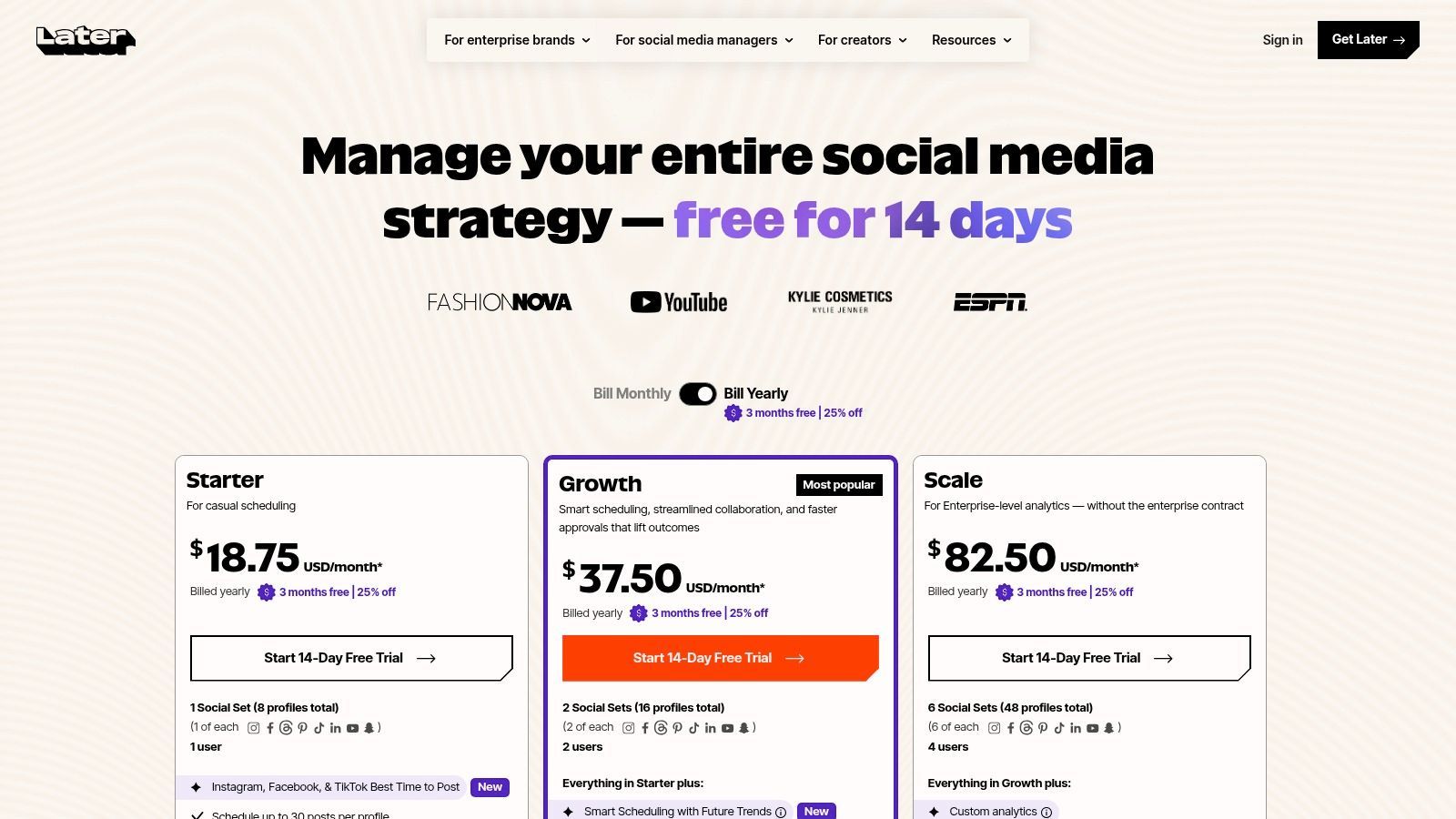
Later is best understood as a visual publishing tool that happens to support YouTube Shorts well. That distinction matters. If your workflow is Shorts-first and highly cross-platform, Later is more relevant than if your main business is long-form YouTube publishing.
For creators who think in terms of clips, hooks, covers, and content calendars, it feels natural quickly.
Strong for Shorts-first teams
Later works well when one short-form asset needs to move across multiple channels with slightly different settings. Its visual planner is useful for social teams that care about content mix and timing, not just raw upload completion.
That can make it a solid choice for brands and creators whose YouTube activity is heavily tied to Shorts rather than to long-form episodes, tutorials, or interviews.
A few reasons it lands well:
- Visual workflow: Easier to manage when your pipeline is image- and clip-heavy.
- Multi-user support: Helpful for small teams with shared posting responsibility.
- Cross-posting mindset: Better fit for short-form ecosystems than for a YouTube-only operation.
The limitation to accept
Later isn’t the first tool I’d choose for a channel centered on long-form YouTube. If your main need is full control over standard video publishing, metadata depth, and native YouTube workflow details, YouTube Studio or a YouTube-strong scheduler will usually fit better.
Later becomes more compelling when your long-form content is already finished and your real challenge is organizing the short-form rollout around it. If that’s your setup, the platform can slot in nicely.
This is one of those tools where the wrong buyer feels underwhelmed and the right buyer uses it every day. If your team says “we need to manage Shorts across platforms cleanly,” it’s a contender. If your team says “we need a serious YouTube publishing backend,” look elsewhere first.
7. Zapier
Zapier isn’t a social scheduler. It’s an automation layer. That’s why it deserves a place here. If your issue is repetitive upload work, not calendar planning, Zapier can remove a lot of manual steps from your YouTube workflow.
Its native YouTube actions let you automate uploads based on triggers from tools like Google Drive, Dropbox, forms, spreadsheets, CMS platforms, and webhooks. For the right use case, that’s far more valuable than another scheduling dashboard.
Best for repetitive pipelines
Zapier shines when the upload process follows a pattern. Maybe a video lands in a folder, metadata lives in a sheet, and someone on your team keeps doing the same sequence by hand. That’s exactly the kind of work Zapier can absorb.
Good use cases include:
- Folder-to-upload workflows: New file in cloud storage triggers a YouTube upload step.
- Metadata mapping: Pull title, description, or publish notes from a database or spreadsheet.
- Multi-step handoffs: Notify Slack, update Airtable, and log the upload after the action completes.
Where teams get burned
Zapier is easy to start and easy to underestimate. Once automations sprawl across several apps, cost and maintenance can creep up. A “simple” upload workflow can become fragile if multiple upstream tools feed it messy inputs.
That’s why I usually recommend Zapier for well-defined repetitive tasks, not for highly conditional media operations. If every upload needs custom human judgment, forcing automation often creates more cleanup than it saves.
“Automate the repeatable, not the ambiguous.”
For operations teams, assistants, and agencies with standardized publishing steps, Zapier can be a quiet workhorse. For creators who mostly need visual scheduling and occasional uploads, it’s usually too indirect.
8. Make
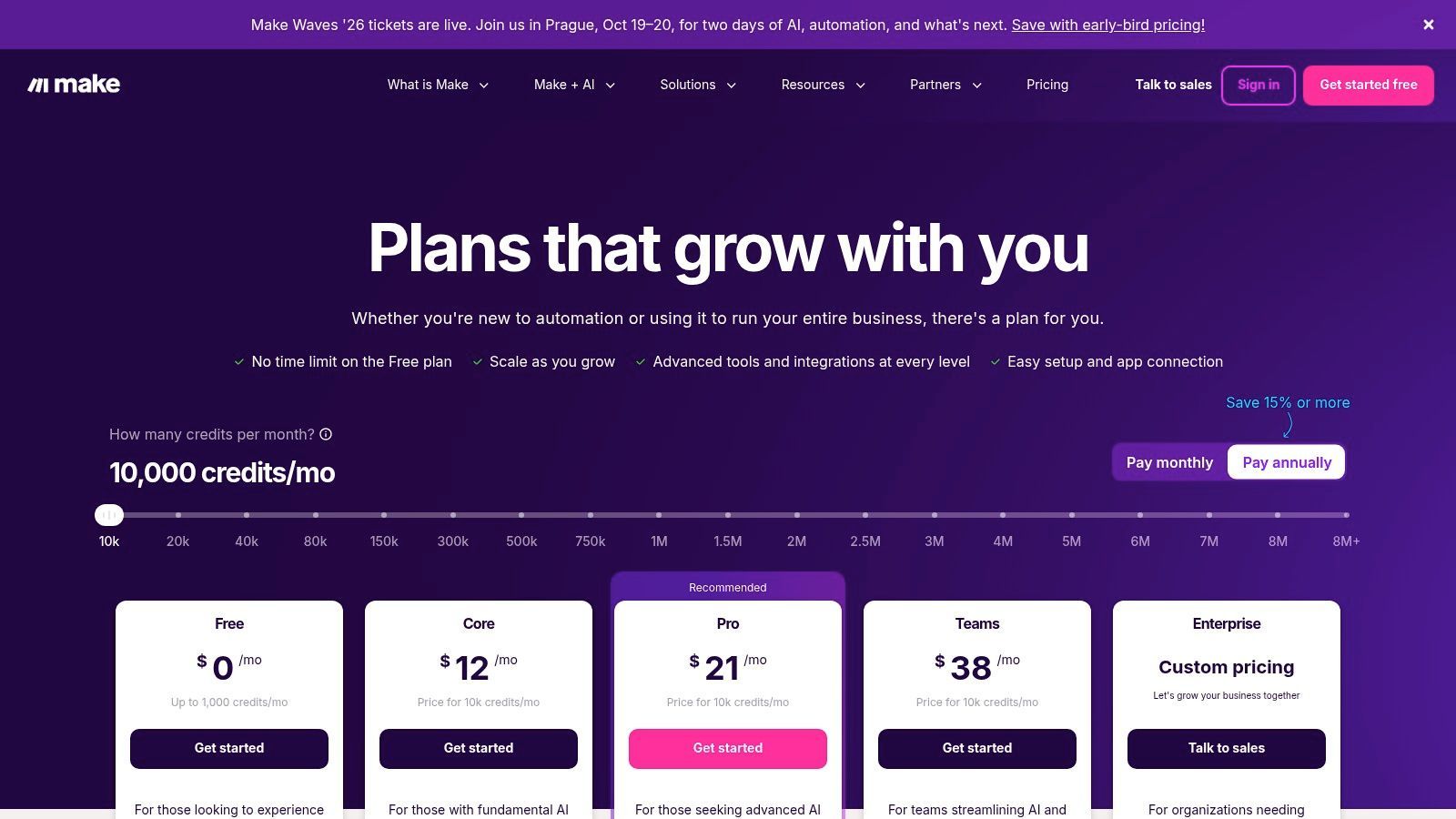
Make sits in the same broad category as Zapier, but I’d use them differently. Make is better when your upload logic has branches, conditions, filters, and scenario design that would feel clumsy inside simpler automation tools.
If Zapier is the quick route to “when this happens, upload the video,” Make is better for “if the file is in this folder, has this naming convention, belongs to this brand, and needs this destination logic, then run the right scenario.”
Where Make is stronger than simpler automation
The visual scenario builder makes complex workflows easier to inspect. That matters when you’re building pipelines for multiple channels, brands, or content types.
Make tends to outperform general schedulers:
- Conditional workflow logic: Better for branching paths and exception handling.
- Granular scenario design: Useful for media teams that need precise control.
- Multi-platform orchestration: Helpful when YouTube publishing is tied to broader distribution workflows.
I like Make most for teams building internal systems, not just convenience automations.
The downside is real
You pay for that flexibility with setup time. Make is not something I’d hand to a casual user and expect them to manage confidently after one afternoon. It requires process clarity and someone who’s comfortable thinking in workflows, not just content.
Credit-based pricing also adds another layer to monitor. That’s manageable, but it means cost planning isn’t always as intuitive as with straightforward seat-based tools.
If your publishing operation has logic behind it, not just volume, Make is often the better automation choice. If you want to upload a video and move on, it’s overkill.
9. ShortSync
ShortSync is built around a simple promise. Upload once, publish short-form content across platforms. For creators pushing frequent Shorts and platform variants, that focus is useful because it doesn’t bury the core job under a broad social suite.
ShortSync is the kind of tool I’d look at when the channel strategy is heavily short-form and speed matters more than deep reporting.
Why it’s appealing
The workflow is straightforward. Bulk upload, schedule, customize captions and thumbnails per platform, and manage multiple brands or workspaces if needed. That’s a very practical set of features for agencies, creators with multiple content brands, or small teams trying to maintain output without too much overhead.
What makes it different from general schedulers:
- Built for short-form distribution: The UX is closer to how people publish clips.
- Platform-specific customization: Important because one caption rarely fits every destination.
- Multi-brand support: Useful for client work and portfolio channels.
What to verify before committing
The catch is the same one you’ll see with many short-form-focused tools. Confirm how well it supports your specific YouTube workflow, especially if long-form uploads matter to your channel strategy. A lot of tools say they “support YouTube,” but they really mean YouTube Shorts.
That’s not a flaw if you know what you’re buying.
ShortSync is not trying to replace YouTube Studio, nor should it. It’s for people whose publishing pain sits in repetitive short-form distribution, not in full-channel management. If that’s your bottleneck, a simpler tool like this can outperform a much bigger platform.
10. BatchHarbor

BatchHarbor is niche, and that’s why it belongs here. If you publish Shorts in batches and care about throughput more than broad social management, BatchHarbor is one of the clearest purpose-built tools in this list.
This is not for everyone. It’s for channels and teams with a real Shorts pipeline.
Best when volume is the problem
Drag-and-drop bulk uploads, cadence scheduling, templates, resumable uploads, and retry logic all point to one use case: high-output publishing without babysitting every post.
That’s valuable if your operation looks like this: one long-form video becomes many clips, and those clips need to be scheduled over time without manual repetition.
What stands out in practice:
- Bulk throughput: Better than trying to queue large Shorts sets one by one.
- Cadence scheduling: Useful when you want a steady release pattern from a content batch.
- Reliability features: Retries and resumable uploads matter when volume increases.
Where it stops
BatchHarbor is not a full social media suite, and it doesn’t pretend to be one. It also won’t help much with long-form YouTube publishing, channel analytics, or broader campaign coordination.
That is part of its value. The tool is focused. If your Shorts operation is growing and your current system is “someone manually uploads clips when they have time,” BatchHarbor is a substantial upgrade. If your need is broader than that, pair it with another tool instead of expecting it to become your full publishing stack.
Top 10 YouTube Upload Tools Comparison
ToolCore featuresUnique selling pointTarget audienceUX qualityPricing/value
YouTube Studio (Official)
Native upload/schedule, Shorts auto-detect, copyright/ad checks
✨ Official platform compliance & pre-publish checks 🏆
👥 All creators & publishers
★★★★☆
💰 Free (native, no extra cost)
Hootsuite
Multi-network scheduling, analytics, team approvals
✨ Mature workflows & approvals for teams 🏆
👥 Social teams & agencies
★★★★☆
💰 Paid (higher-tier for teams)
Sprout Social
Enterprise publishing, Shorts support, deep analytics
✨ Robust reporting + mobile publishing for enterprises 🏆
👥 Enterprises & reporting-focused teams
★★★★☆
💰 Premium / per-seat (expensive)
Loomly
Auto-publish to YouTube/Shorts, thumbnails, Loomly Studio editor
✨ Built-in editor to adapt long-form → Shorts
👥 Brands, agencies & creator teams
★★★★☆
💰 Mid-tier (plan-dependent)
Metricool
Schedule YouTube & Shorts, calendar planning, analytics
✨ Cost-effective analytics and platform guidance
👥 Small teams & independent creators
★★★★☆
💰 Affordable (value-focused)
Later (Later Social)
Visual scheduler, Shorts publish (desktop/iOS), content calendar
✨ Visual pipeline ideal for cross-posting & planning
👥 Visual-first creators & cross-posters
★★★★☆
💰 Entry-friendly (14‑day trial)
Zapier
YouTube "Upload Video" action, multi-step automations & triggers
✨ No-code automations across thousands of apps
👥 Teams automating repetitive uploads
★★★☆☆
💰 Free tier; can get costly at scale
Make (formerly Integromat)
YouTube upload/update modules, conditional logic, scheduling
✨ Fine-grained scenario builder with credits
👥 Power users & automation builders
★★★★☆
💰 Credit-based (generous free credits)
ShortSync
Bulk upload & schedule across YouTube/TikTok/IG/Facebook/X
✨ Purpose-built cross-posting for Shorts 🏆
👥 Frequent short-form creators & multi-brand teams
★★★★☆
💰 Free tier; paid for scale
BatchHarbor
Drag-and-drop bulk Shorts, cadence scheduling, resumable uploads
✨ High-throughput Shorts publisher with retries/idempotency 🏆
👥 High-volume Shorts publishers & teams
★★★★☆
💰 Simple single-plan (throughput-focused)
Stop Uploading, Start Systematizing
The best youtube upload software usually isn’t one tool. It’s a stack built around your bottleneck.
That’s the mistake I see most often. A creator says they need better upload software, but the actual issue is that they don’t have a repeatable process after the upload. Or an agency buys a powerful scheduler when the actual pain is approvals. Or a team builds automations when the source videos arrive in inconsistent formats and nobody has standardized metadata.
Start with the job, not the tool category.
If you publish occasional long-form videos and want the safest, cleanest workflow, YouTube Studio is still the default choice. It’s official, dependable, and closest to YouTube’s native settings and compliance flow. For many solo creators, that’s enough until posting frequency or team complexity increases.
If you run a multi-channel content operation, Hootsuite and Sprout Social make more sense. Hootsuite is stronger when coordination across social networks is the priority. Sprout is stronger when approvals, reporting, and stakeholder visibility matter more. Loomly sits in a useful middle ground for teams that want solid YouTube-specific publishing support without jumping to a heavier enterprise stack.
If budget and simplicity matter, Metricool is a smart place to start. It gives smaller teams enough scheduling and analytics to make better decisions without forcing them into a heavyweight system. Later also earns a place, but mainly for Shorts-first and visual content teams. It’s a better fit for cross-platform short-form planning than for serious long-form YouTube management.
If repetitive tasks are eating time, automation tools become more attractive than schedulers. Zapier is excellent for straightforward upload workflows tied to cloud storage, spreadsheets, or internal notifications. Make is better when your logic is more complex and your workflow branches based on content type, client, or publishing rules.
Then there’s the repurposing and distribution side. That’s where many modern YouTube teams need the most help. Long-form video is still the asset, but short-form distribution is where consistency often breaks. For that, focused tools like ShortSync and BatchHarbor can be better choices than broader social suites. ShortSync is strong for cross-platform clip publishing. BatchHarbor is built for channels that need to move a large number of Shorts efficiently.
The strongest setups are often combinations. A creator with an archive of podcasts or interviews might use Klap to generate social-ready clips, then use BatchHarbor or ShortSync to schedule distribution. A marketing team might use Loomly for workflow and YouTube scheduling while keeping YouTube Studio as the final native fallback. An agency might run Sprout Social for approvals and reporting, while using automation behind the scenes to move assets into place.
Carefully map your current workflow. Where does the delay happen? During upload? During approvals? During metadata entry? During clip creation? During cross-posting? The answer tells you which tool to pick first.
Uploading is the smallest part of publishing now. The channels growing consistently are the ones with systems behind the scenes.
If you already have long-form videos and want to turn them into a consistent Shorts pipeline without adding more manual editing, Klap is the tool I’d put at the center of that repurposing stack. It helps you pull strong moments from interviews, podcasts, webinars, and YouTube uploads, then reframe, caption, resize, and prepare them for Shorts, Reels, and TikTok faster than a manual workflow can.
