
The 12 Best Tools for Content Creators to Level Up in 2026
Other
The content creation game isn't just about having a great idea anymore. It's about execution, efficiency, and impact. The creators who are winning are the ones building smart workflows, saving hundreds of hours and producing higher-quality content by using the right tools. Simply put, your toolkit is your secret weapon. If you're spending 80% of your time on manual, repetitive tasks like editing, captioning, or repurposing, you're falling behind.
This guide is your direct path to a more efficient and effective content strategy. We've put together a definitive list of the best tools for content creators, moving beyond generic feature lists to give you actionable insights. For example, we’ll show you exactly how a platform like Klap can instantly turn one long video into a dozen high-impact social clips, or how Descript can make video editing as simple as correcting a Word doc. To truly find your unfair advantage in the modern landscape, exploring the latest AI content generation tools is essential for staying ahead of the curve.
Inside this resource, you’ll find:
- Actionable Use Cases: Discover precisely how each tool fits into a real-world workflow. For instance, see how to use Riverside for a podcast and then feed that file into Klap to generate a week's worth of social content.
- Honest Assessments: We’ll cover the strengths and weaknesses of each platform, so you know exactly what you’re getting.
- Direct Comparisons: See clear breakdowns of pricing and features for tools like TubeBuddy vs. vidIQ or Adobe Premiere Pro vs. DaVinci Resolve.
Each entry includes screenshots and direct links to help you evaluate and implement these solutions immediately. Our goal is to equip you with the specific information needed to choose the right software, optimize your process, and reclaim your time to focus on what matters most: creating. Let’s build your new toolkit.
1. Klap
Klap is our top pick for creators who need to multiply their content output without multiplying their workload. It's an AI-powered platform designed to solve one of the biggest bottlenecks in content creation: turning long videos into engaging, vertical short clips for TikTok, Instagram Reels, and YouTube Shorts. For YouTubers and podcasters, using Klap means a single one-hour video can become over 10 unique social posts, automating what used to be a full day of tedious editing.
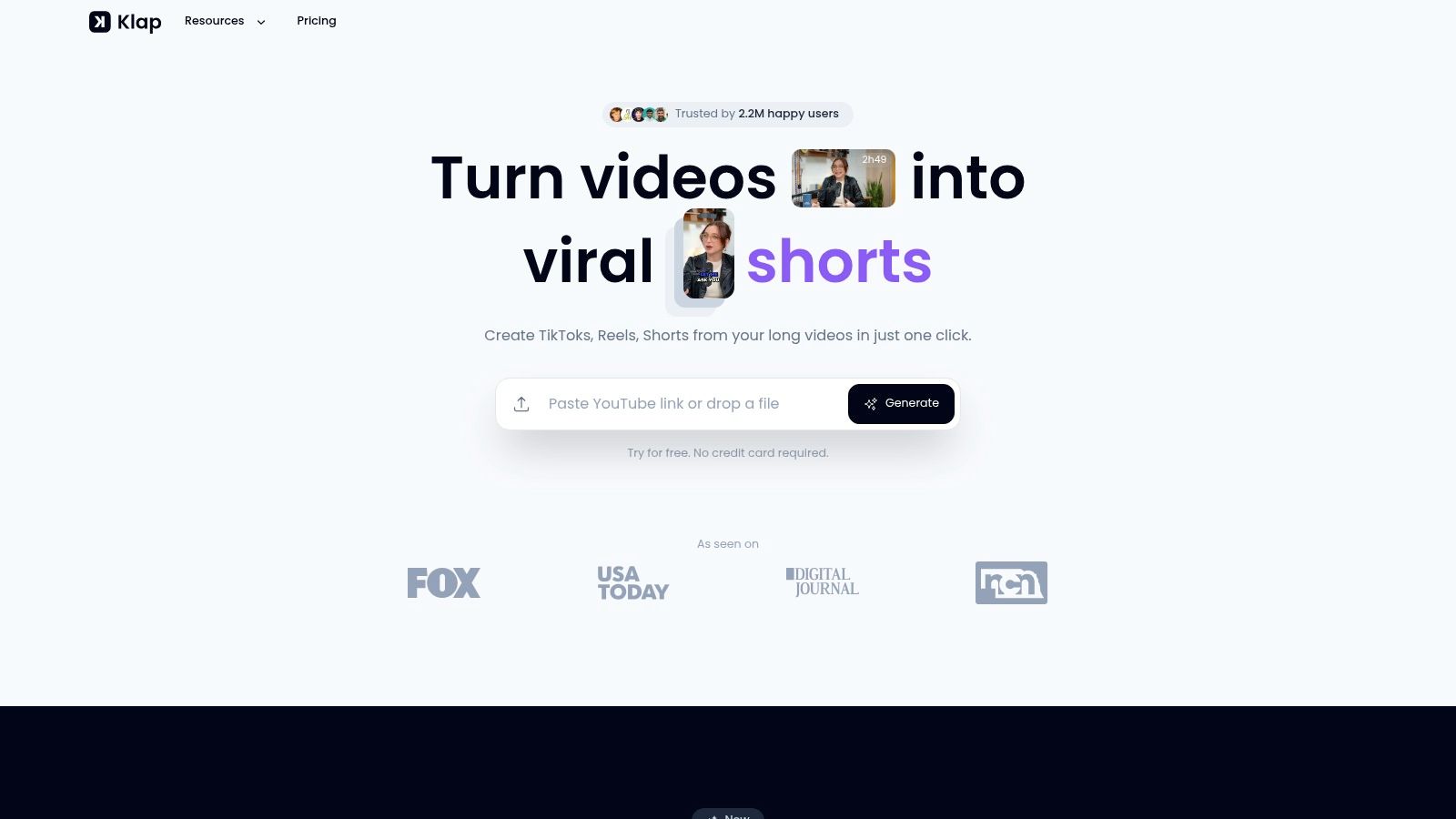
The platform’s strength is its intelligent automation. Just drop in a YouTube link, and its AI analyzes the video to pinpoint the most compelling, hook-worthy moments. It then generates a series of ready-to-publish clips, complete with dynamic, designer-style captions. This process makes it one of the best tools for content creators focused on maximizing their video ROI—creators have reported saving up to 10 hours per week.
Why Klap is a Top Choice
Klap’s AI Reframe 2 engine is particularly effective, going beyond simple cropping. It intelligently handles complex layouts like split-screen interviews and screencasts, ensuring the final vertical video is perfectly framed and professional. The platform also includes a "viral score" for each clip, helping you prioritize content with the highest potential for engagement. With support for 52 languages and brand customization features (logos, colors, fonts), it ensures your output remains consistently on-brand. The platform’s scale, proven by 2.2 million users and over 11 million clips created, confirms its reliability.
Key Features & Use Cases:
- Best for: Podcasters, interviewers, and educators with speech-heavy long-form content.
- AI Clip Generation: Automatically finds viral moments and turns them into dozens of clips. Actionable Insight: Upload a podcast episode before it goes live to have a full week of promotional clips ready to schedule.
- AI Reframe 2: Advanced scene detection for multi-person interviews and screencasts.
- Customizable Captions: Offers stylish, editable subtitles to increase viewer retention—a key factor, as over 85% of social video is watched without sound.
- Viral Score: Ranks clips based on their potential to perform well on social media.
Pricing: Klap offers a free trial to test one video. The Klap Pro plan, at $29/month, is required for ongoing use and is well-suited for creators serious about scaling their short-form content.
Website: https://klap.app
2. Opus Clip (AI short-form repurposing)
Opus Clip is a powerful AI tool built to quickly turn long-form video content into a high volume of vertical, social-media-ready clips. Its core strength lies in its "virality-focused" AI, which analyzes lengthy videos to identify the most engaging segments and coherent talking points. It then automatically reframes these selections for vertical viewing and adds dynamic captions.
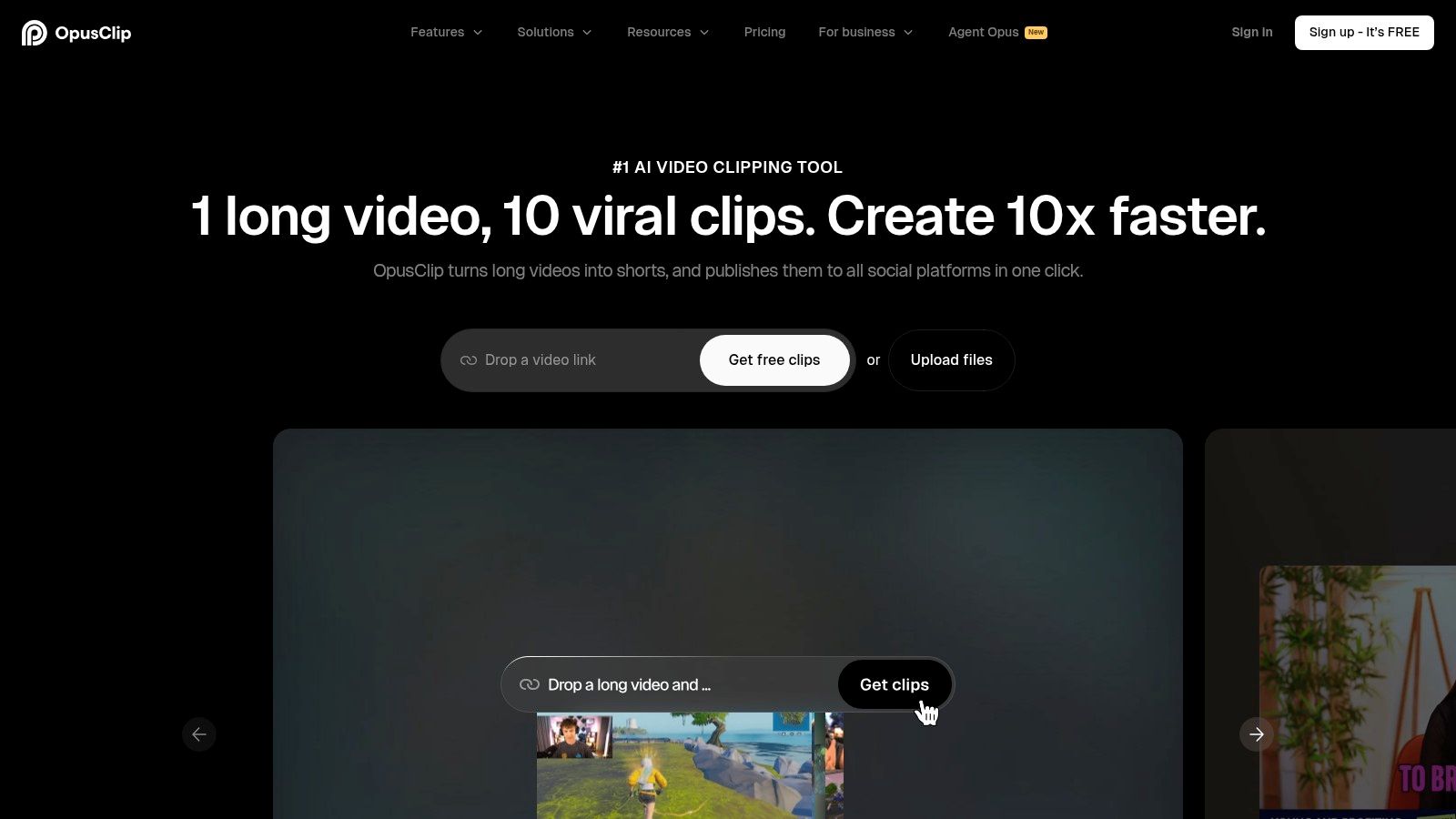
For creators like podcasters or YouTubers, this means one hour-long video can become 10-15 distinct clips for TikTok, Reels, and Shorts with minimal manual effort. The ability to import directly from YouTube and Google Drive reduces workflow friction. It's one of the best tools for content creators focused on maximizing output from existing material.
Key Details & Pricing
- Best For: Podcasters and talking-head style video creators who need to generate many short clips efficiently.
- Unique Feature: The AI’s ability to score and rank clips based on their perceived viral potential gives creators a data-informed starting point for what to post. Actionable Insight: Use the viral score to prioritize your posting schedule, leading with the clips most likely to gain initial traction.
- Pricing: Offers a free trial with limited credits. Paid plans start at $9/month (billed annually) for 60 processing minutes and go up to custom Enterprise tiers.
- Limitations: While the AI is effective, it can sometimes miss context or create awkward cuts that require manual adjustment. Some users have also noted occasional billing support issues, so testing with the trial is a good first step.
For a deeper comparison of how it stacks up, you can explore some Opus Clip alternatives to see which fits your workflow best.
Website: https://www.opus.pro
3. Descript (AI video & audio editing)
Descript offers a fundamentally different approach to video and audio editing by making the process as simple as editing a text document. After uploading media, the platform automatically transcribes it, allowing you to edit your video or podcast by deleting words or moving sentences directly in the transcript. This text-first workflow makes it an exceptionally intuitive tool for creators focused on narrative and dialogue-heavy content, reducing editing time by up to 50% for some users.
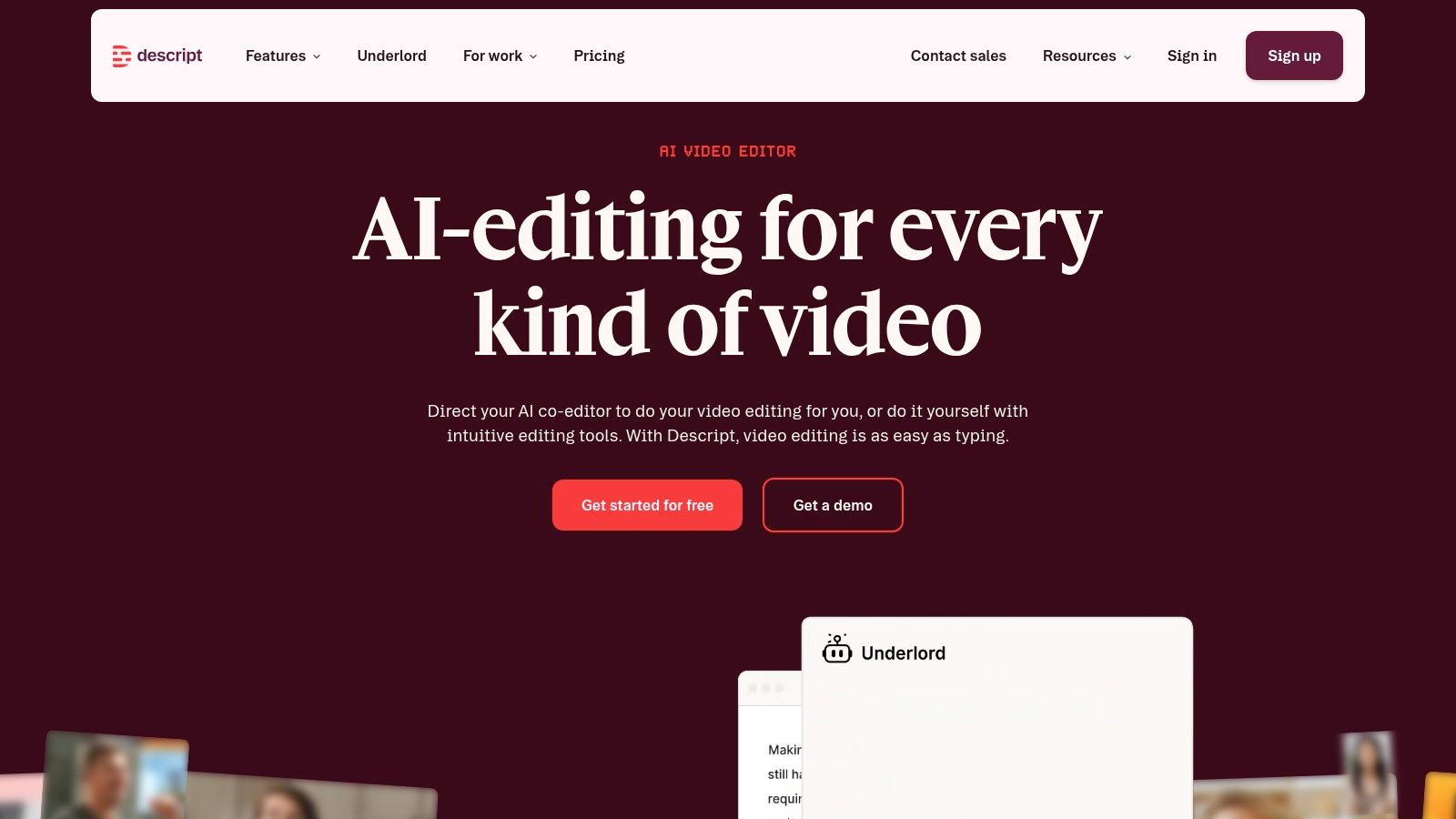
Features like "Studio Sound" can clean up background noise with a single click, and its "Filler Word Removal" function can instantly delete every "um" or "uh" from a recording. For podcasters and course creators, Descript dramatically cuts down on the tedious parts of the editing process. It's one of the best tools for content creators who find traditional video editing software overly complicated for their needs.
Key Details & Pricing
- Best For: Podcasters, YouTubers with talking-head formats, and corporate teams creating tutorials or presentations.
- Unique Feature: The Overdub AI voice cloning, which allows you to generate audio of your own voice to correct misspoken words without having to re-record. Actionable Insight: Instead of re-recording a whole paragraph to fix one word, simply type the correction and let Overdub fix it in your own voice.
- Pricing: A free plan is available with 1 hour of transcription per month. Paid plans start at $12/month (billed annually) for 10 hours of transcription.
- Limitations: While excellent for dialogue-based edits, Descript is not built for complex visual effects or intricate color grading. Users with poor internet connections may also find the cloud-heavy features slow at times.
Website: https://www.descript.com
4. Adobe Premiere Pro (Professional Video Editing)
Adobe Premiere Pro is the industry-standard editor for creators who demand complete control over their long-form video projects. Its deep feature set covers everything from intricate timeline editing and advanced color grading with Lumetri Color to professional audio mixing. The tight integration with other Adobe apps like After Effects and Photoshop creates a powerful, interconnected production workflow.
For YouTubers and professional video teams, Premiere Pro provides the stability and depth needed for complex, multi-track projects that simpler editors can't handle. For instance, its text-based editing feature, similar to Descript's, now allows editors to find specific dialogue moments instantly in long interviews, saving significant search time. It remains one of the best tools for content creators focused on high-production-value video that requires meticulous editing.
Key Details & Pricing
- Best For: Serious YouTubers, filmmakers, and professional content teams who need a robust, all-in-one video editing solution.
- Unique Feature: The seamless Dynamic Link with After Effects allows creators to build complex motion graphics and see them update in the Premiere Pro timeline in real-time, without rendering. Actionable Insight: Use this to create custom animated subscribe buttons or lower thirds in After Effects and tweak them live in your Premiere timeline.
- Pricing: Available through a Creative Cloud subscription, starting at $22.99/month for Premiere Pro alone or as part of the All Apps plan for $59.99/month.
- Limitations: Its professional-grade power comes with a significant learning curve that can be intimidating for beginners. The subscription-only model is a recurring cost that may not be suitable for creators on a tight budget.
Website: https://www.adobe.com/products/premiere.html
5. DaVinci Resolve (Professional Video Editing)
DaVinci Resolve has become an industry standard by combining professional editing, world-class color grading, Fairlight audio post-production, and Fusion visual effects into a single application. Its primary strength is providing Hollywood-grade tools, particularly its color correction capabilities, at a price point accessible to creators at all levels. The free version alone is more powerful than many paid alternatives.
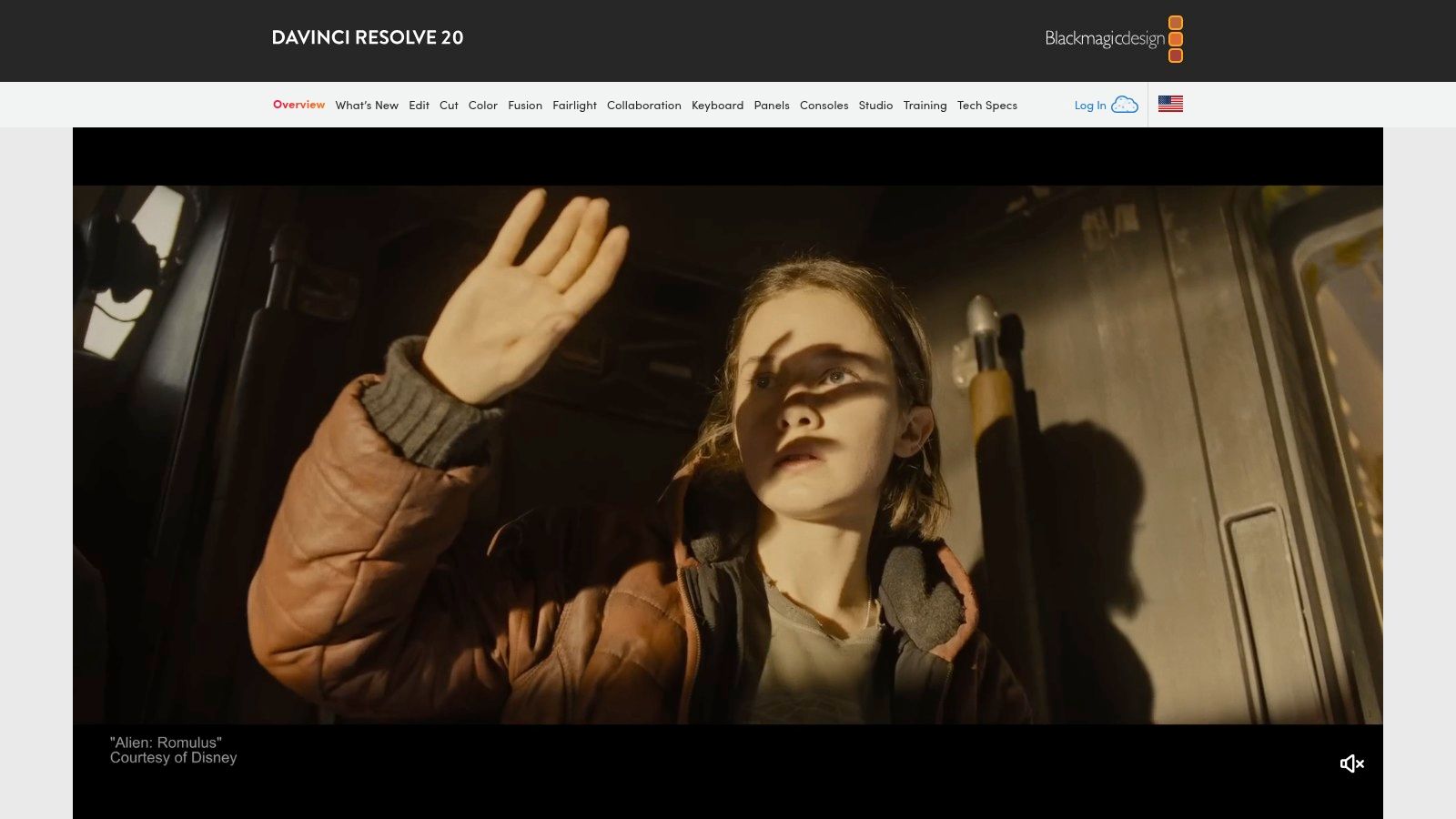
For creators who are serious about video quality, Resolve is a top choice. The node-based workflow for color and effects offers precise control that is difficult to find elsewhere. While it has a steeper learning curve than simpler editors, mastering it eliminates the need to switch between different programs for audio, color, and effects, making it one of the best tools for content creators building a serious production workflow.
Key Details & Pricing
- Best For: YouTubers and filmmakers who need professional-grade color correction, audio mixing, and VFX capabilities without a monthly subscription.
- Unique Feature: The integrated Fusion page provides a true 3D compositing and visual effects environment directly within the editor. Actionable Insight: Use Fusion to create advanced title sequences or track on-screen text to moving objects in your video, all without leaving the application.
- Pricing: Offers a remarkably capable free version. The paid DaVinci Resolve Studio is a one-time purchase of $295, which adds advanced AI features, more effects, and stereoscopic 3D tools.
- Limitations: The software demands a powerful computer with a dedicated GPU to run smoothly. The learning curve for its more advanced modules like Fusion can be steep for beginners.
Website: https://www.blackmagicdesign.com/products/davinciresolve
6. Canva (All-in-one design platform)
Canva has become the go-to design tool for creators who need professional-looking visuals without a steep learning curve. It's an incredibly fast platform for producing YouTube thumbnails, social media posts, and even basic videos. Its massive library of templates, used by over 170 million people monthly, means you never have to start from scratch, which is a significant time-saver for solo creators.
For teams, the Brand Kit feature ensures consistency by storing logos, color palettes, and fonts, allowing anyone to create on-brand assets quickly. While it doesn't replace advanced software like Photoshop, Canva is one of the best tools for content creators because it covers over 80% of daily design needs. The recent addition of AI tools like Magic Studio further speeds up the creative process.
Key Details & Pricing
- Best For: Creators and teams who need a quick, easy way to produce a high volume of on-brand graphics, from thumbnails to social posts.
- Unique Feature: The Brand Kit simplifies brand consistency across all designs and users. Actionable Insight: Set up your Brand Kit with your channel's fonts and colors. Now, every new thumbnail template you use will automatically adapt to your brand style with one click.
- Pricing: A robust free plan is available. Canva Pro starts at $14.99/month for one person, with Canva for Teams starting at $29.99/month for the first 5 people.
- Limitations: Recent changes to its pricing structure and team plans have caused some confusion. It's wise to review the current tier details before upgrading, especially for team use cases where costs can add up.
Website: https://www.canva.com
7. Riverside (Remote Podcast & Video Recording)
Riverside is a remote recording studio that solves the core problem of internet-based interviews: poor connection quality. Instead of capturing a compressed stream, it records each participant’s audio and video locally on their own computer in up to 4K. This means the final files are studio-quality and immune to network glitches, making it one of the best tools for content creators who host remote interviews or podcasts.
The platform includes a built-in editor that uses a transcript for text-based video editing, making it simple to cut segments by deleting words. It also features a "Magic Clips" tool to quickly find and create social-media-ready shorts from the main recording. For podcasters, direct publishing to platforms like Spotify streamlines the distribution workflow significantly.
Key Details & Pricing
- Best For: Podcasters and video creators who regularly record with remote guests and prioritize high-fidelity audio and video.
- Unique Feature: Local recording of each participant ensures that poor internet on either end does not degrade the final recording quality—a major advantage over platforms like Zoom. Actionable Insight: Before an important interview, have your guest join a quick 1-minute test session on Riverside to ensure their mic and camera are set up correctly, preventing issues during the actual recording.
- Pricing: Offers a free plan with watermarked exports and limited recording. Paid plans start at $15/month (billed annually) for 5 hours of separate track recording.
- Limitations: The local recording files must upload to the cloud after the session, which can be time-consuming for long recordings or on slower internet connections.
Once you have high-quality recordings, you can explore different strategies for how to monetize a podcast with your content.
Website: https://riverside.fm
8. TubeBuddy (YouTube SEO & Channel Management)
TubeBuddy is a browser extension and productivity suite designed specifically for YouTube channel optimization. It integrates directly into the YouTube interface, providing creators with a robust set of tools for keyword research, SEO, and competitive analysis. Its primary function is to help you understand what people are searching for and how to structure your video titles, descriptions, and tags to rank higher in search results and recommendations.
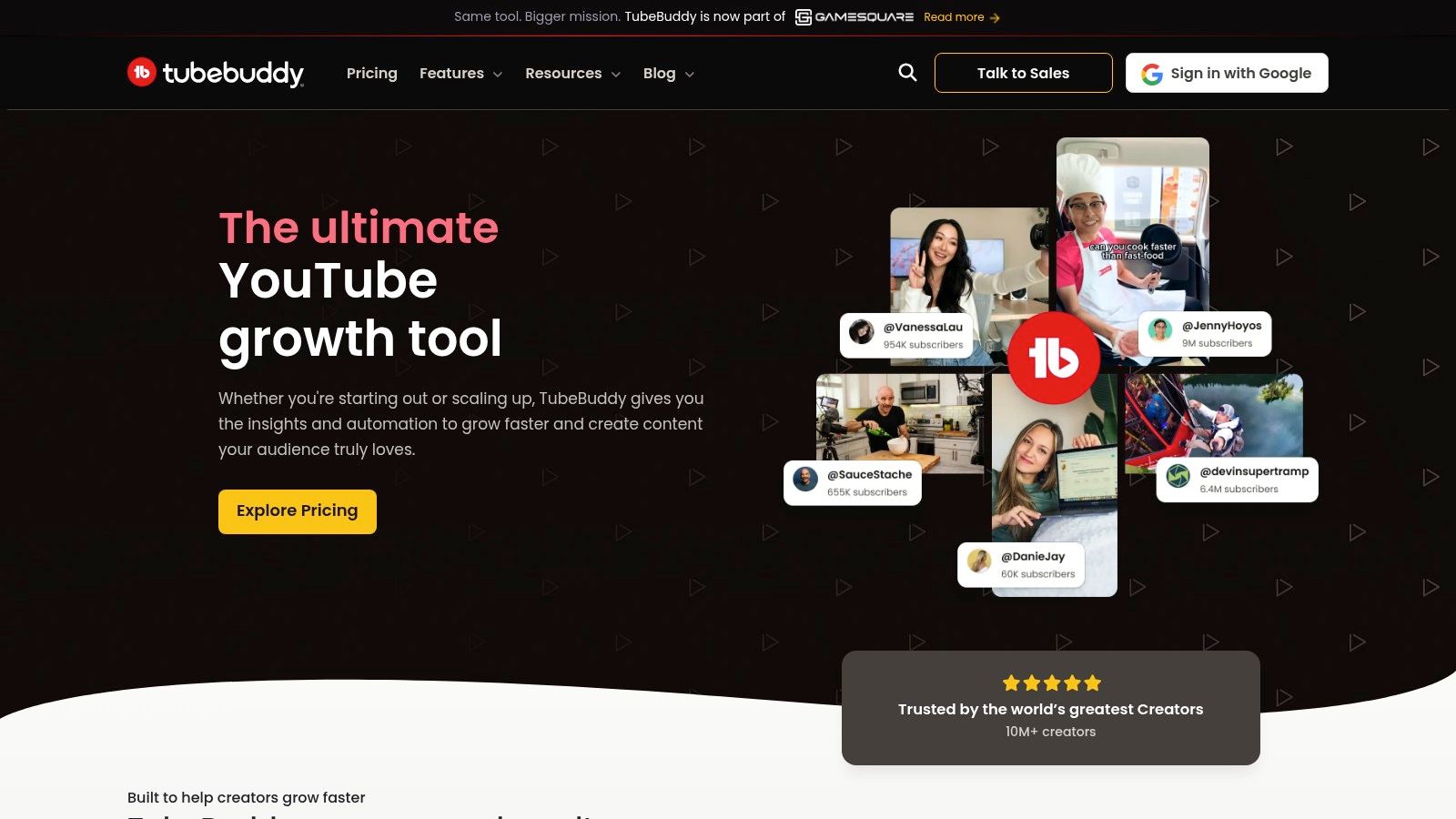
Beyond SEO, the platform offers significant time-saving features. On higher-tier plans, creators can perform bulk processing for cards and end screens, A/B test their thumbnails to see which version gets more clicks (a 1% CTR improvement can lead to thousands of extra views), and find the best time to publish. For serious YouTubers, it acts as an indispensable co-pilot for daily channel management.
Key Details & Pricing
- Best For: YouTubers of all sizes who want to improve their video SEO, automate repetitive tasks, and make data-driven decisions.
- Unique Feature: The integrated Keyword Explorer tool provides a score for search terms directly within YouTube, showing search volume versus competition. Actionable Insight: Aim for keywords with a "Good" or "Excellent" score. This means there's high search interest but fewer big channels competing for the top spot.
- Pricing: Offers a limited free version. Paid plans start with Pro at $3.60/month (billed annually), with Legend ($14.80/month) unlocking A/B testing and advanced analytics.
- Limitations: Many of the most powerful features, like thumbnail A/B testing, are locked behind the more expensive tiers. The sheer number of features can also feel overwhelming for complete beginners.
Website: https://www.tubebuddy.com
9. vidIQ (YouTube Analytics & Growth)
vidIQ is a robust analytics and growth platform designed to give YouTube creators a competitive edge. It operates as a browser extension and web app, providing deep insights directly within the YouTube interface. Its main function is to help creators research keywords, analyze competitor performance, and receive data-backed suggestions for titles, descriptions, and tags to improve their video's discoverability.
For creators struggling with content ideation, vidIQ’s AI Coach and "Daily Ideas" feature can spark inspiration by suggesting topics with high search volume and low competition in your specific niche. It’s a powerful tool for moving beyond guesswork and building a content strategy based on what viewers are actively searching for. The platform is one of the best tools for content creators focused on systematic, data-driven channel growth.
Key Details & Pricing
- Best For: YouTubers of all sizes who want to optimize their content for search and understand competitor strategies.
- Unique Feature: The "Competitors" tool allows you to track a set of similar channels, providing a live benchmark of their views per hour (VPH), subscriber growth, and top-performing videos. Actionable Insight: If a competitor's video suddenly spikes in VPH, it indicates a trending topic. Use this insight to create your own video on that topic quickly.
- Pricing: Offers a free "Basic" plan with limited features. Paid plans start at the Pro tier for $10/month, with the Boost plan at $49/month adding more AI features.
- Limitations: The sheer amount of data can be overwhelming for new creators. The true value comes from consistently applying the insights, which requires a time commitment.
Website: https://vidiq.com
10. Buffer (Social Media Scheduling)
Buffer stands out as a clean, straightforward, and dependable social media scheduling platform. It’s designed for creators and small teams who need a reliable tool to plan, schedule, and publish content without getting bogged down by overly complex features. The platform supports all major networks, including TikTok, Instagram, and YouTube, making it a versatile hub for managing a multi-channel presence from a single dashboard.
Its simplicity is its greatest strength. The user interface is exceptionally intuitive, allowing you to set up your accounts and schedule your first posts in minutes. Features like the AI Assistant for generating post ideas, a unified calendar view, and first-comment scheduling for Instagram help creators save significant time on daily social media tasks. It’s one of the best tools for content creators who value efficiency and ease of use.
Key Details & Pricing
- Best For: Solo creators, small businesses, and agencies who need a simple, affordable, and effective tool for social media publishing and scheduling.
- Unique Feature: The "Ideas" tab allows creators to store and develop post concepts directly within the platform. Actionable Insight: Whenever you have a fleeting content idea, add it to the "Ideas" tab. When you sit down to plan your content for the week, you'll have a pre-filled list to choose from instead of starting from zero.
- Pricing: A generous free plan allows for one user and up to three channels with 10 scheduled posts per channel. Paid plans start at $6/month per channel.
- Limitations: The built-in analytics on the lower-tier plans are quite basic. Creators needing in-depth reporting may find it insufficient. For those specializing in platforms like LinkedIn, exploring dedicated tools like these 12 Best Taplio Alternatives for LinkedIn Growth can offer more platform-specific advantages.
Website: https://buffer.com
11. VEED (Fast, Browser-Based Video Editing)
VEED is a browser-based video editor built for creators who need to produce social-media-ready content quickly without the steep learning curve of professional software. Its primary appeal is its accessibility and all-in-one feature set. You can upload a video, automatically generate animated subtitles, clean up background noise, and resize it for vertical formats in minutes. This makes it one of the best tools for content creators focused on rapid iteration.
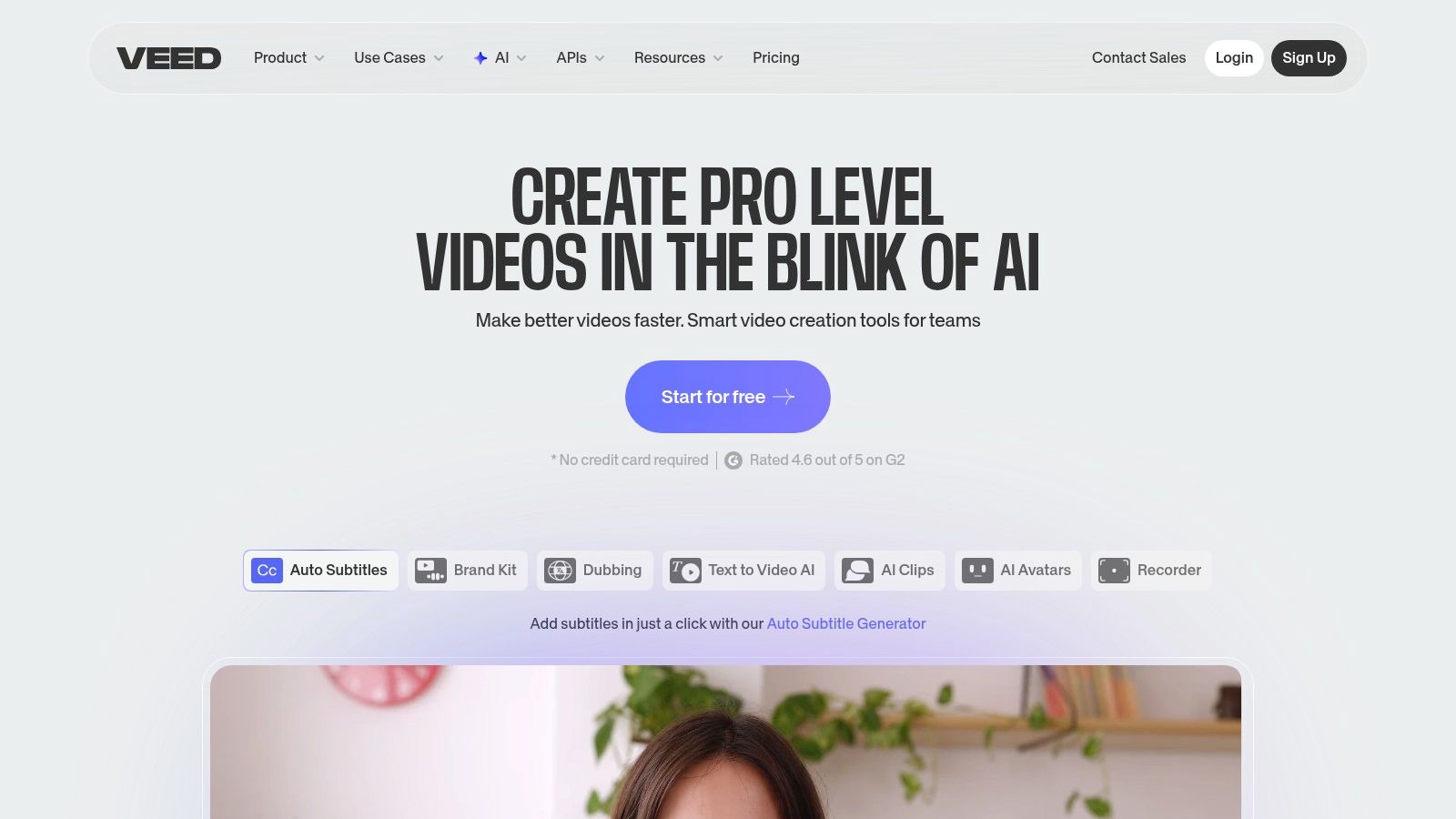
The platform strips down video editing to its essentials, making it perfect for adding captions, B-roll, or simple transitions without getting bogged down in complex timelines. Its built-in templates for platforms like TikTok and Instagram further speed up the process, allowing creators to maintain a consistent posting schedule with high-quality, engaging video content.
Key Details & Pricing
- Best For: Social media managers and creators who need to add dynamic captions, clean audio, and resize videos for multiple platforms without a complex editor.
- Unique Feature: The one-click "Clean Audio" tool is remarkably effective at removing background noise, hiss, and other distractions. Actionable Insight: Use this on any video filmed outside or in a room with an echo. The improvement in audio quality can significantly increase viewer watch time.
- Pricing: A free plan is available with watermarked exports. Paid plans start at $12/month (billed annually) for watermark-free exports.
- Limitations: Its AI generation tools operate on a credit system, which can be confusing for new users. Advanced timeline control and multi-track editing are limited compared to traditional NLEs.
Website: https://www.veed.io
12. Epidemic Sound (Royalty-Free Music & SFX)
Epidemic Sound is a go-to resource for royalty-free music and sound effects, built specifically to solve the copyright headaches that plague video creators. It offers a massive library of high-quality audio tracks that can be used across YouTube, Instagram, and TikTok without fear of copyright strikes or demonetization. The licensing model is its biggest advantage; content published while you have an active subscription remains cleared forever.
With over 50,000 tracks and 200,000 SFX, the platform provides a wide breadth of genres suitable for everything from cinematic vlogs to upbeat social media clips. For editors who need to find the perfect background music quickly, its well-organized and searchable library is one of the best tools for content creators looking to elevate their audio production value. A study by audio branding agency PHMG found that 73% of consumers are more likely to buy a product if it's promoted with music they like.
Key Details & Pricing
- Best For: YouTubers, podcasters, and social media managers who need a reliable and extensive source of music and SFX without complex licensing.
- Unique Feature: The perpetual license for content published during an active subscription. Actionable Insight: This means you can cancel your subscription and your old videos will never get a copyright claim, giving you long-term peace of mind.
- Pricing: Offers a free trial. The Personal plan starts at $9.99/month (billed annually) for one user on one channel per platform.
- Limitations: The library's distinct, modern style may not fit every creative niche, and some creators might find certain tracks overused. Download limits are also tied to the specific plan you choose.
Website: https://www.epidemicsound.com
Top 12 Content Creator Tools — Feature Comparison
ProductCore features ✨UX / Quality ★Price / Value 💰Target audience 👥Standout / Unique selling point 🏆
Klap 🏆
AI clip finder, auto-reframe (AI Reframe 2), captions, multi-aspect export, 52-language transcript
★★★★☆ — fast, clip-focused workflow
💰 Free trial (1 video); Pro $29/mo
👥 YouTubers, podcasters, social marketers, agencies
🏆 End-to-end automation for viral shorts; viral-score + brand customization ✨
Opus Clip
AI hooks, auto-reframe, B-roll, multi-source imports
★★★☆☆ — fast but mixed reliability reports
💰 Freemium → paid plans (tiered)
👥 Creators repurposing long videos at scale
✨ Bulk clip generation + B-roll insertion for quick output
Descript
Text-based editing, transcription-first, Studio Sound, Overdub
★★★★☆ — excellent for talk-heavy content
💰 Freemium → paid plans (team options)
👥 Podcasters, interview shows, content teams
✨ Edit video by editing text; powerful overdub & cleanup
Adobe Premiere Pro
Full NLE, motion graphics, audio, color, After Effects integration
★★★★★ — pro-grade, industry standard
💰 Subscription (Creative Cloud) — higher cost
👥 Professional editors, studios, advanced YouTubers
✨ Deep toolset + ecosystem integrations for complex projects
DaVinci Resolve
NLE + world-class color, Fairlight audio, Fusion VFX
★★★★★ — pro color & audio; robust free tier
💰 Free; Studio one‑time ~$295
👥 Colorists, filmmakers, power users scaling up
✨ Best-in-class color grading; powerful free option
Canva
Templates (thumbnails, reels), Brand Kit, Magic Studio AI
★★★★☆ — super fast, easy for non-designers
💰 Free → Pro / Teams (subscription)
👥 Solo creators, social teams, marketers
✨ Vast templates & brand tools for quick on‑brand assets
Riverside
Local 4K recording, multi-track, AI tools, Magic Clips
★★★★☆ — studio-quality remote capture
💰 Paid tiers (per seat/session)
👥 Podcasters, remote interviewers, educators
✨ Local-record reliability + built-in clip generation
TubeBuddy
YouTube SEO tools, A/B thumbnail testing, bulk tasks
★★★★☆ — proven YouTube workflow booster
💰 Freemium → tiers (Creator → Legend)
👥 YouTubers focused on discoverability & ops
✨ Deep YouTube optimizations & batch productivity
vidIQ
Keyword research, AI Coach, competitor insights
★★★★☆ — strong analytics & ideation
💰 Freemium → paid tiers (credits for clips)
👥 Creators needing idea/SEO guidance on YouTube
✨ AI-driven topic ideas + competitive benchmarking
Buffer
Multi-platform scheduling, analytics, team approvals
★★★★☆ — simple, reliable scheduler
💰 Free → Essentials/Team subscriptions
👥 Solo creators, small agencies, social managers
✨ Lightweight scheduler with clear pricing & ease of use
VEED
Browser editor, auto-subtitles, vertical resize, templates
★★★★☆ — quick social edits, caption styles
💰 Freemium → paid + AI credits
👥 Caption-heavy vertical creators, social teams
✨ Fast browser-based subtitles & social-ready exports
Epidemic Sound
50k+ tracks, 200k+ SFX, platform publishing license
★★★★☆ — large, creator-focused catalog
💰 Subscription (Creator / Pro tiers)
👥 Creators needing cleared music & SFX
✨ Perpetual clearance for published tracks; broad genre library
Building Your Ultimate Creator Stack: Putting It All Together
Navigating the crowded marketplace of creator software can feel overwhelming, but this curated list of the best tools for content creators is designed to provide a clear path forward. We've explored everything from AI-powered video repurposing giants like Klap to the robust editing capabilities of Adobe Premiere Pro and the user-friendly design interface of Canva. The key isn't that you need every tool on this list; it's about strategically selecting a few that solve your biggest bottlenecks and work well together.
Your ideal toolkit, or "creator stack," is deeply personal. It depends on your primary content format, your budget, and your goals. A podcaster focused on high-quality interviews might build their foundation on Riverside and Descript. In contrast, a YouTuber aiming for cinematic quality will likely gravitate towards DaVinci Resolve, TubeBuddy, and Epidemic Sound.
From Individual Tools to an Integrated Workflow
The real power emerges when you stop seeing these as individual applications and start thinking of them as an interconnected content machine. A highly effective workflow could look something like this:
- Record: Capture a high-fidelity long-form video podcast using Riverside.
- Repurpose: Feed that recording directly into Klap, which automatically generates dozens of viral-ready short clips, complete with dynamic captions.
- Refine & Design: Use VEED for any quick, manual edits on the short clips, or jump into Canva to create a stunning, on-brand thumbnail for your original long-form video.
- Schedule & Analyze: Load all your finalized content into Buffer to schedule it across all your social platforms at optimal times. Finally, use the analytics from vidIQ or TubeBuddy to track performance and inform your next content strategy.
This integrated approach saves dozens of hours weekly. Instead of spending 80% of your time on post-production and distribution, you can flip that script, dedicating the majority of your energy to creating high-value core content.
Making the Right Choice for Your Stage
When building your stack, consider these crucial factors:
- Your Stage of Growth: A creator just starting out might prioritize free or low-cost tools like DaVinci Resolve and Canva's free tier. An established creator, however, should view tools like Klap or Buffer not as expenses, but as investments with a clear ROI in terms of time saved and reach expanded.
- Your Biggest Time Sink: Identify the single most time-consuming part of your process. Is it editing? Finding music? Repurposing content? Start by investing in a tool that solves that specific problem first. For many, that bottleneck is turning a single long video into a month's worth of social media content, making a tool like Klap a logical first step.
- Scalability: Choose tools that can grow with you. A platform that works for one video a week should also be able to handle a daily content schedule or a multi-person team without breaking.
Ultimately, the best tools for content creators are the ones that get out of the way, allowing your creativity to take center stage. They automate the tedious, simplify the complex, and provide the data needed to make smarter decisions. By thoughtfully assembling your own creator stack, you're not just buying software; you're building a system for sustainable, impactful, and enjoyable content creation.
Ready to eliminate your biggest content repurposing headache? Stop spending hours manually slicing up your videos and let AI do the heavy lifting. Try Klap today to see how it can instantly turn your long-form content into dozens of social-ready short clips, freeing you up to focus on what you do best: creating.
